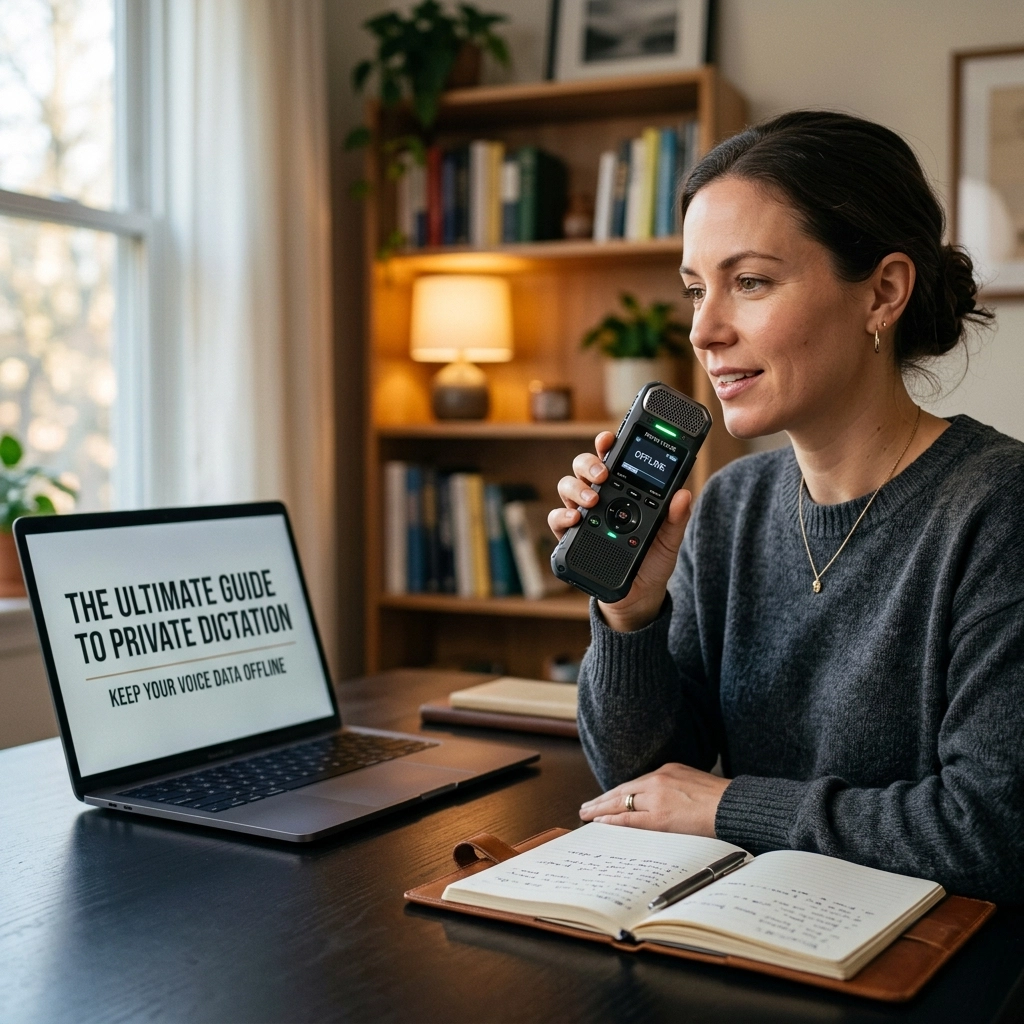
Stop sending your voice to the cloud.
Every time you hit the record button on a standard dictation app, you are making a choice. You are choosing to hand over your ideas, your client's secrets, and your unique biometric signature to a server you don’t own. You are renting intelligence. You are gambling with privacy.
The era of centralized AI is hitting a wall. The future is local.
If you are a professional handling sensitive information, you need to understand private dictation. You need to know why offline speech recognition is the only way to guarantee security. At VoiceType, we believe your data belongs to you. Period.
The Cloud is a Liability
Most people think "the cloud" is a magical, secure place. It isn’t. The cloud is just someone else’s computer.
When you use Google Docs Voice Typing, Otter.ai, or Microsoft 365, your audio travels across the internet. It sits on a remote server. It gets processed by an algorithm owned by a trillion-dollar corporation. Even if they promise to delete it, the transit itself is a risk. Hacks happen. Data leaks are inevitable.
Worse, many services use your voice data to "train" their models. They are getting smarter because you are talking. They are profiting off your intellectual property.

The "Privacy Mode" Lie
Some apps offer a "Privacy Mode." Don’t be fooled.
In most cases, Privacy Mode just means they delete the audio after it has been processed. The problem is that the audio still had to leave your device to be transcribed. If the data leaves your phone or laptop, the chain of custody is broken. You have lost control.
True privacy is not about what happens after the upload. True privacy is about never uploading in the first place.
What is Private Dictation?
Private dictation is offline speech recognition. It happens entirely on your device. No internet required. No data packets sent to a data center in another country.
Modern hardware: the phone in your pocket or the laptop on your desk: is finally powerful enough to handle complex AI tasks. We no longer need massive server farms to turn speech into text. We can do it right here, at the edge.
How it Works
- The Model: You download a high-quality speech recognition model (like OpenAI’s Whisper) once.
- The Processing: When you speak, your device’s processor does the heavy lifting.
- The Result: The text appears instantly. Your audio stays in your local storage.
This is the "Local AI" revolution. It is fast. It is secure. It is final.

Why Your Voice is Different from Your Text
You might think, "I already use cloud email, what’s the difference?"
The difference is biometrics. Your voice is as unique as your fingerprint. It contains your accent, your speech patterns, your emotional state, and even indicators of your physical health. Once your voice data is in a database, it can be used to identify you, mimic you, or even gain access to voice-secured accounts.
Dictating a legal brief or a medical note isn’t just about the words. It’s about the raw audio file. Private dictation ensures that this biometric data never enters a third-party ecosystem. You aren't just protecting your secrets; you are protecting your identity.
The "Airplane Mode" Test
Want to know if your current dictation tool is actually private?
Turn on Airplane Mode. Try to dictate.
If it stops working, you are being watched. If it demands a connection to "initialize," you are a product, not a customer. A professional tool should work in the middle of the woods, on a long-haul flight, or in a high-security basement. If it requires the internet to think, it isn't yours.
At VoiceType, we focus on tools that work where you work. No bars, no problem.
Who Needs Local AI?
If your job involves a non-disclosure agreement (NDA), you should be using local dictation.
Legal Professionals
Lawyers handle the most sensitive data on the planet. Uploading client depositions or strategy notes to a cloud-based AI is a malpractice suit waiting to happen. Local AI keeps the attorney-client privilege intact.
Medical and Clinical Staff
HIPAA and GDPR aren't just suggestions. They are the law. Using unauthorized cloud services for patient notes is a massive compliance risk. Offline dictation is compliant by design because the data never moves.
Journalists and Researchers
Protecting sources is the foundation of journalism. If your interview audio is sitting on a tech giant’s server, your source isn't safe. Local processing ensures that "off the record" stays off the record.
Executives and Founders
Your strategy is your edge. Don't give it away to the companies that might eventually compete with you. Keep your brainstorms and meeting minutes on your own hardware.

Cloud vs. Offline: The Hard Numbers
| Feature | Cloud Dictation | Offline Dictation (VoiceType Style) |
|---|---|---|
| Data Location | Remote Servers | Your Device Only |
| Internet Needed | Always | Never |
| Privacy Risk | High (Breaches, Training) | Zero |
| Speed | Depends on Wi-Fi | Instant (Local CPU/GPU) |
| Ownership | Rented / Subscription | Owned / One-time |
| Reliability | Fails in dead zones | Works everywhere |
Reclaiming Your Productivity
Privacy is the main event, but the side benefits of local AI are just as powerful.
Eliminate Latency
When you use a cloud service, your voice has to travel to a server, wait in a queue, get processed, and travel back. This creates lag. With local dictation, the response is visceral. The words appear as you say them because the "brain" is only inches away from the microphone.
Stop the Subscription Bleed
Most cloud AI companies want to trap you in a monthly fee. They charge you for the "privilege" of using their servers. With offline tools, you download the model once. You pay for the software, not the seat. You stop being a recurring line item on someone else’s balance sheet.
Reliability is Professionalism
You have a deadline. Your Wi-Fi goes down. If you rely on the cloud, you are stuck. If you rely on local AI, you keep moving. A professional doesn't let a bad router stop their workflow.

How to Get Started with Private Dictation
The transition to local AI is easier than you think. You don't need to be a coder. You just need to choose the right tools.
- Audit your current stack. Identify every app that asks for microphone access. If it's a cloud app, stop using it for sensitive work.
- Download local models. Look for software that utilizes OpenAI’s Whisper models locally. These are the gold standard for accuracy and can be run entirely offline.
- Test the boundary. Use the Airplane Mode test mentioned earlier. Verify that your transcripts stay in your local folders.
- Secure your exports. Once you have your local transcript, don't just email it via an unencrypted provider. Keep the entire chain secure.
The VoiceType Philosophy
We don't believe in "good enough" privacy. We believe in absolute privacy.
The technology exists to make every professional more efficient without sacrificing their security. There is no longer a trade-off. You can have world-class AI accuracy and 100% data sovereignty at the same time.
Stop renting your intelligence. Stop risking your data. Own your voice.
Visit voicetype.in to see how we are building the future of secure, professional productivity. It’s time to go offline.
Leave a Reply