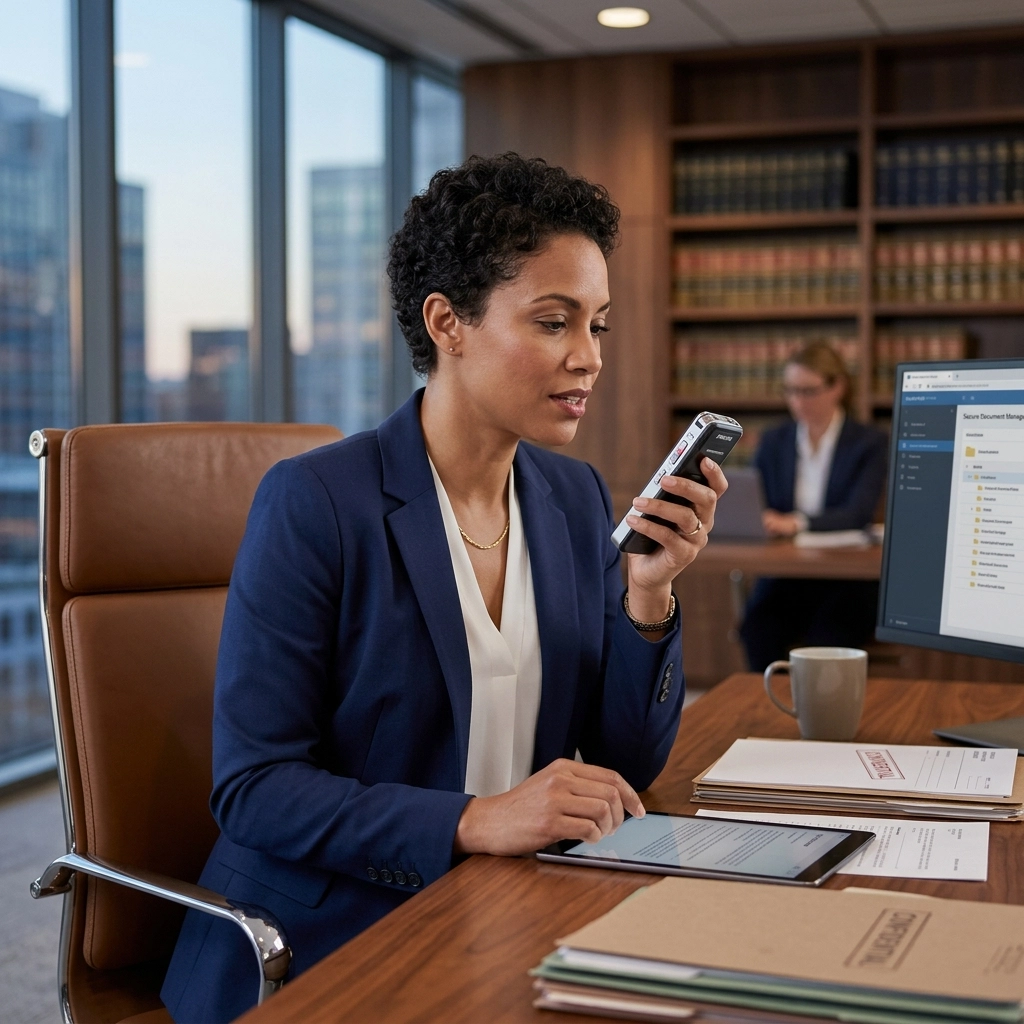
Stop typing. Start winning.
As a legal professional, your time is your currency. Every minute spent hunting and pecking at a keyboard is a minute lost. It is a minute you cannot bill. It is a minute you are not strategizing, litigating, or advocating.
The average lawyer types at 40 words per minute. You think at 150. Your brain is a Ferrari stuck in a school zone. Dictation is the open road.
But there is a catch. The legal world is built on secrets. Confidentiality is not a feature; it is the foundation. Most modern "conveniences" are security liabilities in disguise. This guide shows you how to reclaim your time without sacrificing your ethics.
The Digital Leak: Why Your Current Dictation is a Risk
Look at your current workflow. If you use a standard cloud-based voice assistant, you are inviting a stranger into your office.
Most dictation tools send your voice to a server. That server lives in the cloud. It is owned by a conglomerate. Your sensitive client data, depositions, case strategies, private disclosures, leaves your building. It travels across the internet. It sits on a hard drive you do not control.
This is a liability.
For a legal firm, a data breach is a terminal event. For a financial advisor, it is a regulatory nightmare. For a healthcare provider, it is a HIPAA violation that carries six-figure fines.
"Rented" software is a risk. When you use a subscription service that processes data in the cloud, you are renting their security. You are betting your reputation on their firewall.

The Solution: Offline Dictation
Security is local.
The only way to ensure 100% privacy is to keep the data on your machine. This is the "New Way." This is the VoiceType way.
Offline dictation means your voice never leaves your device. The AI lives on your hardware. It processes your speech in real-time. It turns sounds into text without an internet connection.
No cloud. No servers. No leaks.
You own the software. You own the data. You own the privacy.
Why Offline Matters for Legal Professionals
- Attorney-Client Privilege: Maintain an unbroken chain of custody for every word spoken.
- Zero Latency: Stop waiting for the cloud to "think." Local processing is instant.
- Work Anywhere: Dictate in the courtroom. Dictate in the basement archives. Dictate in the elevator. No Wi-Fi? No problem.
- Compliance: Meet the strictest standards of the ABA, GDPR, and local bar associations effortlessly.
The Industry Deep Dive: Beyond the Law
While this guide focuses on the office of a lawyer, the principles apply to every high-stakes industry.
Finance: The Vault Mentality
In the financial sector, information is money. A leaked merger detail or a private client portfolio discussion can move markets, or trigger an investigation. Finance professionals need dictation that acts like a vault. Offline AI ensures that internal memos and client notes stay within the firm’s encrypted perimeter.
Healthcare: Patient Privacy First
Doctors and nurses are buried in paperwork. They need to dictate patient notes fast. But cloud-based tools often fail the "Reasonable Safeguards" test of HIPAA. Local, offline dictation allows medical professionals to speak freely, knowing that the most sensitive patient data is never transmitted over a network.

3X Your Productivity: The Hard Numbers
Let’s look at the math.
A standard 10-page legal brief contains roughly 3,000 words.
- Typing at 40 WPM: 75 minutes of pure mechanical labor.
- Dictating at 120 WPM: 25 minutes of vocalizing.
You save 50 minutes on a single document. Scale that across a week. You reclaim nearly a full workday every month.
What would you do with an extra eight hours? Would you take on another client? Would you spend it with your family? Would you finally clear the backlog on your desk?
VoiceType isn't just software. It is a time machine.
How to Implement Secure Dictation in Your Office
Follow these steps to transform your workflow. Do not overcomplicate it. Efficiency thrives on simplicity.
1. Upgrade Your Hardware
Don't use a built-in laptop mic. Invest in a professional-grade directional microphone. It isolates your voice. it cuts out the background noise of the office. It ensures the AI hears every syllable perfectly.
2. Choose Local-First Software
Eliminate the cloud. Install VoiceType. Ensure your software does not require an active internet connection to function. If it asks to "sync with the cloud," say no.
3. Establish a "Drafting" Mindset
Stop editing while you speak. Just talk. Let the thoughts flow. Professional dictation is about speed. You can refine the draft later. The goal is to get the "ugly first draft" out of your head and onto the screen in record time.
4. Create Custom Templates
Legal language is repetitive. Use your dictation tool to trigger templates. Say "Insert Standard NDA" and watch the screen fill with your vetted boilerplate. Save your voice for the arguments that matter.

Addressing the Objections
"Isn't AI dictation inaccurate?"
Old AI was a toy. Modern, local AI is a tool. It handles legal jargon, medical terminology, and financial shorthand with surgical precision. It learns your voice. It adapts to your accent. It gets better every time you use it.
"Is it hard to set up?"
No. It is a utility. You install it. You speak. It works. You don't need an IT degree to use a hammer; you don't need one to use VoiceType.
"My firm requires cloud backups."
Fine. Back up your files using your firm's encrypted servers. But do not let the processing happen in the cloud. There is a massive difference between storing an encrypted text file and sending raw audio to a third-party AI provider. Keep the processing local.
The Old Way vs. The New Way
The Old Way:
- Typing until your wrists ache.
- Sending audio files to expensive transcriptionists.
- Waiting 24 hours for a draft.
- Risking client data on "free" cloud tools.
- Feeling chained to your desk.
The New Way:
- Speaking naturally and watching text appear.
- Instant turnaround. Zero wait time.
- 100% private, offline security.
- Reclaiming 5 hours a week minimum.
- Working with speed, confidence, and absolute privacy.

Take Back Your Day
The legal profession is changing. The most successful firms are not the ones working the longest hours. They are the ones using the best tools.
You cannot afford to be a manual laborer in a digital age. You are paid for your mind, not your typing speed.
Switch to offline dictation. Protect your clients. Protect your reputation. Reclaim your time.
Start today. Visit voicetype.in and see how the best in the business are getting more done with less effort.

The choice is simple. You can keep typing. Or you can start talking.
VoiceType: Secure. Private. Fast.
Leave a Reply