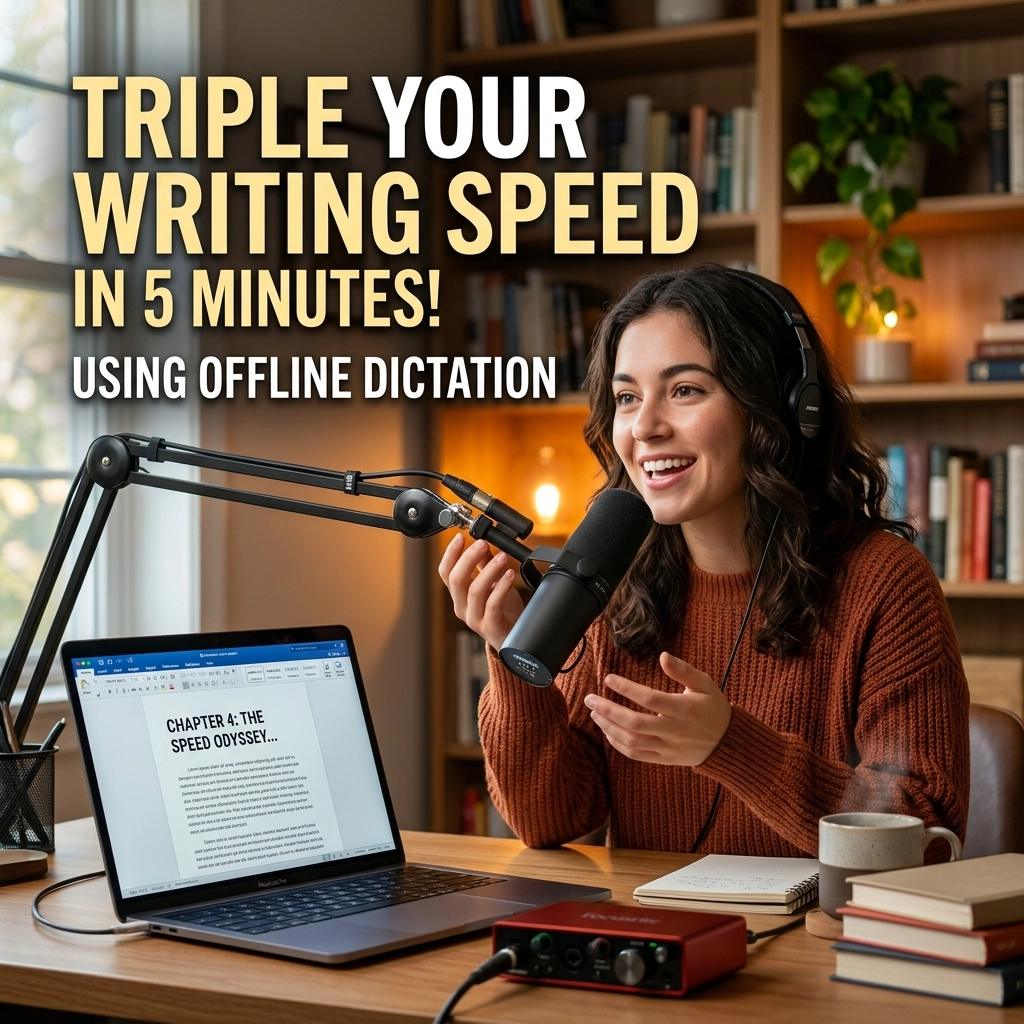
You are a slow typist.
Even if you hit 100 words per minute, you are still slow. Your brain moves at light speed. Your fingers move at a crawl. This gap: the distance between your thoughts and the screen: is where your best ideas go to die. Every time you pause to find a key or fix a typo, your flow state shatters.
It is time to stop typing. It is time to start speaking.
In the next five minutes, you will learn how to triple your output. No lag. No cloud servers. No privacy leaks. Just pure, unadulterated productivity.
The Typing Tax
Traditional writing is a bottleneck. You think at roughly 150 words per minute. You type at 40 or 50. This is the "Typing Tax." It costs you two-thirds of your creative potential every single day.
Developers feel this the hardest. You spend hours writing documentation, Slack updates, and emails. Writers feel it in their joints. Carpal tunnel is the price of admission for the old way of working.
Voice dictation promises to fix this. But most tools fail. They lag. They misinterpret your words. They send your data to a server in a different zip code. You wait for the spinning wheel to finish before your sentence appears. That’s not flow. That’s a chore.
VoiceType changes the math. We process your voice locally. On your machine. With zero latency.

The Math of 3x
Let’s look at the numbers. They don't lie.
The average professional types at 50 WPM. A 2,000-word article takes 40 minutes of pure typing time. That doesn't include the thinking, the backspacing, or the distractions.
The average person speaks at 150 WPM. That same 2,000-word article takes 13 minutes.
That is your 3x gain. You aren't working harder. You aren't "hustling." You are simply using a faster input method. You are reclaiming 27 minutes of every hour. Over a work week, that is over 10 hours of life back in your pocket.
What would you do with an extra 10 hours? Write another book? Ship a new feature? Go for a run? The choice is yours.
Why Offline is the Only Way
Latency is the enemy of the creative mind.
When you use a cloud-based dictation tool, your voice travels to a server, gets processed, and travels back. Even a half-second delay is enough to break your concentration. You find yourself watching the screen, waiting for the words to appear. You stop speaking to see if the machine caught up.
Flow state requires an immediate feedback loop.
Offline dictation happens in real-time. The moment the sound leaves your lips, the text hits the document. There is no middleman. No "processing" bar. No waiting.
Zero Latency, Total Privacy
Beyond speed, there is the issue of ownership. When you dictate into a cloud tool, you are "renting" your productivity. Your thoughts are processed on someone else's hardware. Your data lives on someone else's drive.
For developers and high-level writers, this is a dealbreaker. You handle proprietary code, sensitive emails, and private manuscripts.
Offline dictation means your data never leaves your device. It is yours. You own the model, you own the process, and you own the output. VoiceType is a silent, powerful utility that lives on your hardware. It doesn't need an internet connection. It doesn't need to "call home." It just works.

The 5-Minute Mastery Framework
You don’t need weeks to master dictation. You need five minutes and a change in perspective. Follow this framework to hit 3x speed today.
1. The 5-Minute Outline (The Skeleton)
Never dictate into a blank void. Spend five minutes typing out a rough outline. Headings only. This gives your brain a map. When you know where you are going, you don't stumble over your words. You simply fill in the blanks.
2. The "Dictate, Don't Edit" Rule
This is the most important step. When you are speaking, turn off your inner editor. Do not stop to fix a comma. Do not stop to correct a word. If you make a mistake, keep going. Your goal is volume and flow. You can clean up the text later. Editing is a separate cognitive process. Don't mix them.
3. Use Short Bursts
Don't try to dictate a 50-page manifesto in one go. Speak in short, punchy bursts of 15 to 30 seconds. This keeps your energy high and your thoughts clear.
4. Position the Mic
You don't need a $500 studio setup. But you do need a clear signal. Use a decent headset or a dedicated desk mic. Give the AI the best possible input, and it will give you perfect output.

Dictation for Developers: Beyond Prose
Most people think dictation is for novelists. They are wrong.
Developers spend more time writing than coding. You write READMEs. You write Jira tickets. You write architectural decision records. You write "Why this PR is 400 lines long" explanations on Slack.
These tasks are the "admin" of software engineering. They drain your mental battery.
Imagine clearing your entire inbox and all your documentation tasks in 20 minutes before your first standup. Imagine being able to explain a complex bug to your team without touching your keyboard.
Offline dictation allows you to stay in the "logic" mindset. You describe the solution. The text appears. You move back to the code. It is seamless. It is efficient.
Reclaiming Your Flow State
Flow is that magical state where time disappears. You are one with your work.
Typing is an interruption to flow. It requires mechanical precision. It requires you to sit in a specific posture. It locks you to a desk.
Dictation is liberating. You can stand up. You can pace. You can look out the window. By changing your physical state, you unlock new neural pathways. You speak with more authority. Your tone becomes more natural. Your writing sounds like a human, not a corporate bot.

Addressing the Skeptics
"But I don't like the way I sound."
"I'm not good at speaking my thoughts."
"The accuracy isn't there yet."
These are old objections based on old technology.
First, you don't have to like your voice. The AI is doing the listening. Second, speaking your thoughts is a skill that takes exactly three days to learn. By the third day, the "awkwardness" vanishes. Third, modern offline models: the kind we use at VoiceType: are now more accurate than most human transcribers.
The accuracy problem is solved. The latency problem is solved. The only thing left is your willingness to change.
The New Way vs. The Old Way
The Old Way:
- 50 WPM max.
- Hand and wrist fatigue.
- Tethered to a keyboard.
- Constant interruptions for typos.
- Data sent to the cloud.
The New Way (VoiceType):
- 150+ WPM.
- Zero physical strain.
- Freedom to move and pace.
- Uninterrupted flow state.
- 100% local and private.

Stop Typing. Start Creating.
The world is moving faster. The demand for content, code, and communication is at an all-time high. You cannot keep up using a 19th-century input method.
The QWERTY keyboard was designed to slow people down so typewriters wouldn't jam. Why are you still letting it slow you down in 2026?
Triple your speed. Protect your privacy. Reclaim your time.
It takes five minutes to start. It takes a lifetime to use the time you'll save.
Visit VoiceType and see what happens when you remove the bottleneck between your brain and the screen. The future isn't typed. It’s spoken.
Leave a Reply