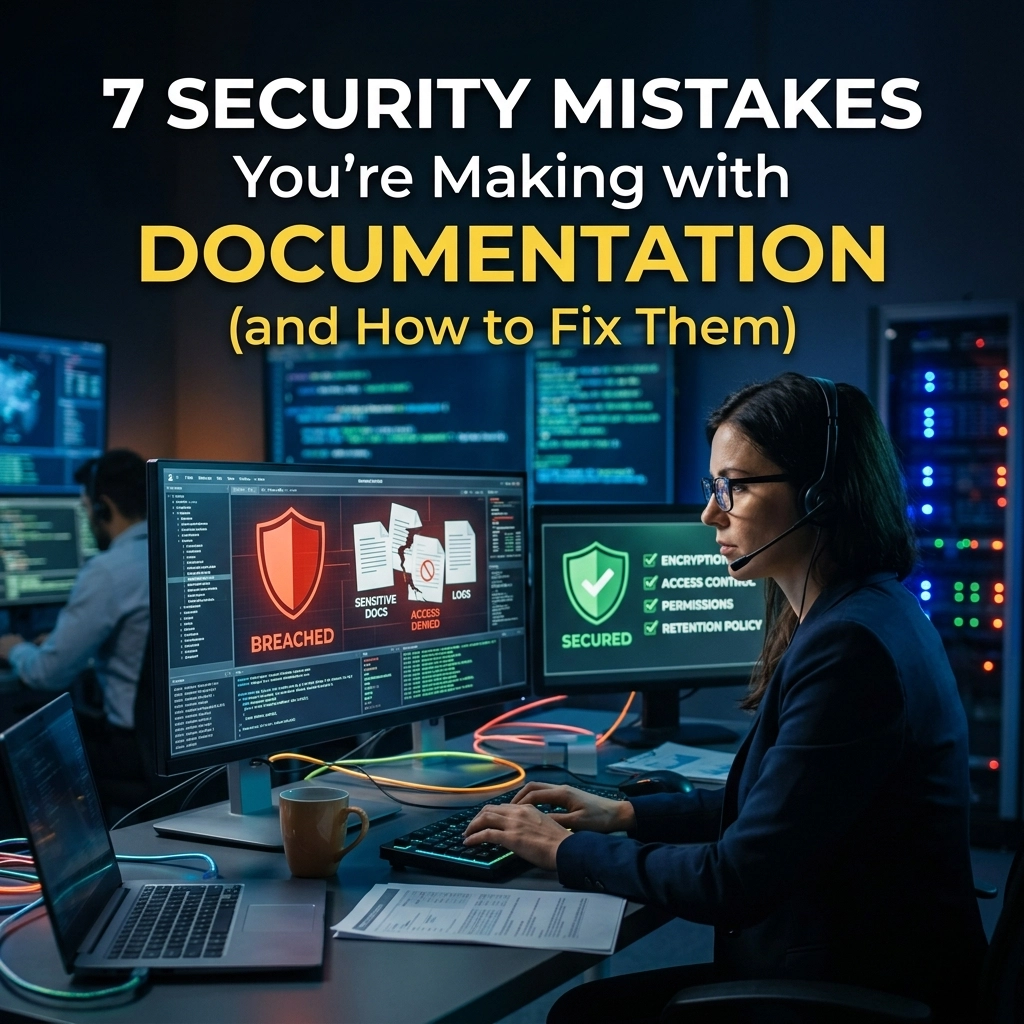
Security is not a checkbox. It is a constant state of friction between convenience and safety. For IT and Security professionals, documentation is often the weakest link in the chain. You spend millions on firewalls, encryption, and zero-trust architecture, yet your most sensitive internal knowledge is being dictated into "the cloud."
You are leaking data. You are doing it every day. You are doing it because it is easy.
Stop.
Your documentation process is a security liability. If you are using web-based AI tools to transcribe meetings, dictate reports, or summarize sensitive protocols, you are handing over the keys to the kingdom.
Here are the seven security mistakes you are making with your documentation right now: and the exact steps you need to take to fix them.
1. You Are Streaming Your Secrets to the Cloud
The biggest mistake is the most common one. You use a tool that requires an internet connection to function. Every word you speak: every password mentioned, every architectural vulnerability discussed, every strategic move planned: is converted into data packets and sent to a server you do not own.
Cloud tools are a public bus. You might feel like you have your own seat, but you are traveling on someone else's vehicle. When you use cloud-based transcription, your data is processed on remote servers. It is stored on remote disks. It is vulnerable to remote breaches.
The Fix: Go Air-Gapped.
Demand local processing. Use software that lives on your hardware. If the AI doesn't need the internet to "think," your data never leaves your sight. Own your data. Own your privacy. Use VoiceType to ensure your voice never travels through a router.
2. You Are Ignoring the "Shadow AI" Problem
Your employees are tired. They have too much to write and too little time. To keep up, they are using unauthorized AI tools to speed up their documentation. This is "Shadow AI."
When a developer uses a free web-based transcriber to document a new API, that API's logic is now part of a third-party training set. When a manager summarizes a disciplinary meeting using a browser extension, that sensitive HR data is now "out there."
The Fix: Provide a Secure, Local Alternative.
You cannot stop the need for speed. You can only provide a safe way to achieve it. Deploy a local AI dictation tool across your organization. If the official tool is faster and more secure than the "shadow" tool, your employees will use it. Compliance follows convenience.

3. You Are Renting Your Intelligence
Subscription models are a security risk. When you stop paying, you lose access. More importantly, when you use a subscription-based AI service, you are often agreeing to let them "improve their service" using your data.
You are paying them to take your information. This is a bad deal. It creates a dependency on an external vendor's uptime and security posture. If their service goes down, your productivity stops. If their security is breached, your documentation is exposed.
The Fix: Buy, Don't Rent.
Shift to software that functions as a silent utility. Look for tools that offer a "perpetual" feel: software that works regardless of whether a central server is healthy. You should be in control of the "kill switch," not a provider in another time zone.
4. You Are Mismanaging Data Residency
Where is your data? If you are using a standard cloud AI tool, the answer is likely "everywhere." It could be in a data center in Virginia, a backup server in Dublin, or a processing hub in Singapore.
For IT professionals in regulated industries, this is a compliance nightmare. GDPR, HIPAA, and SOC2 requirements demand strict control over data residency. Sending voice data to the cloud for processing makes "control" an illusion.
The Fix: Keep Data on the Device.
The only way to guarantee data residency is to ensure the data never resides anywhere else. Use local AI transcription that processes audio directly on the laptop or workstation. Zero transit means zero residency issues.
5. You Are Accepting Transcription Hallucinations
Insecure documentation is often inaccurate documentation. Many cloud-based tools prioritize "smooth" sentences over "accurate" ones. They use large language models that might "hallucinate" or fill in gaps with information they’ve learned from the public internet.
In a security context, a misinterpreted word can be catastrophic. "Don't disable the firewall" becoming "Disable the firewall" is a nightmare scenario born from poor transcription logic.
The Fix: Use Specialized, High-Accuracy Local Models.
Prioritize tools that focus on literal transcription and direct dictation. You need a tool that acts as a mirror, not a ghostwriter. VoiceType provides the precision required for technical documentation without the creative "fluff" that leads to errors.

6. You Are Leaving No Audit Trail for Cloud Access
Who at the "Cloud AI Company" looked at your transcripts today? Was it an engineer? An automated script? A rogue employee?
When your documentation process involves an external party, your audit trail has a massive blind spot. You can see when your employees log in, but you cannot see what happens once the data hits the provider's backend. This lack of transparency is a fundamental security failure.
The Fix: Enforce Local Logs.
When processing happens locally, every action is logged within your own OS and security stack. You have total visibility. You can see exactly which process accessed the microphone and where the resulting text file was saved. No blind spots. No mysteries.
7. You Are Sacrificing Privacy for Productivity
There is a myth that you have to choose between being fast and being safe. This myth exists because cloud companies want you to believe that "powerful AI" requires "massive server farms."
It is 2026. This is no longer true. Modern workstations have the neural processing power to handle complex AI tasks locally. By sticking with cloud tools, you are sacrificing your privacy for a level of productivity that you could easily achieve offline.
The Fix: Reclaim Your Time and Privacy.
Stop settling. You can have 100+ words per minute dictation speed without an internet connection. You can have perfect grammar without a data breach. You can have the future of documentation without the risk of the past.
The New Standard of Documentation
The "old way" is slow, risky, and annoying. It involves clicking "upload," waiting for a server to respond, and hoping your data stays private. It is a gamble you don't need to take.
The "new way" is fast, safe, and satisfying. You speak. The text appears. Your computer does the work. No data leaves. No one watches. No one listens.
At VoiceType, we built a tool for the professionals who know that "good enough" security isn't good enough. Our AI dictation software is designed for the air-gapped reality. It is direct. It is powerful. It is silent.
Your Action Plan:
- Audit your current tools. Identify every documentation app that requires a login.
- Identify the risk. Assume every word dictated into those apps is public.
- Replace with local AI. Transition your team to local-first software.
- Reclaim your privacy.
Documentation should be your greatest asset, not your biggest vulnerability. Fix your process. Fix your security. Start today.
Explore the future of secure productivity at voicetype.in.
Leave a Reply