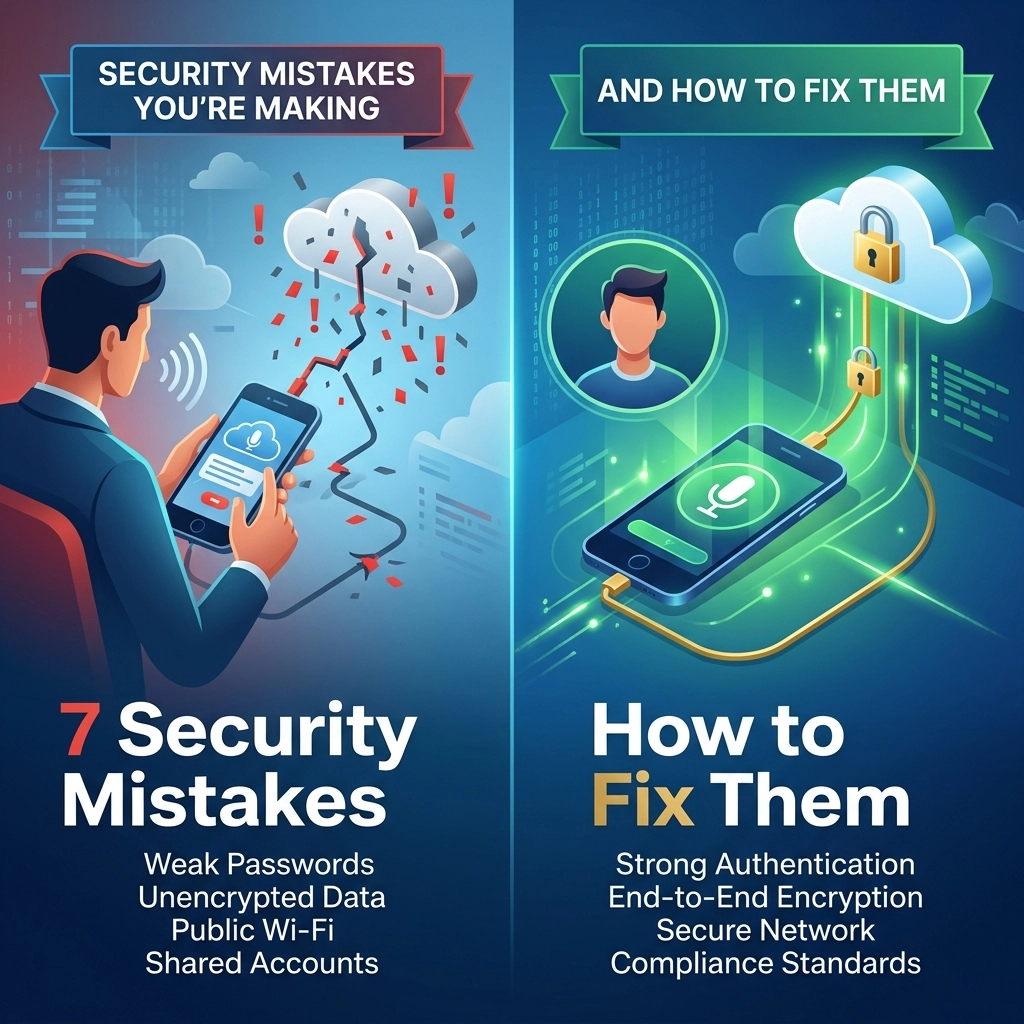
Your voice is the most intimate data you own. You use it to settle legal disputes. You use it to diagnose patients. You use it to build the next billion-dollar strategy.
Every time you hit "record" on a cloud-based dictation tool, you are making a choice. You are choosing to send your most sensitive thoughts into the ether. You are trusting a server halfway across the world to keep your secrets.
Stop doing that.
The cloud is not a safe haven. It is a shared room with a thousand windows. If you handle sensitive data, cloud dictation isn't a convenience. It is a liability.
Here are the 7 security mistakes you are making right now and how to fix them before your data becomes public property.
1. You Think "Encrypted" Means "Private"
This is the biggest lie in tech. Cloud providers shout about "encryption in transit" and "encryption at rest." They want you to feel safe. They want you to believe your data is locked in a vault.
It isn't.
Encryption only works if you hold the keys. In the cloud, they hold the keys. They can unlock your data whenever they want. They can hand those keys to a government agency. They can lose those keys in a breach. If a company can process your voice in the cloud, they can see your voice.
The Fix: Eliminate the Middleman.
Stop sending your voice to someone else’s server. Use software that processes speech locally. When the conversion happens on your own CPU, the data never leaves your sight. No transmission means no interception. No server means no keys for anyone else to hold. Private means you are the only one with the lock.

2. You Are Ignoring the "Human in the Loop"
Artificial Intelligence is impressive, but it isn't perfect. To get better, it needs to learn. Most cloud-based tools use a process called "human-in-the-loop" review.
What does that mean for you? It means a low-paid contractor in a different country might be listening to your audio files. They are checking to see if the AI got the words right. They are hearing your client’s names. They are hearing your trade secrets. They are hearing everything you thought was confidential.
The Fix: Demand 100% Offline AI.
Choose a tool that doesn’t "phone home" to improve its model. Modern AI is powerful enough to run on your laptop without an internet connection. If the software works in airplane mode, you know no one is listening. Reclaim your right to a private conversation. Your dictation should be for your ears: and your computer’s: only.
3. You Are Dictating over Public Wi-Fi
You’re in a coffee shop. You’re at the airport. You have a brilliant idea, so you open your cloud dictation app and start talking.
You just handed your data to every hacker on that network. Public Wi-Fi is a playground for data interception. Even with standard security protocols, sending large audio files over an unverified connection is a massive risk. You are broadcasting your business to anyone with a $20 Wi-Fi pineapple and a little bit of curiosity.
The Fix: Cut the Cord.
The only way to dictate securely in public is to stay offline. When you use an offline tool like VoiceType, the "network" is just the internal bus of your computer. You can dictate in a crowded terminal or a busy cafe with zero risk of digital eavesdropping. Total security requires total isolation.
4. You Didn't Read the Training Clauses
When you signed up for that "free" or "low-cost" cloud tool, you clicked "I Accept." You probably didn't read the 40-page Terms of Service. If you had, you’d realize you just gave that company permission to use your data to "train their models."
Your proprietary research is now part of their global dataset. Your unique legal arguments are being used to help their AI sound smarter for your competitors. You aren't just a customer. You are the raw material for their product.
The Fix: Own Your Output.
Professional-grade tools don't harvest your data. They serve you. Switch to a model where you own the software, not a subscription to a data-mining operation. High-stakes professionals need tools that respect intellectual property. If the tool is learning from you, you are losing your edge.

5. You Are Creating a Permanent Digital Paper Trail
Cloud dictation creates a trail. It starts with the audio file on your device. It moves to the cloud server. It gets cached in a database. It gets saved in a backup. It lives in your "history" tab.
Even if you delete the file, is it really gone? Probably not. Digital footprints in the cloud are nearly impossible to erase. For professionals handling HIPAA-protected data or sensitive financial information, this trail is a ticking time bomb. One leak, one compromised account, and your entire history is exposed.
The Fix: Local Storage, Local Control.
When you dictate offline, you control the lifecycle of the data. There are no "shadow copies" on a distant server. When you delete a file on your machine, it stays deleted. No logs. No history. No footprint. Reclaim the power to disappear.
6. You Are Vulnerable to "Cloud Outages"
Security isn't just about privacy; it’s about availability. If your dictation tool relies on the cloud, your productivity is at the mercy of their uptime.
When their servers go down, your workflow stops. When your internet flickers, your dictation lags. This frustration often leads people to take "shortcuts": like copying and pasting sensitive text into less secure, "faster" apps just to get the job done. These desperate workarounds are where the biggest security breaches happen.
The Fix: Reliability through Autonomy.
Your tools should work whenever you do. An offline solution doesn't care if the Wi-Fi is down or if a data center in Virginia is on fire. It just works. By removing the dependency on the cloud, you remove the stress that leads to poor security decisions. Fast, local, and always ready.

7. You Are Treating Security as a "Plug-in"
Many professionals try to layer security on top of a fundamentally insecure cloud workflow. They use VPNs. They use complex passwords. They use two-factor authentication.
These are band-aids on a gunshot wound. If the fundamental architecture of your software requires sending your voice to a third party, you are never truly secure. You are just making it slightly harder to get caught.
The Fix: Security by Design.
Stop trying to fix a broken system. Start using a system that was built to be secure from the ground up. Security isn't a feature you add later. It is a foundation you build on. 100% offline processing isn't just a "nice to have." For a professional, it is the only acceptable standard.
The Reality of the "New Way"
The old way was slow. You spoke, the cloud listened, and you hoped for the best. It was risky. It was annoying. It was a compromise you didn't need to make.
The new way is different.
At VoiceType, we believe your data belongs to you. Period. No cloud. No accounts. No subscriptions. No "human reviewers" eavesdropping on your life.
We built a tool that turns your voice into text with 99% accuracy using only the power of your own computer. It is direct. It is fast. It is final.
Reclaim Your Privacy
Imagine dictating a confidential legal brief while sitting on a plane. No Wi-Fi. No lag. No risk.
Imagine recording a patient summary knowing that not a single byte of that audio will ever touch the internet.
Imagine a world where your productivity doesn't come at the cost of your security.
That world exists. You just have to stop making these seven mistakes.
Stop renting your privacy. Own your tools. Go offline.

Summary Checklist for the Secure Professional:
- Switch to local processing. If it requires internet to work, it’s a risk.
- Verify "No-Cloud" claims. Ensure the AI model lives on your hard drive.
- Control your keys. If you don't own the encryption keys, you don't own the data.
- Audit your trail. Clear your local cache and keep your history offline.
- Demand speed. Real-time, offline dictation is faster than any cloud service.
Your voice is your power. Don't give it away. Fix your workflow today with VoiceType.
Leave a Reply