Code is logic. Documentation is empathy. Most developers have plenty of the former and zero time for the latter.
You know the cycle. You write a brilliant function. You solve a complex architectural puzzle. You are in the zone. Then, the dread hits. You have to explain it. You have to document it. You have to stop coding and start typing words about code.
This is where the friction begins. This is where the mistakes happen.
Documentation is the graveyard of developer productivity. It is slow. It is tedious. It feels like a chore. Because of this, your documentation suffers. Your team suffers. Your future self: the one who has to read this code in six months: suffers the most.
Stop making these mistakes. Reclaim your flow. Use your voice.
At VoiceType, we see the same patterns over and over. Here are the 7 documentation mistakes you are making right now and exactly how voice typing in your IDE fixes them.
1. The "I’ll Do It Later" Trap
This is the biggest lie in software development. You tell yourself you’ll write the README once the PR is ready. You promise to add docstrings after the coffee break.
You won't.
By the time you finish the logic, your brain is fried. The "context" has already started to leak out of your head. Documentation becomes an afterthought. It becomes a rushed, half-baked summary that helps no one.
The Problem: Typing creates a barrier to entry. It is a separate physical activity from thinking and coding.
The Fix: Voice typing removes the friction of "starting." Speak as you code. Describe the logic while your hands are still on the keyboard. With VoiceType, you don't wait for a dedicated "documentation phase." You document in real-time. You narate your thoughts. The documentation is finished the moment the code is finished.

2. Context Drift: The Gap Between Code and Intent
Your code tells me what is happening. Your documentation should tell me why.
Most developers document the "what" because it’s easy to type. "This function calculates the tax." I can see that from the code. I need to know why you chose this specific tax algorithm or why you ignored the edge case for international users.
When you type, you are forced to be concise. You skip the nuance. You lose the intent.
The Problem: Keyboard typing is a bottleneck for high-level reasoning. You simplify your thoughts to save your fingers.
The Fix: Voice is high-bandwidth. You can explain the "why" in three seconds of speech. Speaking allows you to provide context that you would never bother to type out. It captures the nuance. It records the "rubber ducking" process. When you use your voice, you document the architecture, not just the syntax.
3. The Wall of Unreadable Text
We’ve all seen it. A 500-word paragraph in a README that explains a simple setup process. It’s dense. It’s academic. It’s unreadable.
This happens because when developers type documentation, they switch into "Writing Mode." They try to sound smart. They use passive voice. They write long, winding sentences that require a PhD to parse.
The Problem: Written documentation often lacks the clarity of spoken word.
The Fix: Speak naturally. Voice typing forces a conversational tone. It produces short, punchy sentences. It sounds like a human explaining a concept to another human. This is what documentation should be. Direct. Concise. Human. If you can’t explain it out loud in ten seconds, your documentation is too complex.

4. The Context-Switching Tax
Every time you leave your IDE to open a Wiki, a Notion doc, or a Confluence page, you pay a tax. You lose focus. Your "Flow State" is shattered. It takes an average of 23 minutes to get back into deep work after a distraction.
Documentation feels like a distraction because you have to leave your environment to do it.
The Problem: Documentation lives in a different world than your code.
The Fix: Keep your hands on the code and your voice in the IDE. Voice typing allows you to generate documentation without ever looking away from your functions. You don't switch tabs. You don't change your mental model. You remain a developer, not a technical writer. You stay in the flow.
5. Outdated Docs (The Drift)
Code moves fast. Documentation moves slow.
The moment you refactor a function but don't update the comment, you have created a trap for the next developer. Outdated documentation is worse than no documentation. It is actively misleading.
Why don't we update docs? Because it's annoying to go back and re-type things.
The Problem: The "Cost of Update" is too high.
The Fix: Lower the cost to zero. If updating a docstring is as easy as saying, "Update: now handles null pointers," you will do it. Voice typing makes maintenance effortless. It turns documentation into a living organism that evolves alongside your codebase. Check out our sitemap for more resources on maintaining clean codebases.

6. Ignoring the Non-Technical Stakeholder
You aren't just writing for other developers. You are writing for Product Managers, QA testers, and future executives. They don't want to read your variable names. They want to know the business value.
When developers type, they get bogged down in technical jargon. "The singleton pattern handles the state persistence via a localized cache."
The Problem: Jargon hides the value of your work.
The Fix: Use your "Explain Like I'm Five" voice. When you speak, you naturally simplify. You use physical, visceral language. "This keeps the user's data safe even if they refresh the page." Voice typing helps you bridge the gap between the server room and the boardroom.
7. Documentation as a Sprint-End Chore
At the end of a two-week sprint, everyone is exhausted. The "Documentation Task" is the one that gets moved to the next sprint. Or it gets done with the bare minimum effort just to close the ticket.
This creates technical debt that compounds over time.
The Problem: Documentation is treated as a separate, final milestone.
The Post-Typing Reality: Documentation is not a milestone. It is a byproduct. By using voice typing, documentation becomes a natural exhaust of your coding process. You don't "do" documentation at the end. You "do" it while you're solving the problem.

Why Voice is the Ultimate Productivity Hack for Developers
The keyboard was designed for data entry, not for the speed of thought. Your brain can process ideas at roughly 150 words per minute. You can speak at that same speed. But you can likely only type at 50-80 words per minute.
You are working at half-capacity.
When you use VoiceType, you are closing that gap. You are removing the physical bottleneck between your brain and the codebase.
The benefits are quantifiable:
- Time Reclaimed: Save 2-3 hours per week on documentation and comments.
- Reduced Mental Fatigue: Stop the constant "alt-tabbing" and "hunt-and-peck" for documentation syntax.
- Better Code Quality: Better docs lead to fewer bugs and faster onboarding for new hires.
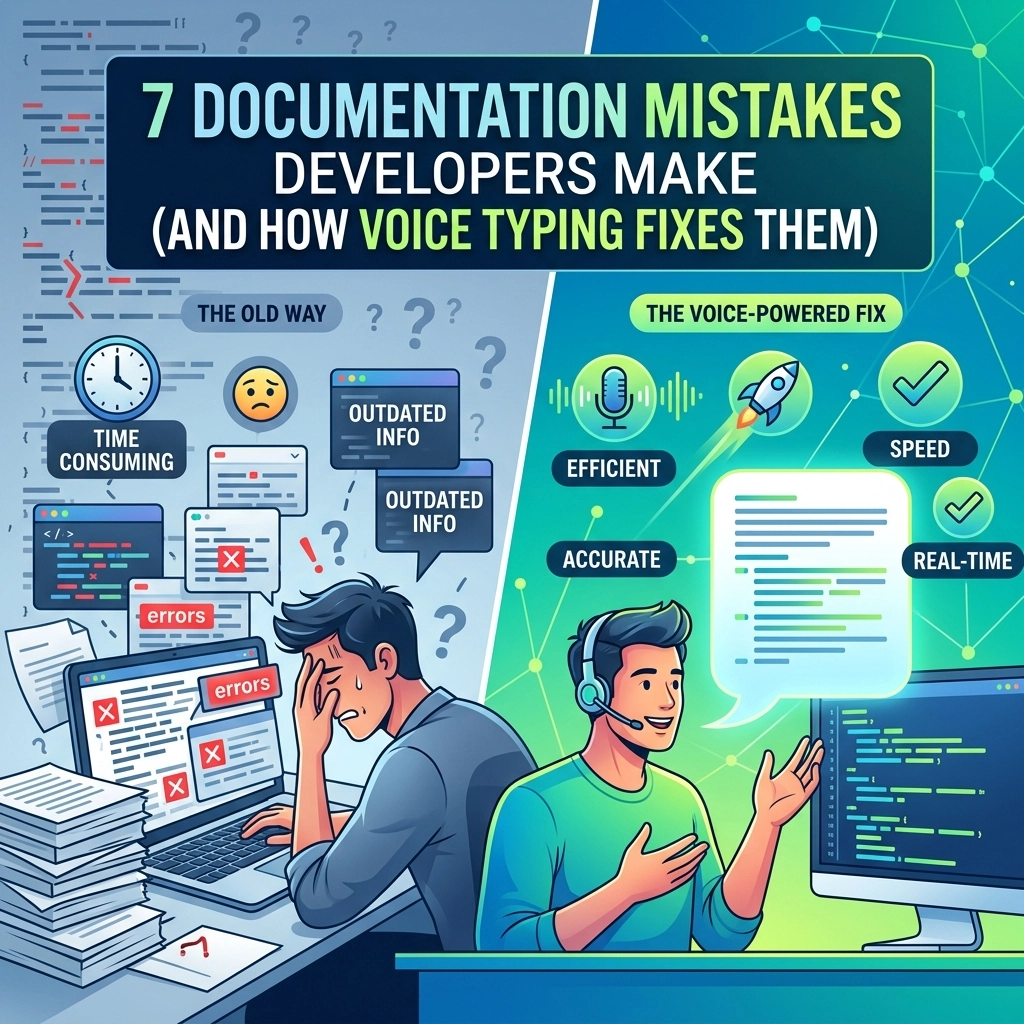
The Old Way vs. The New Way
The Old Way:
- Write 50 lines of code.
- Realize it’s complex.
- Open a separate doc.
- Try to remember why you used that specific library.
- Type a long, boring paragraph.
- Lose your place in the code.
- Frustration.
The New Way (The VoiceType Way):
- Write 50 lines of code.
- Trigger VoiceType.
- Say: "This handles the edge case for intermittent API failures by retrying three times with exponential backoff."
- Watch the docstring appear instantly in your IDE.
- Keep coding.
- Satisfaction.
Reclaim Your Flow
Documentation doesn't have to be the thing you hate. It doesn't have to be the mistake that slows down your team.
Stop typing. Start speaking.
You are a developer. Your value is in your logic and your problem-solving, not in how fast you can hit keys to describe what you've already built.
Give your fingers a break. Give your team the clarity they deserve. Give yourself the gift of uninterrupted flow.
Ready to stop making documentation mistakes?
Visit VoiceType and see how voice typing is changing the way developers write code and documentation. It's time to build faster. It's time to speak your code into existence.
Leave a Reply