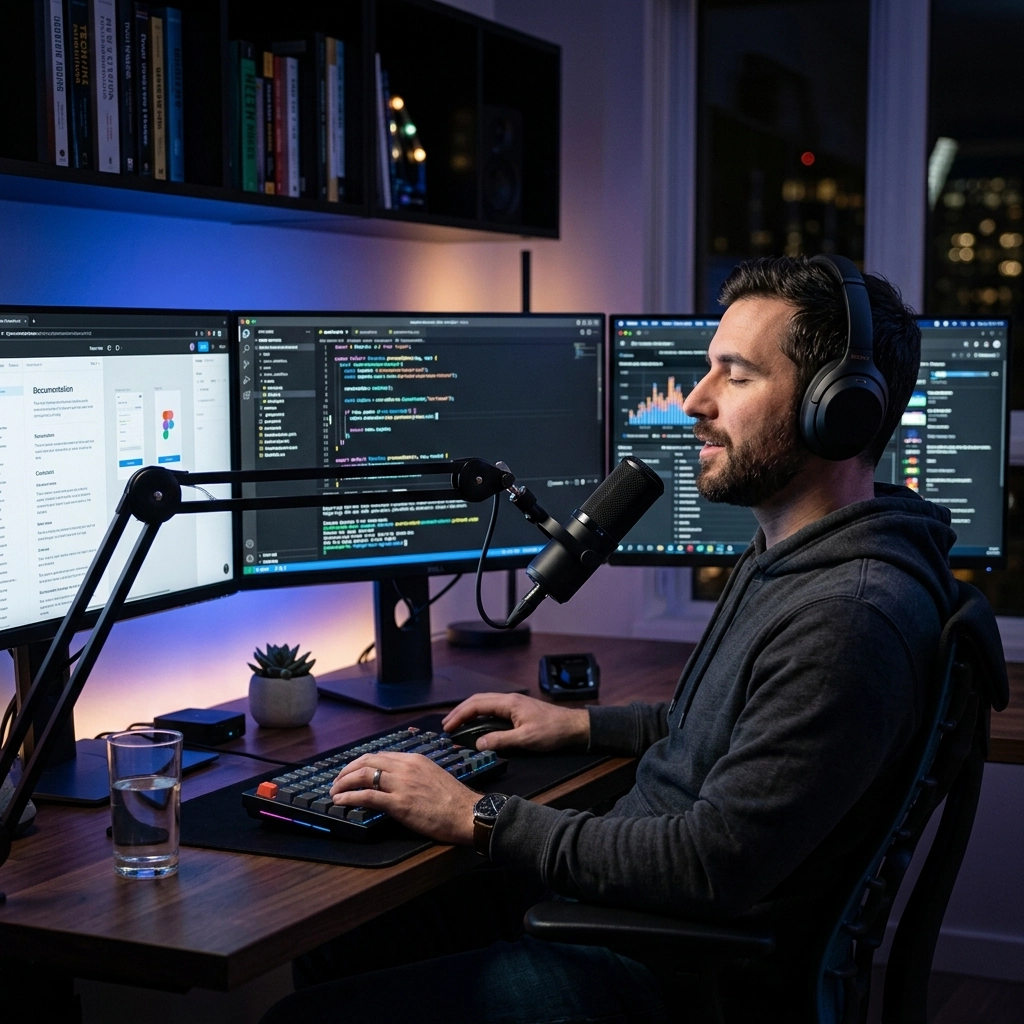
You are a developer. Your value lies in your ability to solve complex problems, not in how fast you can mash plastic buttons on a keyboard. Yet, for decades, we have accepted the keyboard as the ultimate interface between our brains and the machine. It is a bottleneck. It is a relic. It is the primary reason you lose your flow.
Coding is 10% syntax and 90% thinking. When you are deep in the zone, your brain moves at the speed of light. Your fingers? They move at the speed of muscle fatigue. Every time you pause to fix a typo, search for a backtick, or navigate a deep menu, you chip away at your cognitive load. You break the spell.
At VoiceType, we know that flow is sacred. We built this tool to remove the friction between your thoughts and your IDE. Stop typing. Start building.
Here are five ways voice typing keeps you in the zone and transforms your development workflow.
1. Eliminate the Latency Gap
Flow state is fragile. It requires a perfect balance between challenge and skill. Most importantly, it requires immediate feedback. Traditional voice-to-text tools are a disaster for developers because they are slow. A 700ms delay might be fine for a text message, but for a technical prompt or a documentation block, it’s an eternity. It forces you to wait. It makes you self-conscious. It kills the rhythm.
VoiceType operates with sub-300ms latency. This is the "instant" threshold. When you speak, the words appear as if they were already there.
The Old Way: You think of a complex logic explanation. You start typing. You make a typo. You backspace. You forget the second half of the sentence because you were focused on the spelling of "asynchronous." Flow destroyed.
The New Way: You speak the entire thought in one breath. The text appears instantly. Your brain stays on the logic, not the characters. You remain immersed. You maintain the "High-Speed Brain-to-IDE" connection.

2. Capture Documentation Without Context Switching
Documentation is the tax developers hate to pay. We tell ourselves we will "write it later." Later never comes. Or worse, "later" happens three hours later when the nuance of the solution has already evaporated from your short-term memory.
Typing documentation feels like a chore because it requires a different mental mode than writing code. It’s "writer mode" vs "builder mode." Moving between them is a context switch that drains your battery.
Voice typing allows you to document while you look at the code. You don’t have to move your hands. You don’t have to look away from the logic. You simply describe what the function does as you scan it.
Problem: Documentation debt slows down the entire team and creates "knowledge silos."
Solution: Dictate your docstrings and README updates hands-free. Capture the "why" before you move to the next ticket.
Use VoiceType to speak your thoughts naturally. Describe edge cases. Explain constraints. Do it in real-time. By the time you submit your PR, your documentation is done. You didn't just write code; you communicated intent without losing a second of momentum.
3. Master AI Prompting Through Verbosity
We are in the age of AI-assisted development. Whether you use GitHub Copilot, Cursor, or ChatGPT, the quality of your output is directly tied to the quality of your prompt.
Typing long, detailed prompts is exhausting. Most developers settle for short, cryptic prompts because they are "fast." But short prompts lead to hallucinations and generic code. You end up spending more time fixing the AI’s mistakes than you would have spent writing it yourself.
Voice typing changes the math. You can speak 150 words per minute. You can only type 40 to 80. This "compression pressure" disappears when you use your voice.
The Strategy:
- Trigger your AI tool.
- Dictate a high-context, detailed prompt.
- Mention the specific variables, the desired error handling, and the architectural pattern.
- Watch the AI deliver a near-perfect result on the first try.
You iterate less. You get better code. You stay in the zone because the tool is finally keeping up with your requirements.

4. Reclaim Your Physical Longevity
You cannot stay in the zone if your wrists are screaming. Repetitive Strain Injury (RSI) and Carpal Tunnel are the silent killers of developer careers. Every keystroke is a micro-stress on your tendons. By the time you reach your mid-30s, that stress adds up.
Most developers treat physical pain as a "distraction." It’s more than that. It’s a signal that your interface is failing you.
Voice typing allows you to offload 30-40% of your daily "non-code" keystrokes. Think about it: Slack messages, emails, Jira tickets, documentation, and PR comments. These don't require your hands.
The High-Contrast Reality:
- The Typist: Ends the day with stiff fingers, neck tension, and a mental fog caused by physical discomfort.
- The Voice User: Lean back. Rest your hands. Stretch your shoulders. Keep working.
By utilizing VoiceType, you aren't just being more productive today; you are ensuring you can still code ten years from now. Productivity isn't just about speed; it's about endurance.

5. Faster Ideation Cycles
Great software isn't built on the first idea. It’s built on the fifth iteration of that idea. To get to the fifth iteration, you need to move through the first four as fast as possible.
Voice typing accelerates ideation cycles by 3x to 5x. When you are brainstorming an architecture or a complex refactor, the ability to "talk it out" into a scratchpad or an AI chat is transformative. You can explore solution paths at the speed of thought.
If you have to type every "What if we try this?" scenario, you will naturally explore fewer options because typing is high-effort. When you use your voice, the effort is near zero.
The Result: You find the breakthrough faster. You stay in the zone because you aren't being slowed down by the mechanical act of recording your thoughts. You are free to explore, discard, and refine ideas in a fluid loop.
Why VoiceType?
There are other voice tools. Most of them are built for "consumers." They are bloated. They are slow. They send your data to the cloud and hope for the best.
VoiceType is built for developers by developers. We prioritize three things:
- Speed: Sub-300ms latency. No waiting.
- Privacy: Local processing. Your code stays on your machine.
- Integration: It works where you work: IDEs, browsers, terminals.
We don't want to change how you think. We want to change how fast your thoughts become reality.

Stop Fighting the Keyboard
The status quo is a keyboard-only existence that leaves you tired, prone to injury, and struggling to maintain focus. The "new way" is a multi-modal workflow where you use the best tool for the job.
Code with your hands. Communicate, document, and prompt with your voice.
Reclaim your flow. Reclaim your time. Reclaim your health.
Visit voicetype.in and see how the best developers are staying in the zone. It’s time to stop typing and start speaking the future into existence.
The zone is waiting. Are you coming?
Leave a Reply