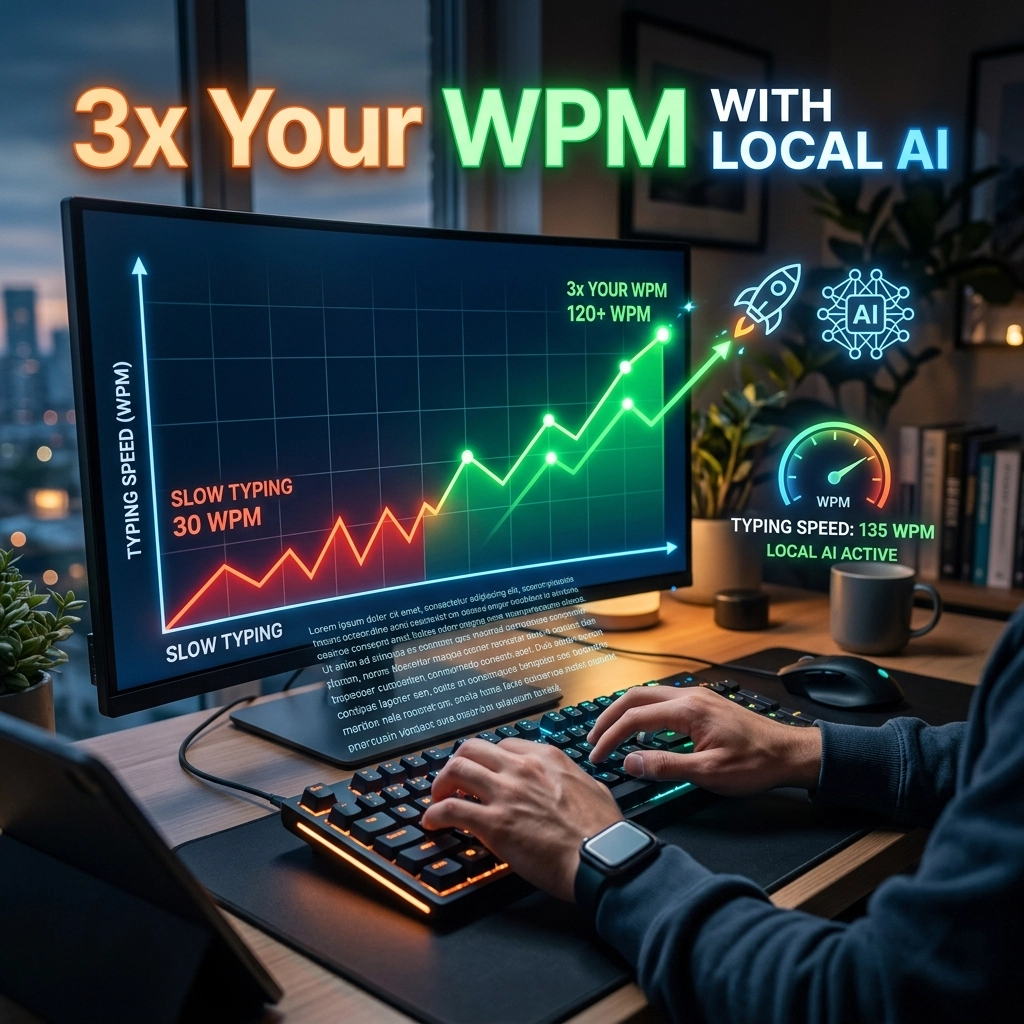
Your keyboard is a fossil. It is a mechanical relic from a slower era. You are a modern professional, a developer, or a writer. You think at the speed of light, but you input at the speed of a typewriter.
This gap is costing you. It costs you time. It costs you energy. Most importantly, it costs you your flow.
Every second you spend hunting for a key or correcting a typo is a second your brain is not spent on high-level problem solving. You are a high-performance engine restricted by a 20-year-old speed limiter.
Stop settling for 40 words per minute. Stop waiting for the cloud to catch up.
It is time to 3x your output. It is time for local AI.
The Keyboard is Your Bottleneck
Most professionals type between 40 and 60 words per minute (WPM). If you are fast, maybe you hit 80. But your brain? Your brain processes thoughts at over 150 words per minute.
When you type, you are essentially throttling your intelligence. You have a massive pipe of ideas trying to squeeze through a tiny straw of manual input. This friction is where productivity goes to die.
Think about the last time you were "in the zone." You knew exactly what to write. You knew exactly how the code should look. Then, you hit a typo. You reached for the backspace. You adjusted your wrists.
The flow broke.
It takes an average of 23 minutes to return to deep focus after a distraction. Every typo is a potential 23-minute tax on your day. You cannot afford that.

The Math of Success: 150 WPM is the New Standard
Let’s look at the numbers. They don’t lie.
If you type at 50 WPM, a 1,000-word article takes 20 minutes of pure typing. That doesn't include thinking, researching, or formatting. In reality, it takes an hour.
If you use voice-to-text powered by local AI, you hit 150 WPM instantly. That same 1,000 words? Six minutes.
You just reclaimed 14 minutes on a single task. Multiply that across your emails, your documentation, your Slack messages, and your code comments. You aren't just saving minutes; you are saving hours every single day.
Voice input is not a luxury. It is a competitive necessity. Those who adapt will produce three times the work with half the effort. Those who don't will continue to struggle with the mechanical limitations of plastic keys.
Why the Cloud is Killing Your Flow
You might have tried voice-to-text before. You spoke, and then you waited. You saw a spinning circle. You saw the words appear three seconds late, often with errors.
That is the cloud. The cloud is slow. The cloud is a waiting room for your thoughts.
When your voice data has to travel to a server, get processed, and travel back to your screen, the latency destroys the experience. You can't see your errors in real-time. You can't adjust your pace. You are disconnected from your own work.
Latency is the enemy of productivity. Even a 100-millisecond delay is enough to make the human brain feel a "disconnect." It feels unnatural. It feels like a chore.
This is why local AI is the only solution.
The Local AI Advantage: Zero Latency, Total Privacy
At VoiceType, we don't believe in waiting. We believe in instant execution.
Local AI means the model lives on your machine. Your CPU and GPU do the heavy lifting. There is no round-trip to a data center. There is no "processing" delay.
You speak. The words appear. Immediately.
1. Instant Response
Zero latency means you can see your thoughts materialize as you speak them. This creates a feedback loop that keeps you in the flow state. You don't have to stop to see if the computer understood you. You know it did.
2. Absolute Privacy
Your ideas are your intellectual property. When you use cloud-based AI, you are "renting" intelligence and paying for it with your data. Your voice, your private memos, and your proprietary code comments are sent to a third-party server.
With local AI, your data never leaves your device. It is yours. It is private. It is secure. You own the tool; the tool doesn't own you.
3. Work Anywhere
Cloud AI requires a perfect connection. Local AI works on a plane. It works in a coffee shop with spotty Wi-Fi. It works in a secure office with no external internet access. Your productivity should not be dependent on your ISP.

For Developers: Code Faster by Talking
Developers often think voice-to-text isn't for them. They think about syntax, brackets, and indentation. They think speech is too "fuzzy" for the precision of code.
They are wrong.
Writing code is only 20% of a developer's job. The other 80% is communication.
- Writing documentation.
- Explaining PRs.
- Updating Jira tickets.
- Writing detailed Git commits.
- Messaging the team on Slack.
These tasks are the "glue" of software development. They are also the most tedious. By using VoiceType, you can blast through your documentation in minutes. You can explain a complex architectural decision in a Slack message without getting carpal tunnel.
Even for code itself, "talking through" a logic problem while the AI transcribes your thoughts into comments can help you structure your functions before you even touch the keyboard. It turns your "rubber ducking" into actual progress.
For Writers: Explode Your Output
Writers often suffer from the "blank page" syndrome. The blinking cursor is intimidating. The physical act of typing creates a barrier between the brain and the page.
Speaking is natural. Humans have been speaking for 50,000 years. We’ve been typing for about 150.
When you use local AI to draft, you bypass the inner critic that lives in your fingers. You get the "shitty first draft" down at 150 WPM. You capture the raw energy of your ideas. You can edit later.
The goal of writing is to move thoughts from your head to the reader's head. The keyboard is just a middleman. Eliminate the middleman.

Reclaim Your Day
Stop thinking of typing as a fixed cost of doing business. It isn't. It is a variable that you can optimize.
If you can 3x your typing speed, you are effectively buying yourself two extra hours of life every day. What would you do with ten extra hours a week?
- Ship more features?
- Write another book?
- Go home early and see your family?
The choice is simple. You can stay tethered to the "old way": the slow, manual, high-friction way. Or you can embrace the future of input.
How to Start with VoiceType
Transitioning to a voice-first workflow is easier than you think. You don't need to change your personality. You just need to change your tool.
- Download Local AI: Get a tool that runs on your hardware. Avoid the "subscription to your own thoughts" model.
- Start Small: Use voice for your first five emails of the day. Notice the speed. Notice the lack of wrist strain.
- Use a High-Quality Mic: Your laptop mic is okay, but a dedicated mic makes the AI even more accurate.
- Embrace the Flow: Once you realize you can "think out loud" and see it on the screen, your relationship with work will change forever.
VoiceType is built for people who value their time. It is built for people who refuse to be slowed down by their hardware. It is built for the elite 1% who understand that productivity is a game of margins.
Don't wait for the world to catch up to the speed of your mind. Use local AI to bridge the gap today.
Stop typing. Start producing.
Visit voicetype.in to reclaim your time.
Leave a Reply