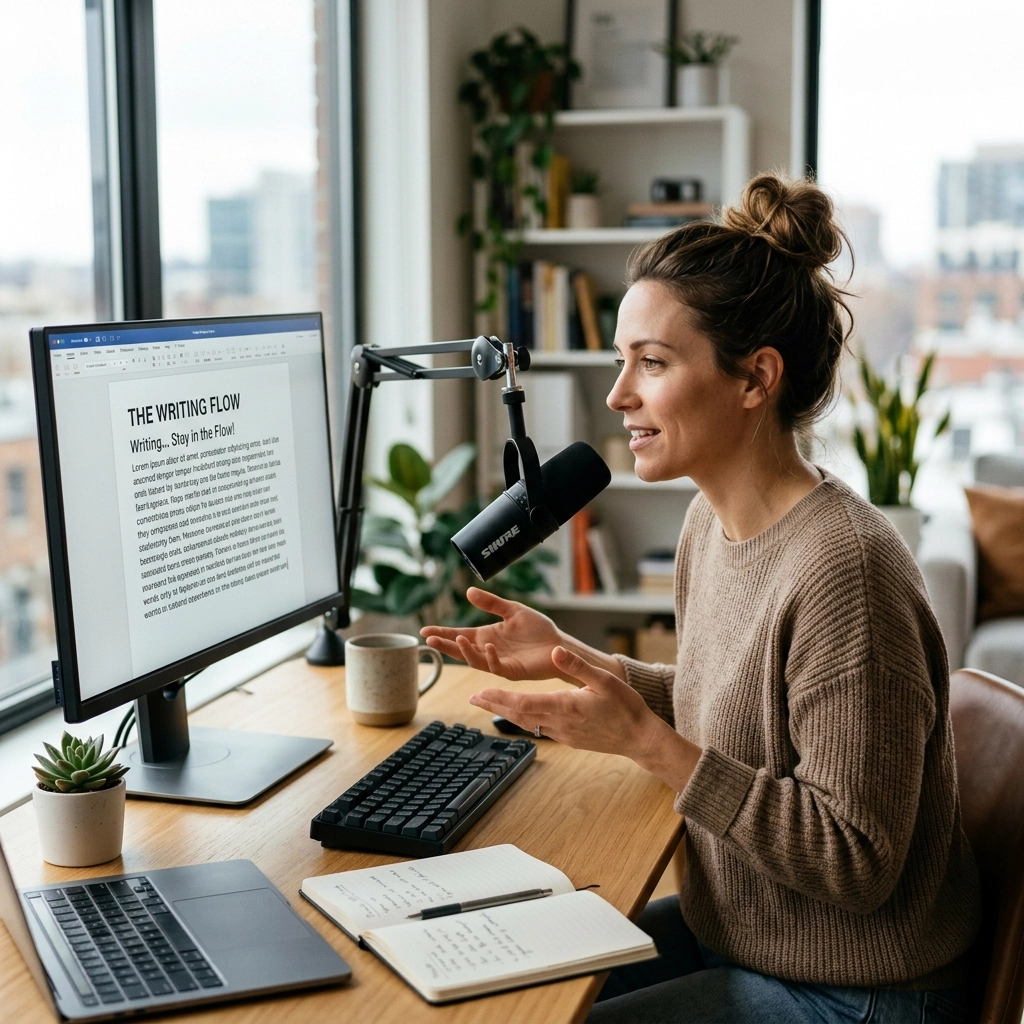
Your keyboard is a bottleneck.
It was designed in the 1870s for mechanical typewriters. It was built to slow you down. It was engineered to prevent keys from jamming. It was never meant for the speed of modern thought.
You are a developer. You are a writer. You are a creator. Your brain moves at light speed. Your hands move at a crawl.
The average person types at 40 words per minute. The average person speaks at 150 words per minute. You are doing the math right now. You are losing 110 words every single minute to a piece of plastic.
Stop the bleeding. It is time to reclaim your time. It is time to enter the era of high-bandwidth composition.
The Cognitive Tax of the Keyboard
Every time you hit a key, you pay a tax. It is a cognitive tax. You think of a sentence. You translate that thought into finger movements. You hunt for the semicolon. You correct a typo. You backspace.
Your flow is gone.
Flow is the state where work feels effortless. For a developer, it is being "in the zone" while architecting a complex system. For a writer, it is the words pouring out before you can even process them.
The keyboard is a constant interruption to that flow. It forces you to look down. It forces you to focus on the mechanics of writing rather than the substance of the idea.

When you switch to voice, the barrier vanishes. You speak. The thought becomes text. No translation. No finger fatigue. No friction. This is how you achieve a 3x speed increase overnight. You don't learn to type faster. You stop typing entirely.
The 3x Math: Why Speed Matters
Speed isn't just about finishing early. Speed is about quality.
When you write 3x faster, you can iterate 3x more. You can explore three different ways to frame a paragraph in the time it used to take to write one. You can document an entire API while the logic is still fresh in your mind.
Let’s look at the numbers.
- The Old Way: 40 WPM. A 1,000-word article takes 25 minutes of pure typing. Add in the "thinking pauses" and the "correction breaks," and you are looking at 60 minutes.
- The New Way: 150 WPM. That same 1,000-word article takes 7 minutes of speaking. Even with a quick polish, you are done in 15 minutes.
You just bought back 45 minutes of your life. Do that four times a day, and you have reclaimed three hours. Every. Single. Day.
What could you do with three extra hours? You could build a side project. You could read. You could actually leave the office on time. Productivity isn't about working more. It's about working faster.
Zero Latency: The Developer’s Requirement
For developers, voice tools have historically been a joke. They were slow. They were inaccurate. They couldn't handle "camelCase" or "snake_case." They struggled with technical jargon.
Those days are over.
VoiceType is built with a "Zero Latency" philosophy. When you speak, the text appears. Instantly. There is no waiting for a spinner to stop. There is no lag between your voice and the screen.

If there is lag, there is no flow. You need to see your thoughts materialize in real-time. This is especially critical when writing documentation or Slack updates. You need to know that your technical terms, Kubernetes, asynchronous, polymorphic, are being captured correctly the first time.
We don't do "processing…" screens. We do results.
How to Stay in the Flow
Flow is fragile. A single notification can break it. A single typo can shatter it.
When you use your voice, you stay "eyes up." You aren't looking at your hands. You are looking at your code. You are looking at your research. You are looking at the problem you are trying to solve.
Here is how you maintain that state:
- Eliminate the Internal Editor: When you type, you tend to edit as you go. You delete a word. You change a verb. This kills momentum. When you speak, you just move forward. The AI handles the cleanup later.
- Speak Naturally: Do not try to sound like a robot. Do not enunciate every syllable like you’re talking to a toddler. Speak at your normal pace. Modern AI thrives on context. It understands your intent better when you speak like a human.
- Use Command Mode: Direct your computer without the mouse. "Bold that." "New paragraph." "Delete the last sentence."
By staying in the flow, you produce work that is more cohesive and more energetic. Your writing sounds like you because it came directly from your voice.
The Silent Utility: It Just Works
You don't need another complex software suite to manage. You don't need another subscription that demands your attention with "weekly reports" and "onboarding gamification."
You need a utility.
Think of VoiceType as a silent partner. It sits in the background. It waits for you. When you need it, it’s there. When you don't, it’s invisible.
We believe software should be a tool, not a destination. You shouldn't have to "learn" VoiceType. You already know how to talk. You've been doing it since you were two years old. We just give that ability a direct line to your text editor.

Writers: Reclaim Your Creative Energy
Writing is exhausting. Not the thinking part, the physical act of grinding out sentences on a keyboard. Your wrists ache. Your shoulders tighten. By the time you finish a long-form piece, you are drained.
Voice writing is restorative. Walk around your room. Look out the window. Pace.
Movement fuels creativity. Standing up and speaking your blog post or your novel changes the rhythm of your prose. It becomes more conversational. It becomes more engaging.
And most importantly, it gets done. The "blank page" is a lot less scary when you can fill it with 500 words just by describing your thoughts for three minutes.
Developers: Documentation is no Longer a Chore
Nobody likes writing documentation. It feels like a distraction from the "real work" of coding.
But documentation is the difference between a project that lives and a project that dies.
With VoiceType, you can document as you build. Finish a function? Hit the shortcut. Describe what it does. Move on. Writing a Jira ticket? Don't type out the steps to reproduce. Say them.
You will find that your communication with your team becomes clearer and more frequent. Why? Because the "cost" of communication has dropped to near zero.

Addressing the Skepticism
"But I think better when I type."
No, you don't. You are just used to typing. You have spent years tethering your thoughts to your fingers. It feels natural because it is a habit.
But habits can be upgraded.
Give yourself three days. Speak your emails. Dictate your Slack messages. Draft one blog post. By day four, you will feel the physical resistance when you go back to the keyboard. You will feel how slow it is. You will feel the friction.
"What about privacy?"
We hear you. In a world of "rented" software and data mining, privacy is a right, not a feature. Your voice is yours. Your data is yours. We are a utility, not a data broker. You can find more about our structure on our sitemap.
The Path Forward
The keyboard isn't going away entirely. You’ll still use it for precise edits and complex character strings. But it should no longer be your primary interface for language.
You have thoughts worth sharing. You have code worth building. Don't let a 150-year-old interface stand in your way.
3x your speed.
Protect your flow.
Reclaim your time.
The future of productivity isn't in your fingers. It’s in your voice.
Visit VoiceType and start writing at the speed of thought. Stop typing. Start flowing.
Leave a Reply