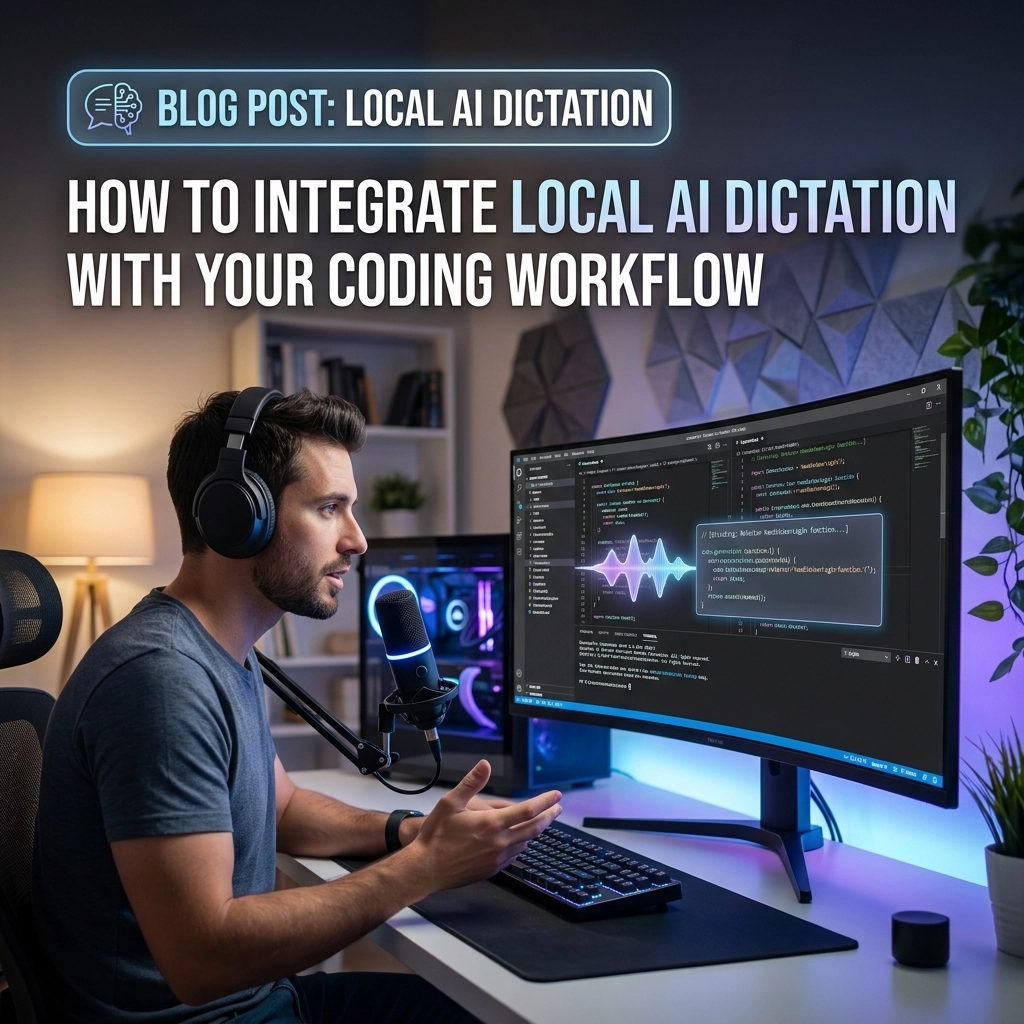
Stop typing. Start thinking.
Your keyboard is a bottleneck. It is a legacy interface designed for a slower era. Your brain moves at light speed. Your fingers move at a crawl. Every time you hunt for a special character or fix a typo, your flow breaks. You lose the thread. You waste mental energy on mechanics instead of logic.
This is the "Typing Tax." You pay it every single day.
It is time to stop. You need a direct line from your thoughts to your IDE. You need local AI dictation.
The Death of the Keyboard-First Workflow
Standard coding is slow. You think of a function. You type the name. You search for the brackets. You indent. You fix a semicolon. By the time you finish the line, the next thought has faded. This is friction.
Friction kills productivity. Friction kills creativity.
Traditional dictation failed developers. It was built for emails, not for if statements. It required a constant internet connection. It sent your private code to the cloud. It was slow, laggy, and inaccurate.
The new way is different. Local AI dictation changes the math. It runs on your hardware. It respects your privacy. It operates with zero latency. You speak. The code appears. No lag. No data leaks. No excuses.

Why Local AI?
Privacy is not a luxury. It is a requirement.
When you use cloud-based dictation, you are renting your productivity. You are handing over your intellectual property to a third party. If their server goes down, your workflow dies. If their privacy policy changes, your company is at risk.
Local AI dictation gives you ownership. You run the model. You control the data. You own the results.
The Speed Advantage
Cloud dictation has a round-trip problem. Your voice travels to a server, gets processed, and travels back. Even a half-second delay breaks the "vibe." Local models like Whisper or ONNX-based systems remove the trip. Processing happens on your GPU or CPU. The result is instant.
The Reliability Factor
Dead zones don't matter. Airplane mode doesn't matter. Your workflow remains consistent whether you are in a high-rise office or a remote cabin. You are no longer tethered to a subscription or a signal.
How to Build Your Local Voice Engine
You don't need a supercomputer. You need a smart setup.
The foundation of a high-performance voice workflow is an ONNX-based model. These models are optimized for speed. They run lean. They deliver high accuracy without draining your battery.
1. The Infrastructure
Set up a local speech-to-text server. Use a tool like Kroko AI or a custom Whisper implementation. This server lives on your machine. It waits for audio. It returns text.
2. The Capture Mechanism
You need a trigger. Bind a key you never use, like Caps Lock or a side mouse button, to record. Press to speak. Release to transcribe.
A simple bash script can handle this:
- Record audio via the microphone.
- Save to a temporary WAV file.
- Send to your local HTTP server.
- Inject the returned JSON text directly into your cursor position.
This setup makes dictation feel like a native part of your OS. It isn't an "app" you open. It is a power you possess.

Voice Typing for Documentation and Comments
Coding is only 20% writing syntax. The rest is explanation.
Documentation is where developers struggle most. It feels like a chore. It is the first thing to be skipped when a deadline looms. Voice dictation turns documentation into a conversation.
Explaining the "Why"
Don't type your README. Describe it. Explain the architecture as if you were talking to a teammate. Your voice carries more nuance than your fingers. You can dictate a complex logic flow in thirty seconds. Typing it would take five minutes.
Precise Comments
Stop writing "TODO: fix this." Dictate the specific edge case you are worried about. Dictate the reason for the hacky work-around. Dictate the long-term vision for the module. High-bandwidth input leads to high-quality documentation.
Visit VoiceType to see how we streamline this transition from thought to text.
Integrating With Modern AI Coding Assistants
We are in the era of "Vibe Coding." Tools like Cursor, Claude Code, and GitHub Copilot are the new standard. These tools thrive on context. They need instructions.
Typing long, detailed prompts is exhausting. Dictating them is effortless.
The Power Prompt
Instead of typing "Refactor this function to use a map and handle null pointers," say it. Say it with detail. "Refactor the user authentication logic. Move the validation to a separate service. Ensure we catch the timeout exception from the database. Use the new logging decorator we built yesterday."
The AI assistant gets a rich, detailed instruction set. You get perfect code. You didn't touch the keyboard once.
Iterative Debugging
When the AI makes a mistake, don't delete and re-type. Dictate the correction. "No, the loop index should start at one, not zero. And make sure the return type is an optional." This conversational loop is the fastest way to build software in 2026.

Mastering the "Dictation Flow"
Voice coding is a skill. It requires a different mental model. You are no longer a typist. You are an architect.
Structure Your Speech
Think before you speak. Know the end of the sentence before you start. If you stumble, stop. Don't try to "um" and "ah" your way through a block of code. Restart the sentence. Most local tools are smart, but clarity is your responsibility.
Use Triplets for Speed
Group your actions.
- Dictate the logic.
- Review the output.
- Dictate the next step.
Keep the rhythm fast. Keep the energy high. The moment you hesitate, the "Typing Tax" starts to creep back in.
Physical Health and Longevity
The keyboard is a health hazard. Carpal Tunnel Syndrome and Repetitive Strain Injury (RSI) end careers. They are the silent killers of the tech industry.
Voice typing is your insurance policy.
Every word you speak is a keystroke you saved. Every minute you spend leaning back in your chair instead of hunching over your laptop is a win for your posture. Reclaim your physical health. Your career depends on your hands; stop abusing them.

Addressing the Skeptics
"It feels weird to talk to my computer."
It felt weird to use a mouse in 1984. It felt weird to use a touch screen in 2007. Get over it. Professionalism is defined by results, not by how much noise you make.
"The accuracy isn't there yet."
Wrong. With local models like Whisper-v3, accuracy is near-human. It handles technical jargon, variable names, and accents with ease. If your accuracy is low, your setup is the problem, not the technology.
"It's too loud for the office."
Use a directional microphone. Or work from home. Or use it for the 4 hours a day you spend on deep work. The productivity gains far outweigh the minor inconvenience of noise.
The Competitive Edge
The world is moving faster. Software is being built at a pace we have never seen. You have two choices. You can continue to type your way through the day, hitting the ceiling of human manual labor. Or you can weaponize your voice.
Local AI dictation is the ultimate leverage. It allows you to produce more, think deeper, and stay healthy. It removes the friction between your imagination and the compiler.
Stop being a typist. Become an orchestrator.
Install a local model. Bind your keys. Open your IDE. And speak your code into existence.

The future of development isn't at your fingertips. It is in your voice.
Start today at voicetype.in and reclaim your flow.
Leave a Reply