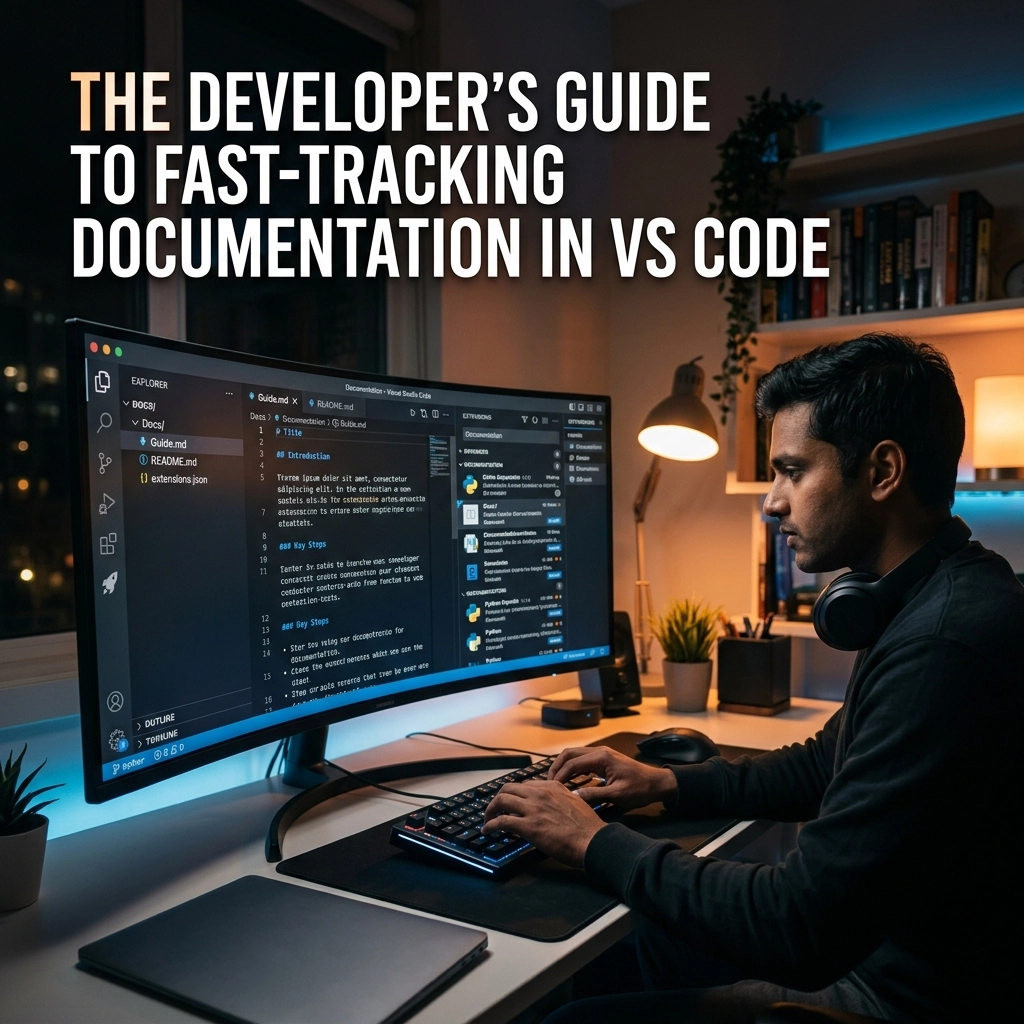
Documentation is the tax you pay for writing code. Most developers pay it late. Some never pay it at all. Both choices lead to the same result: technical debt, broken onboarding, and a codebase that feels like a minefield. You want to build features. You want to solve problems. You do not want to spend three hours writing a README that no one will read.
The problem isn't the documentation itself. The problem is the friction. The keyboard is the bottleneck. Your brain moves at light speed. Your fingers move at a crawl. When you stop coding to start typing a comment, your flow state shatters. You lose the logic. You lose the momentum. You lose the "why" behind the code.
It is time to change the way you interact with your IDE. It is time to reclaim your time. In this guide, I will show you how to fast-track documentation in VS Code by leveraging the most powerful tool you own: your voice.
The High Cost of the "Typing Tax"
Look at your keyboard. It is an artifact from the 19th century. Every time you shift from writing logic to describing that logic, you trigger a context switch. Your brain has to move from the abstract world of algorithms to the rigid world of syntax and grammar. This transition is where productivity dies.
Traditional documentation feels like a chore because it is a chore. You finish a complex function. You are tired. The last thing you want to do is type out a 200-word explanation of your edge cases. So, you write a one-line comment. Six months later, that comment is useless.

We have been conditioned to believe that documentation must be a separate, grueling phase of development. This is a lie. Documentation should be as fluid as the thought process that created the code. If you can think it, you should be able to document it instantly.
Break the Bottleneck with VoiceType
Stop typing. Start speaking.
VoiceType isn't just another plugin. It is a fundamental shift in how you work. While other developers are hunched over their desks, frantically hitting backspace, you are leaning back and describing your architecture. You are speaking your JSDoc into existence. You are explaining the "why" while the "how" is still fresh in your mind.
Why Voice Typing Wins for Developers:
- Speed: You speak significantly faster than you type.
- Focus: You keep your eyes on the code, not the keys.
- Detail: Because speaking is effortless, you provide more context.
- Flow: You maintain your mental rhythm without the mechanical interruption of typing.
Visit voicetype.in to see how we are removing the friction from the developer workflow. We don't want you to write more; we want you to output more with less effort.
The VS Code Power Setup
VS Code is the world's most popular editor for a reason. It is extensible. It is fast. But most people use only 10% of its power. To fast-track your documentation, you need to turn your IDE into a high-velocity production environment.
1. The Timeline Feature
Most developers forget the Timeline view even exists. Use it. It tracks every change you make, even if you haven't committed to Git. When it’s time to document a feature, open the Timeline. See the evolution of your logic. This visual history is the perfect prompt for your voice documentation. You don't have to remember what you did; you can see it.
2. Live Markdown Preview
Documentation lives in Markdown. VS Code handles it natively. Split your screen. Put your code on the left. Put your README.md on the right. Enable the Live Preview. Now, use VoiceType to narrate your walkthroughs. As you speak, the formatted document appears in real-time. It’s not just writing; it’s broadcasting.

3. Integrated Terminal Documentation
Stop leaving the editor to update your project docs. Use the integrated terminal to run documentation generators like Compodoc or Storybook. Keep everything in one window. The less you move your mouse, the more you get done.
The Four Pillars of Rapid Documentation
You don't need to document everything. You need to document the right things. Focus your energy on these four areas to maximize the value of your time.
Pillar 1: Architectural Logic
Explain the system design. Why did you choose a NoSQL database over a relational one? Why did you use this specific design pattern? This is the most valuable information for any new developer. Use VoiceType to record a "brain dump" of your architectural decisions as you make them. Don't wait for the post-mortem.
Pillar 2: Walkthroughs
A walkthrough is worth a thousand comments. Describe a real-world workflow. "When the user clicks 'Submit', the data goes to the validation service, then the encryption layer, and finally the DB." Speaking this out takes 30 seconds. Typing it takes five minutes.
Pillar 3: Key Decisions
Document the "Roads Not Taken." Why didn't you use that popular library? Why did you bypass the standard API? These decisions are often lost to time. Save them with a quick voice note directly in your code comments.
Pillar 4: JSDoc and Type Definitions
Automate the structure, but speak the description. Use a snippet to generate the JSDoc block, then use VoiceType to fill in the descriptions for parameters and return values. It turns a tedious task into a quick conversation with your editor.

Reclaiming Your Mental Margin
Efficiency isn't about working harder. It's about removing the things that make work hard. Manual typing is an obstacle to clear thinking. When you remove that obstacle, you reclaim your mental margin.
Imagine finishing your workday without the "documentation debt" hanging over your head. Imagine a world where your README is always up to date because updating it was the easiest part of your day. This isn't a dream. It's a choice.
Check our sitemap to find more resources on optimizing your productivity. We are building the tools that allow you to work at the speed of thought.
The Old Way vs. The New Way
The Old Way:
- Finish coding at 5:00 PM.
- Spend an hour typing documentation.
- Feel drained and annoyed.
- Commit vague, unhelpful comments.
- Next developer spends two days trying to understand your logic.
The New Way:
- Code until 5:00 PM.
- Use VoiceType to narrate your changes as you go.
- Documentation is finished when the code is finished.
- Leave the office with a clear head.
- Next developer reads your clear, detailed docs and starts contributing in ten minutes.

The "New Way" is faster. It is safer. It is more satisfying.
Addressing the "Speaking" Barrier
I know what you're thinking. "It feels weird to talk to my computer."
Get over it.
You already talk to your teammates. You talk in meetings. You talk to yourself when you're debugging. Speaking to your editor is simply a more efficient way to transfer data from your brain to the machine. Within three days, the "weirdness" disappears. It is replaced by a sense of power. You will realize that your hands have been holding your brain back for years.
Quantitative Wins: The Numbers Don't Lie
Let's look at the hard numbers. The average developer types at 40 words per minute. The average person speaks at 130 words per minute.
By switching to voice for your documentation, you are increasing your output by 325%.
If you spend just 30 minutes a day on documentation, VoiceType saves you nearly two hours every week. That is 100 hours a year. What would you do with an extra 100 hours? Would you build a side project? Would you learn a new framework? Would you finally get some sleep?
Stop "renting" your time to the keyboard. Start owning your productivity.
Conclusion: The Silent Power of Voice
VoiceType is the silent, powerful utility that works behind the scenes. It doesn't demand your attention; it gives you your attention back. It allows you to stay in the flow, stay in the IDE, and stay in control.
Documentation is no longer the wall. It is the bridge.
Stop typing. Start speaking. Reclaim your flow.
Visit voicetype.in and start your journey toward high-velocity development today. The future of coding isn't just about writing better code; it's about communicating it better. And the fastest way to communicate is with your voice.
Leave a Reply