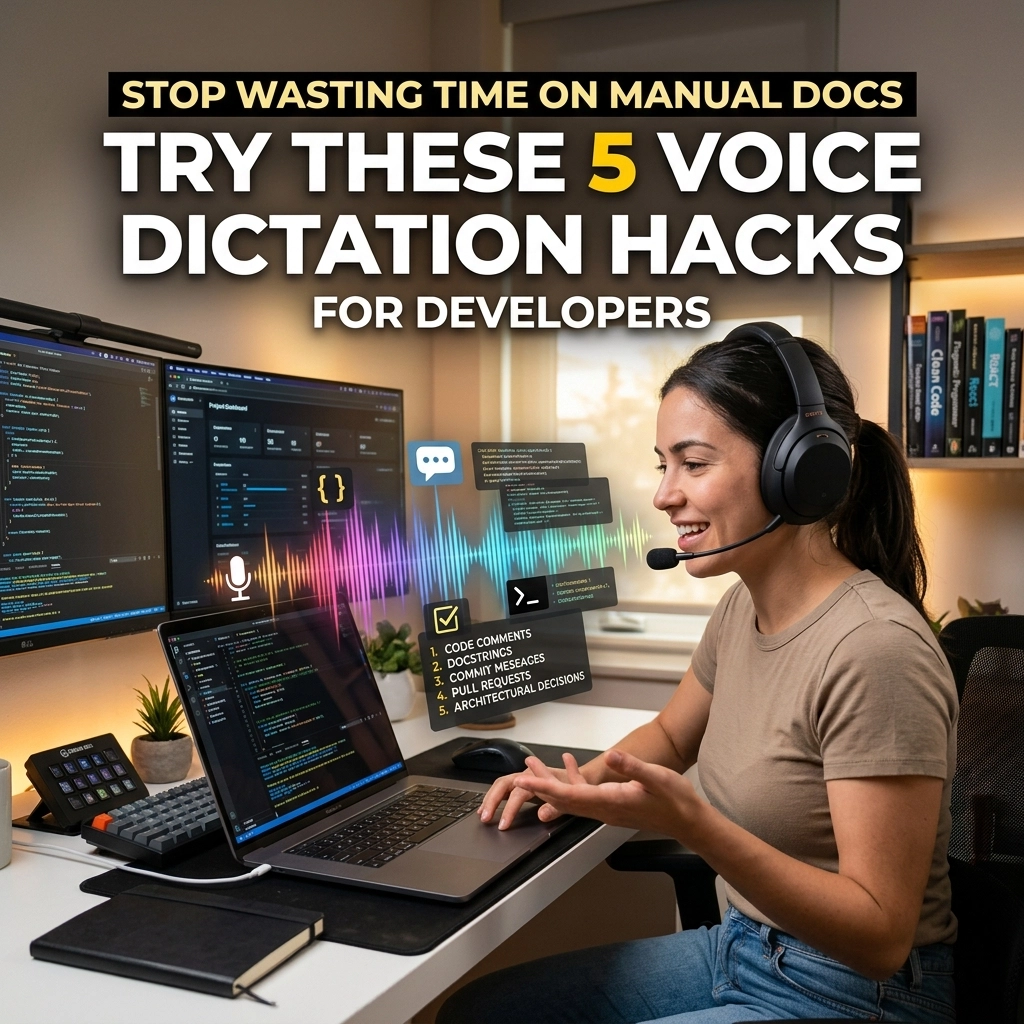
Typing is a bottleneck. You think at the speed of light. You code at the speed of logic. But you document at the speed of a snail.
Every time you stop coding to write a README, a Jira ticket, or a pull request description, you lose momentum. Your flow state shatters. You spend thirty minutes wrestling with sentences when you should be solving problems.
Documentation is the tax you pay for being a developer. It is necessary. It is also exhausting.
Manual documentation is the "Old Way." It is slow. It is tedious. It creates friction between your brain and your codebase.
There is a "New Way." It is faster. It is effortless. It is voice-driven.
If you aren't using voice dictation in your development workflow, you are leaving hours of productivity on the table. You are working harder, not smarter.
Here are 5 voice dictation hacks to help you reclaim your time and keep your hands on the home row where they belong.
1. The "Rubber Duck" Commenting Method
Developers talk to themselves. You explain logic to a rubber duck to find bugs. You narrate your thought process while debugging.
Use that energy for your documentation.
Instead of finishing a function and then struggling to remember why you wrote it, dictate your comments as you code. Open your comment tags. Hit your dictation shortcut. Speak your intent.
The Old Way: Finish coding. Forget the edge cases you handled. Write a vague comment: // fix for edge cases.
The New Way: Code the logic. Speak the "why" immediately. Your comments become rich, descriptive, and accurate.

Stop treating comments as an afterthought. Use VoiceType to turn your inner monologue into permanent project knowledge. You don't need to be a great writer. You just need to speak.
2. Narrative Commit Messages
Most commit messages are useless. Fixed bug. Updated UI. Refactor.
These messages tell your team nothing. They make debugging a nightmare six months from now. But writing detailed commit messages takes time. It feels like a chore.
Dictate your commits instead.
When you finish a task, trigger your voice-to-text tool. Describe exactly what changed and why. Speak the context. Speak the consequences of the change.
"Fixed the race condition in the auth handler by implementing a mutex lock on the session object."
That sentence took three seconds to say. It would take twenty seconds to type. Multiply that by twenty commits a day. You just saved seven minutes of pure friction.
Direct your energy toward the code. Use your voice for the context.
3. The README Sprint
The README is the front door of your project. Most developers leave it locked and boarded up.
Writing a README manually is a drag. You have to explain installation, usage, API endpoints, and contribution guidelines. It feels like writing a term paper.
Stop writing. Start talking.
Open your README.md file. Use a voice dictation hack: dictate the entire structure in one go. Walk through the setup process out loud as if you were onboarding a new junior dev.
"To install the project, run npm install. You need an environment variable for the database URL. Here is how you start the dev server…"
Voice dictation allows you to dump information at 150 words per minute. Typing tops out at 60 or 80 for most people. You can finish a comprehensive README in five minutes.
Reclaim your afternoon. Speak your documentation into existence.

4. Voice-Driven Pull Request Reviews
Code reviews are about communication. They require nuance.
When you type a critique, it can sound harsh. It can lead to misunderstandings. It can start "comment wars."
Use voice to provide feedback. Dictate your PR comments.
Speaking allows you to convey tone. It allows you to explain complex architectural suggestions without the fatigue of typing three paragraphs. You can be thorough. You can be helpful. You can be fast.
The Old Way: Typing a short, blunt comment because you’re in a hurry. The author gets defensive. Productivity drops.
The New Way: Dictating a detailed, constructive explanation. The author understands the context. The code gets better.
High-quality feedback doesn't have to be a time sink. Voice dictation turns a thirty-minute review into a ten-minute conversation.
5. Dictating Jira Tickets and Stand-up Notes
Internal admin work is the ultimate flow-killer.
Creating tickets, updating status reports, and writing stand-up notes are low-value typing tasks. They take you out of the IDE and force you into a browser.
Don't let admin work eat your day.
Use VoiceType to fill out your ticket descriptions while you’re still thinking about the bug. Dictate your stand-up notes while you’re walking to the kitchen for coffee.
Standardize your descriptions. Use a consistent format by speaking it.
"Steps to reproduce: One, log in. Two, click the profile icon. Three, watch the app crash."
It is direct. It is clear. It is done in seconds.

Why Developers Avoid Dictation (And Why They Are Wrong)
Most developers think voice dictation is for "writers" or "executives." They think it’s inaccurate. They think it can’t handle technical terms.
They are wrong.
Modern AI-powered dictation is surgical. It understands context. It handles "PascalCase" and "camelCase" if you tell it to. It filters out the "ums" and "ahs."
The friction isn't the technology. The friction is your habit.
You are programmed to believe that productivity requires a keyboard. It doesn't. Productivity requires the shortest path from an idea to an output.
Your voice is that path.
Reclaim Your Flow
Every time you switch from "Logic Mode" to "Typing Sentences Mode," your brain pays a context-switching tax.
This tax ruins your productivity. It makes you feel drained at the end of the day.
Voice dictation allows you to stay in the zone. You keep your eyes on the code. You keep your mind on the problem. You simply narrate the metadata of your work.
Stop wasting time on manual docs.
Stop wrestling with the keyboard for things that aren't code.
Start speaking.

The VoiceType Advantage
You need a tool that works where you work. You need a tool that doesn't get in the way.
VoiceType is built for speed. It is built for people who value their time. It is a silent, powerful utility that sits in the background until you need it.
No complex setups. No steep learning curves. Just instant, accurate transcription that lets you document your world without slowing down.
Documentation shouldn't be a hurdle. It should be a byproduct of your brilliance.
Try the "New Way."
Visit voicetype.in and see how much time you’ve been losing.
Reclaim your time. Reclaim your flow. Stop typing. Start talking.
Leave a Reply