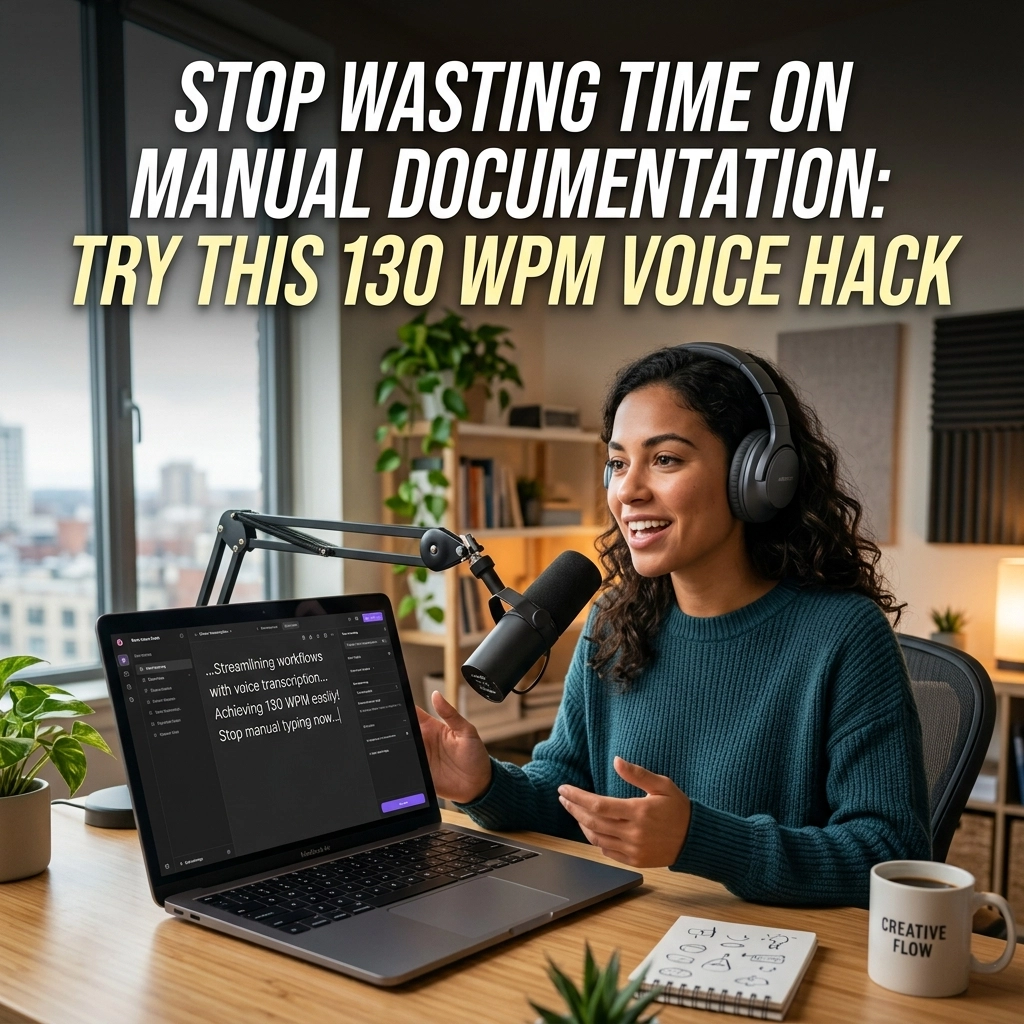
Stop typing. Start thinking.
You spend eight hours a day hunched over a keyboard. Your wrists ache. Your neck stiffens. Your brain works at 300 miles per hour, but your fingers max out at forty words per minute. You are a developer. You build the future. Yet, you are using an input method designed for 19th-century typewriters.
Typing is a bottleneck. It is a legacy system. It is the single greatest threat to your flow state.
Every time you stop coding to write a README, a pull request description, or a JIRA ticket, you hit a wall. You shift from the creative logic of your IDE to the mundane drudgery of manual documentation. The momentum dies. The spark fades.
There is a better way. It is fast. It is efficient. It is invisible.
The 130 WPM Reality Check
Let’s look at the cold, hard math.
The average professional types between 35 and 50 words per minute (WPM). If you are fast, maybe you hit 80. But you speak at 150 WPM. That is a 3x multiplier sitting right in your throat. You are leaving 100 words per minute on the table every single day.
VoiceType closes that gap. We aren’t talking about the clunky, frustrated voice-to-text of 2015. We are talking about a 130 WPM hack that turns your thoughts into clean, professional documentation in real-time.
Speak naturally. Watch the text appear. Move on to the next task.

Documentation: From Burden to Byproduct
Most developers treat documentation like a chore. You leave it for the end of the sprint. You rush through it. You write the bare minimum because your hands are tired and your brain is done.
This kills projects. It confuses teammates. It makes you look sloppy.
With VoiceType, documentation becomes a byproduct of your thinking process. You don't "write" docs anymore. You describe your logic. You narrate your architecture. You explain the "why" while your hands are still warm from the "how."
The README Revolution
Stop staring at a blank README.md file. Open the file, trigger VoiceType, and talk through the setup process. Describe the dependencies. Explain the edge cases. In sixty seconds, you have a comprehensive guide that would have taken ten minutes to type.
Pull Requests That People Actually Read
A good PR description is the difference between a quick merge and a week-long debate. Don't just list the files changed. Explain the intent. Describe the trade-offs. Use your voice to give the reviewer the context they need. You’ll find that when it's effortless to explain your work, your team understands it better.
Flow State: The Developer’s Holy Grail
Flow is everything. It is that magical window where the code writes itself. Anything that pulls you out of that window is an enemy.
Manual typing is high-friction. It requires mechanical precision. One typo leads to a backspace. One backspace leads to a distraction. Before you know it, you’re checking Twitter.
Voice is low-friction. It is the most natural form of human communication. When you use voice dictation within your workflow, you stay in the zone. You keep your eyes on the code. You keep your mind on the logic.
You remain the architect. VoiceType remains the silent builder.

System-Wide Power: No Plugins Required
Most tools want to trap you. They want you to use their specific editor or their proprietary web app. They want to own your data and your time.
We don't.
VoiceType is a silent, powerful utility that works behind the scenes. It works in VS Code. It works in IntelliJ. It works in Slack, Terminal, and Chrome. If you can click a cursor into it, you can talk to it.
You don't need to change your stack. You don't need to learn a new interface. You just need to speak.
Why System-Wide Matters
- Zero Integration Time: No plugins to update. No APIs to configure.
- Consistency: The same accuracy in your IDE as in your email.
- Privacy: It’s your tool, on your machine.
Address the Elephant: "But Voice Recognition Sucks"
We’ve all been there. You say "function" and the computer writes "junction." You say "array" and it writes "hooray."
That era is over.
Modern AI-driven recognition doesn't just listen to sounds; it understands context. It knows you are in a technical environment. It recognizes your vocabulary. It filters out the "ums," the "ahs," and the filler words that clutter human speech.
VoiceType is built for the technical professional. It expects jargon. It handles complexity. It delivers 99% accuracy because 90% isn't good enough when you're writing technical specs.

The High-Contrast Comparison
| The Old Way (Manual Typing) | The New Way (VoiceType) |
|---|---|
| 40 Words Per Minute | 130+ Words Per Minute |
| Physical strain and RSI risk | Zero physical impact |
| Breaks flow state | Maintains cognitive momentum |
| Documentation is a "final step" | Documentation is a real-time byproduct |
| High friction, low volume | Low friction, high output |
Reclaim Your Time
Time is the only non-renewable resource you have.
If you save thirty minutes a day by dictating your documentation, emails, and tickets, you gain two and a half hours a week. That is ten hours a month. That is over three full work weeks a year reclaimed from the tyranny of the keyboard.
What could you do with an extra three weeks? Build a side project? Learn a new language? Actually leave the office at 5 PM?
The "130 WPM Voice Hack" isn't just about speed. It’s about freedom. It’s about taking the mechanical weight off your shoulders so you can focus on the creative work that actually matters.
Security, Privacy, and Ownership
We know you care about your code. We know you care about your privacy.
Unlike subscription-based "rented" AI services that live in the cloud and scrape your data, VoiceType is designed to be a utility. Your voice is your own. Your thoughts are your own.
In a world where every piece of software wants to track your movements, choose the tool that just works. No fluff. No constant attention-seeking notifications. Just a powerful engine that executes your commands.

How to Start Toady
You don’t need a fancy setup. You don’t need a studio-grade microphone. Your laptop’s built-in mic is more than enough.
- Download: Get the software from voicetype.in.
- Trigger: Map a key that feels natural.
- Speak: Don't overthink it. Talk like you're explaining your code to a friend.
- Finish: Hit the key again and watch your words solidify.
It will feel weird for the first ten minutes. You’ve been trained to type for twenty years. But by the end of the first hour, you will feel the speed. By the end of the first day, you will wonder how you ever worked without it.
The Verdict
The keyboard is a bottleneck. Documentation is a necessity. Typing is a choice.
Stop choosing the slow path. Stop punishing your wrists. Stop breaking your flow.
Join the ranks of high-performance developers who have already made the switch. Reclaim your time. Reclaim your focus. Reclaim your productivity.
Try the 130 WPM hack. Experience VoiceType.
Visit voicetype.in and start speaking your code into existence. If you want to see how we map out our future, check our sitemap.
The future isn't typed. It’s spoken. Are you listening?
Leave a Reply