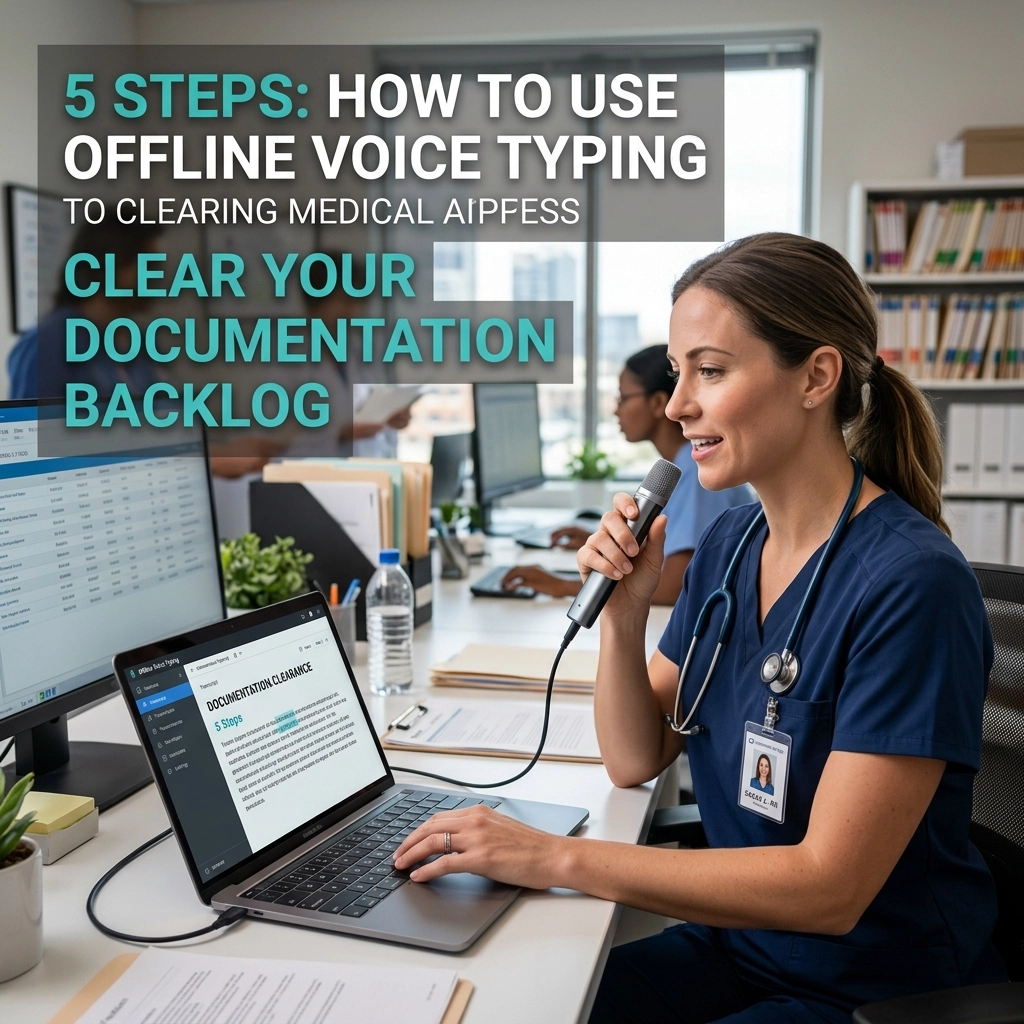
Stop typing. Your keyboard is a bottleneck.
You are a developer. You write code at the speed of thought, but your documentation lags weeks behind. Every undocumented function is a debt. Every empty README is a ticking time bomb for your team. You hate writing documentation because it pulls you out of the zone. It feels like a chore. It feels like "not coding."
The backlog grows. The technical debt piles up. You try to catch up on Fridays, but the context is gone. You’ve forgotten why you chose that specific design pattern. You’ve forgotten the edge cases you handled in that 200-line utility file.
There is a better way. Stop fighting the keyboard. Use your voice.
Offline voice typing is the secret weapon for high-velocity developers. It keeps you in your IDE. It keeps your data on your machine. It turns a two-hour writing task into a ten-minute conversation with your computer.
Here is how you clear that backlog and reclaim your flow.
The Problem: The Keyboard Bottleneck
Writing documentation is slow. You think faster than you type. When you switch from writing logic to writing prose, your brain shifts gears. This context switch is expensive. It breaks your flow state.
Traditional voice tools fail developers. They require an internet connection. They send your proprietary code snippets to the cloud. They lag. They get technical terms wrong. You spend more time fixing the transcript than you would have spent typing.
You need a tool that works where you work. You need a tool that respects your privacy. You need VoiceType.
Step 1: Optimize Your Environment for Flow
Flow is fragile. Protect it.
Before you tackle the backlog, set the stage. You don't need a professional recording studio. You need a quiet corner and a decent microphone. Your laptop mic works, but a dedicated headset is better. It isolates your voice. It cuts out the mechanical clicks of your keyboard.
Open your IDE. Whether it's VS Code, IntelliJ, or Vim, stay there. Do not open a separate browser tab. Do not open a different app. Documentation should live where the code lives.
Launch your offline voice typing software. Offline is non-negotiable. If you have to wait for a server in Northern Virginia to process your voice, you’ve already lost the rhythm. You need instant feedback. You need to see the words appear on the screen as you say them.

Step 2: The "Brain Dump" Dictation
Do not try to write a perfect README on the first pass. Perfectionism is the enemy of progress.
Start with a "Brain Dump." Navigate to the file that needs documentation. Place your cursor in a comment block or a markdown file. Hit the shortcut. Start talking.
Describe what the code does. Explain why it exists. Mention the "gotchas." Speak naturally. Do not worry about grammar. Do not worry about punctuation. Just get the knowledge out of your head and onto the screen.
Say things like: "This function handles the user authentication. It checks the JWT in the header. If it's expired, it throws a 401. I used a custom middleware here because the default one didn't support our legacy database."
Your brain is a processor, not a storage drive. Move the data out. Voice typing allows you to export your thoughts at the speed of speech. This is the fastest way to bridge the gap between "code done" and "documented."
Step 3: Use Voice Commands for Structure
Raw text is a start, but documentation needs structure. You don't need to reach for the mouse to create headers or lists.
Modern offline voice tools allow you to dictate formatting. Use imperative commands.
"New paragraph."
"Heading two."
"Bullet point."
Structure your thoughts as you speak. If you are documenting an API endpoint, call out the sections. "Header: Parameters. Bullet: User ID. Bullet: Auth Token."
By structuring with your voice, you keep your hands off the keyboard. You maintain the physical sensation of flow. You are no longer "typing a document." You are "building a map" of your code.

Step 4: Refine and Format (The "Hybrid" Phase)
Once the core information is on the page, switch to refinement. This is the only time your hands should touch the keys.
Voice typing gets you 90% of the way there in 10% of the time. Use the remaining time to clean up technical terms that might have been misspelled. Add backticks around your variable names. Fix the indentation.
Because the bulk of the "writing" is already done, this phase feels easy. You are an editor now, not a writer. Editing is mentally cheaper than creating. You can polish five files in the time it used to take to write one.
Check your backlog. It’s shrinking. You’ve just documented three modules in the time it took to finish your coffee.
Step 5: Establish the "Real-Time" Ritual
The best way to clear a backlog is to stop it from forming.
Make voice typing your post-commit ritual. Finished a feature? Don't move to the next Jira ticket yet. Spend three minutes dictating the changes. Record the "why" while the logic is still fresh in your prefrontal cortex.
This is where the offline aspect becomes critical. Since the processing happens on your device, there is zero friction. You don't need to check your Wi-Fi. You don't need to worry about company security policies regarding AI and data privacy. You just speak, and it’s done.
Integrate this into your daily standup prep. Dictate your notes. Clear your head. Move on.

Why Offline is the Only Way for Developers
Privacy is not a luxury; it’s a requirement.
When you use cloud-based voice typing, you are "renting" your productivity. You are paying with your data. For a developer, your data is your IP. You cannot risk your codebase or your architectural secrets being used to train someone else's model.
Offline voice typing gives you total ownership.
- Speed: Local processing means zero latency. The text appears as you speak.
- Security: Your voice stays on your hardware. Your code stays in your IDE.
- Reliability: It works in a coffee shop, on a plane, or in a high-security office with no external web access.
You aren't just using a tool; you are installing a permanent capability into your workflow.
Reclaim Your Time
Documentation doesn't have to be the part of the job you hate. The frustration comes from the tool, not the task. The keyboard is for logic. The voice is for explanation.
By separating the two, you unlock a new level of productivity. You clear the backlog. You help your teammates. You become the developer who actually ships finished, documented, professional-grade software.
Stop staring at the blinking cursor. Stop dreading the "Documentation Required" tag.
Open your IDE.
Turn on VoiceType.
Start talking.
The backlog won't clear itself. But with offline voice typing, it’s finally a fair fight. You have the speed. You have the privacy. You have the flow.
Get started today. Visit voicetype.in and see how fast you can really go. Check our sitemap for more guides on optimizing your developer workflow.
Your code deserves to be understood. Your time deserves to be respected.
Speak your documentation into existence. Done is better than perfect, and fast is better than slow. Clear that backlog now.
Leave a Reply