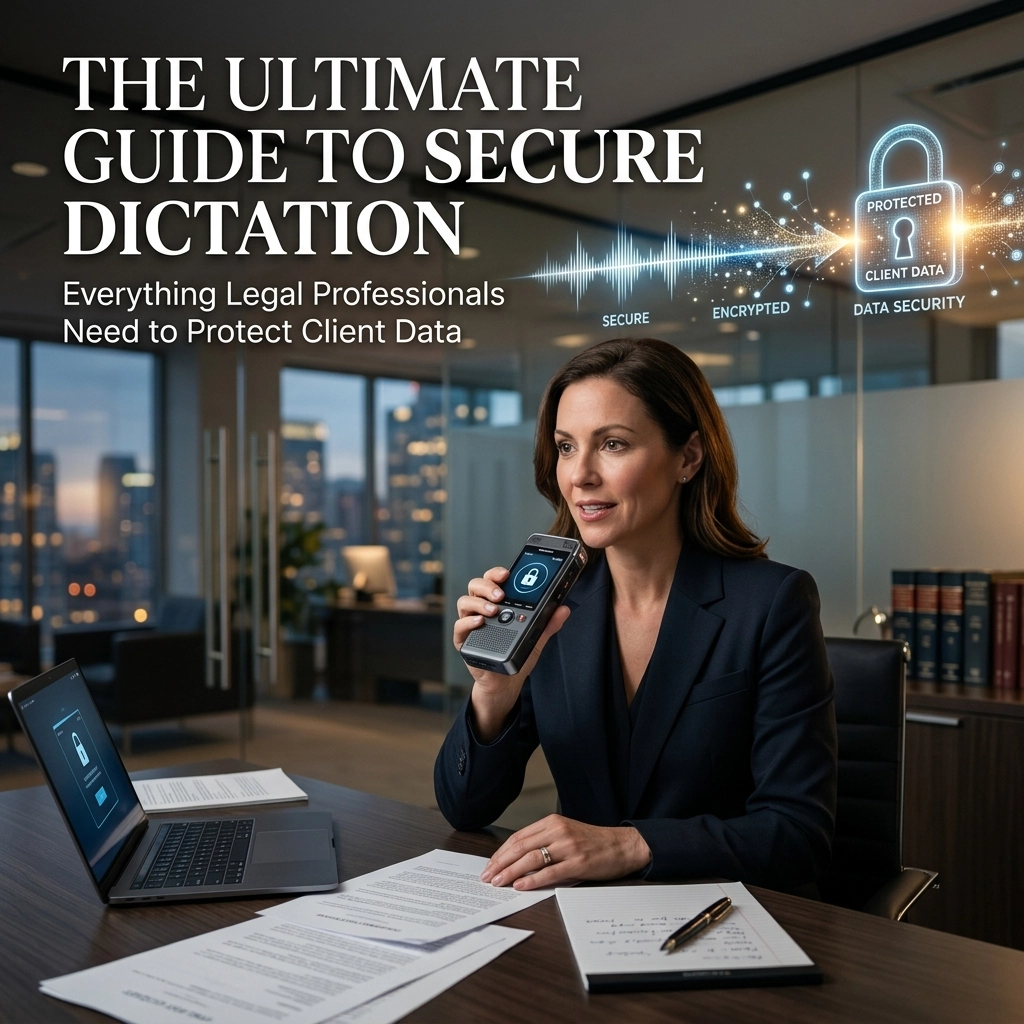
Your words are your product. As a legal professional, every sentence you utter contains privileged information, strategy, and sensitive client data. You are under constant pressure to produce more documents in less time. You need speed. You need accuracy. But above all, you need security.
Most dictation tools are failing you. They trade your privacy for convenience. They send your voice to a server across the world. They "rent" your data to train their models. This is a liability you cannot afford.
It is time to change how you work. Stop typing. Start dictating. But do it right.
The Cloud is a Sieve
Stop sending your client’s secrets to the cloud.
When you use standard, cloud-based dictation, your voice is recorded, compressed, and transmitted. It sits on a third-party server. It is processed by an algorithm you don’t own. It is stored in a database you don’t control.
This is a massive breach waiting to happen.
The Solicitors Regulation Authority (SRA) and the Law Society are clear: you must keep client affairs confidential. Cloud services introduce third-party processors. They introduce cross-border data transfer risks. They introduce data retention policies that conflict with your professional obligations.
If a hacker breaches the cloud provider, your client's strategy is gone. If the provider changes their terms, your data is at risk.
The Solution: Offline Dictation.
Offline dictation keeps everything on your machine. No data leaves your room. No audio hits the internet. No third party ever hears a word. This is not just a feature; it is a fortress.

Attorney-Client Privilege Depends on Your Tech
Privilege is not a suggestion. It is the bedrock of your practice.
If you use a tool that lacks HIPAA-ready protocols or SOC 2 compliance, you are gambling with that privilege. Standard built-in tools on your phone or laptop are designed for grocery lists, not legal briefs. They lack the encryption and local processing required to protect high-stakes communications.
Think about your current workflow. Are you dictating case citations, witness names, or settlement figures into a "free" app?
You are the product. Those companies use your data to get better. They learn from your vocabulary. They profit from your intellectual property.
Reclaim your ownership. Use software that processes locally. When the work stays on your hardware, the privilege stays intact.
Triple Your Output Without Breaking a Sweat
Lawyers speak at 125–150 words per minute. Most lawyers type at 40–50 words per minute.
Do the math. You are wasting hours every day staring at a keyboard. Typing is a bottleneck. It slows down your thoughts. It creates a barrier between your brain and the page.
Dictation is three times faster. It allows you to breeze through:
- Initial case notes.
- Complex briefs.
- Client emails.
- Contract drafting.
- Post-hearing summaries.
Speed is useless without precision. General-purpose dictation tools hover around 85% accuracy. In the legal world, 85% is a failure. One wrong word in a case citation can ruin a motion. One "not" left out of a contract can cost millions.
You need tools tuned for legal vocabulary. You need a system that understands "stare decisis" and "interrogatories" without stumbling. High-accuracy legal dictation delivers the results you need the first time.

The Remote Work Trap
Your home office is not as secure as you think.
Remote work has made confidentiality harder to maintain. You dictate while your family is in the next room. You use your home Wi-Fi, which might not be as secure as the firm's network. You mix personal devices with professional tasks.
If you use cloud-based dictation on an unsecured home network, you are opening a door to your data.
Offline dictation slams that door shut.
Because no data is transmitted, the security of your Wi-Fi becomes irrelevant. You can dictate in a coffee shop, on a train, or in a hotel room. You can work anywhere without fear of an intercept.
Follow these environmental safeguards:
- Close your door.
- Use a noise-canceling headset.
- Use "push-to-talk" mode.
- Dictate only what is necessary.
Physical security matters. Don't let your voice be the weak link in your security chain.
How to Dictate Like a Pro
Dictation is a skill. Master it to maximize your efficiency.
Prepare your materials. Don't wing it. Have your files, reports, and notes ready before you hit record. A clear plan leads to a clear transcript.
Speak with authority. Don't mumble. Don't whisper. Enunciate every syllable. Avoid fillers like "um," "ah," and "you know." These clutter your documents and waste your time during editing.
Control your environment. Position your microphone correctly. Don't breathe directly into the element; it creates distortion. If you are using a laptop microphone, stay at a consistent distance.
Use imperatives. Tell the software what to do. "New paragraph." "Comma." "Period." "End of dictation."
Treat your dictation like a final draft. The better you speak, the less you have to edit.

Own Your Tools, Don't Rent Them
The modern software industry wants to trap you in a subscription loop. They want you to pay every month for the "privilege" of using their cloud.
We believe in a different model.
At VoiceType, we focus on tools that work for you, not the other way around.
When you choose an offline, HIPAA-ready solution, you are choosing independence. You are choosing a tool that works without an internet connection. You are choosing a utility that stays silent in the background until you need it.
Compare the two ways:
- The Old Way: Slow typing, risky cloud uploads, monthly fees for data-mining apps, and constant worry about breaches.
- The New Way: Rapid dictation, 100% local processing, total privacy, and a workflow that scales with your ambition.
The choice is obvious.
The Quantitative Advantage
Let’s look at the numbers.
If you save two hours a day by dictating instead of typing, that is 10 hours a week. That is 40 hours a month. You are reclaiming an entire work week every single month.
What is your hourly rate? Multiply that by 40. That is the cost of your current typing habit.
Dictation isn't just about "productivity." It's about ROI. It's about billing more or going home earlier. It's about focusing on the law instead of the keyboard.

Address the Objections
"I've tried dictation before and it didn't work."
You likely used a general tool. Legal dictation is different. The accuracy is higher. The vocabulary is specialized. Give modern, offline AI a chance to prove you wrong.
"Setting up offline software is hard."
No. It’s easier than managing complex cloud logins and security permissions. You install it. It works. It stays on your device.
"Is it really HIPAA-ready?"
If the data never leaves your device, you are already ahead of the curve. By eliminating the "transmission" and "storage" phases of data handling on third-party servers, you satisfy the core requirements of data protection.
Reclaim Your Time and Your Privacy
The legal industry is changing. The lawyers who succeed will be the ones who leverage technology without sacrificing their ethics.
Stop being a slave to the keyboard. Stop risking your client data on the cloud.
Choose a solution that respects your profession. Choose offline. Choose speed. Choose security.
It is time to work at the speed of thought.
Visit VoiceType to learn how we are helping legal professionals like you dominate their day with secure, high-speed dictation.
Don't just work harder. Work smarter. Protect your data. Reclaim your life.
Leave a Reply