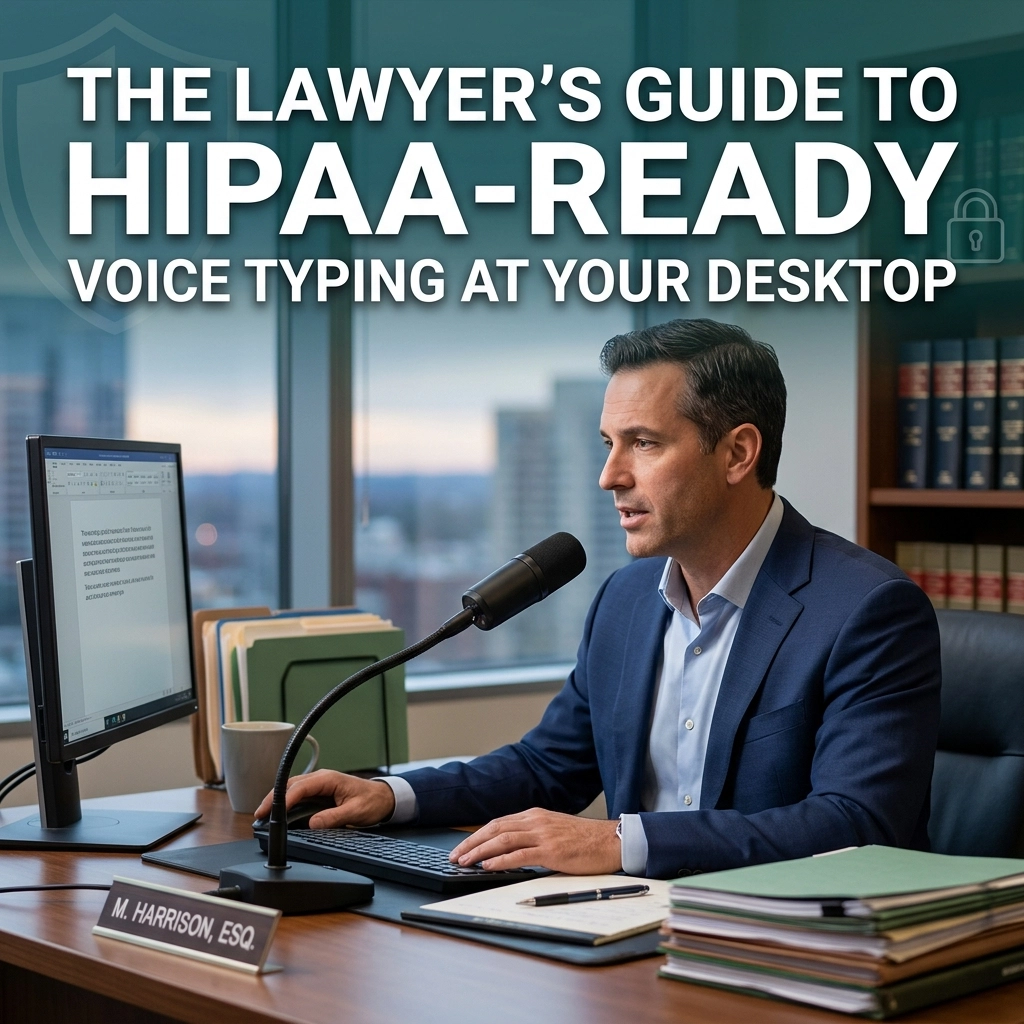
The Hidden Liability in Your Workflow
Stop talking to your computer. At least, stop talking to it through the cloud.
You are a lawyer. Your words are your product. Your clients trust you with their most sensitive secrets. If you practice personal injury, medical malpractice, or health law, those secrets fall under HIPAA. You handle Protected Health Information (PHI) every single day.
You need to draft faster. You want to use voice typing. It makes sense. Humans speak at 150 words per minute. They type at 40. The math is simple. Dictation recovers hours of billable time.
But there is a trap.
Most voice-to-text tools are "free." They live in the cloud. They send your voice to a server owned by a tech giant. They store the audio. They use it to train their models. They keep logs of what you said, when you said it, and where you said it.
For a legal professional, this is a disaster. It is a breach of confidentiality. It is a violation of HIPAA. It is a risk you cannot afford to take.

The Cloud is a Witness You Didn't Hire
Think about your current process. You open a document. You hit the microphone icon. You dictate a sensitive client memo.
Where does that audio go?
If you use standard built-in tools or common browser-based extensions, that data travels across the open internet. It sits on a third-party server. You have no control over it. You have no Business Associate Agreement (BAA) with the provider.
If that server is breached, your client's PHI is gone. If that company is subpoenaed, your dictation is evidence.
HIPAA requires more. It requires end-to-end encryption. It requires strict access controls. It requires audit logs. Most importantly, it requires the vendor to sign a BAA.
Without these, your "productivity hack" is a professional liability.
The Solution: Offline, Desktop-First Dictation
Reclaim your privacy. Move your dictation off the cloud and onto your desktop.
The "New Way" of voice typing doesn't need the internet. It uses the power of your own machine. At VoiceType, we believe your data belongs to you. Not us. Not a cloud provider. You.
Offline dictation is the only way to guarantee HIPAA compliance. If the data never leaves your computer, it cannot be intercepted. It cannot be leaked. It cannot be sold.
This is not just about security. It is about speed.
Cloud-based tools have latency. You speak. You wait. The text appears. It’s a stuttered, frustrating experience. Offline tools are instant. They provide sub-200ms response times. The text appears as fast as you think it.

The HIPAA-Ready Checklist for Lawyers
Don't settle for "secure." Demand HIPAA-ready. Here is what you must look for in a desktop voice-typing solution:
1. Zero Data Retention
The software should process your voice and then forget it. No audio files stored in a "history" folder. No transcriptions saved to a hidden database. Once the text hits your document, the audio should vanish.
2. Local Processing
If the tool requires an internet connection to function, it is a risk. True HIPAA-ready tools work in airplane mode. This ensures that no PHI ever touches a server you don't own.
3. Business Associate Agreements (BAA)
Never use a tool for PHI unless the company is willing to sign a BAA. This document legally binds the vendor to HIPAA standards. It is your shield in an audit.
4. System-Wide Integration
Don't get locked into one app. Your dictation should work in Clio. It should work in Outlook. It should work in Microsoft Word and Slack. A system-wide utility follows you wherever you type.
5. Legal Vocabulary Recognition
Standard tools struggle with "certiorari" or "res ipsa loquitur." A professional tool understands the language of the law. It reduces the time you spend editing and increases the time you spend billing.

Stop Renting, Start Owning
Most software companies want to rent you their tools. They want a monthly subscription. They want your data. They want you dependent on their cloud.
We take a different approach. At VoiceType, we offer a minimalist, powerful utility that lives on your machine.
Think of it as a silent partner. It stays out of your way. It doesn't nag you with notifications. It doesn't ask to "improve your experience" by harvesting your data. It just works.
When you use offline, HIPAA-ready dictation, you are taking ownership of your practice. You are removing the middleman between your thoughts and the page. You are protecting your clients and yourself.
How to Integrate Voice Typing into Your Legal Workflow
Setting up a HIPAA-ready workflow is easier than you think.
- Install a local-first dictation tool. Choose a solution that prioritizes privacy and local processing.
- Verify your BAA. Ensure the paperwork is in place before you dictate the first word of PHI.
- Optimize your hardware. Use a high-quality desktop microphone. This reduces errors and eliminates the need for constant corrections.
- Dictate everything. Don't just use it for long briefs. Use it for emails. Use it for time entries. Use it for quick notes after a client call.
- Reclaim your time. Watch your word count climb and your stress level drop.

The Problem vs. The Solution
The Old Way:
- Risky: Audio stored on tech-giant servers.
- Slow: Latency and "buffering" during dictation.
- Limited: Only works in specific browsers or apps.
- Vulnerable: No BAA, no HIPAA protection.
The New Way (VoiceType):
- Private: Data stays on your hard drive.
- Fast: Instant text-to-speech with zero lag.
- Universal: Works in every app on your desktop.
- Compliant: Designed for professionals who handle sensitive data.
Your Privacy is Your Professionalism
In the legal world, a breach is more than a technical error. It is a breach of the oath you took.
The tools you use are an extension of your practice. If your tools are leaky, your practice is leaky. If your tools are insecure, your clients are at risk.
You don't need a complex AI suite. You don't need a "platform." You need a tool that does one thing perfectly: turns your spoken words into text without compromising your ethics.
Final Thoughts for the Modern Attorney
The desktop is where the real work happens. It's where the briefs are written and the cases are won. Your voice-typing solution should be as professional as the work you produce.
Stop settling for consumer-grade tools that treat your data like a commodity. Switch to a HIPAA-ready, offline solution that treats your data like the privileged information it is.
Direct. Fast. Secure.
Take back your time. Protect your clients. Start speaking.
For more information on how to optimize your legal productivity, visit voicetype.in or explore our sitemap.
Leave a Reply