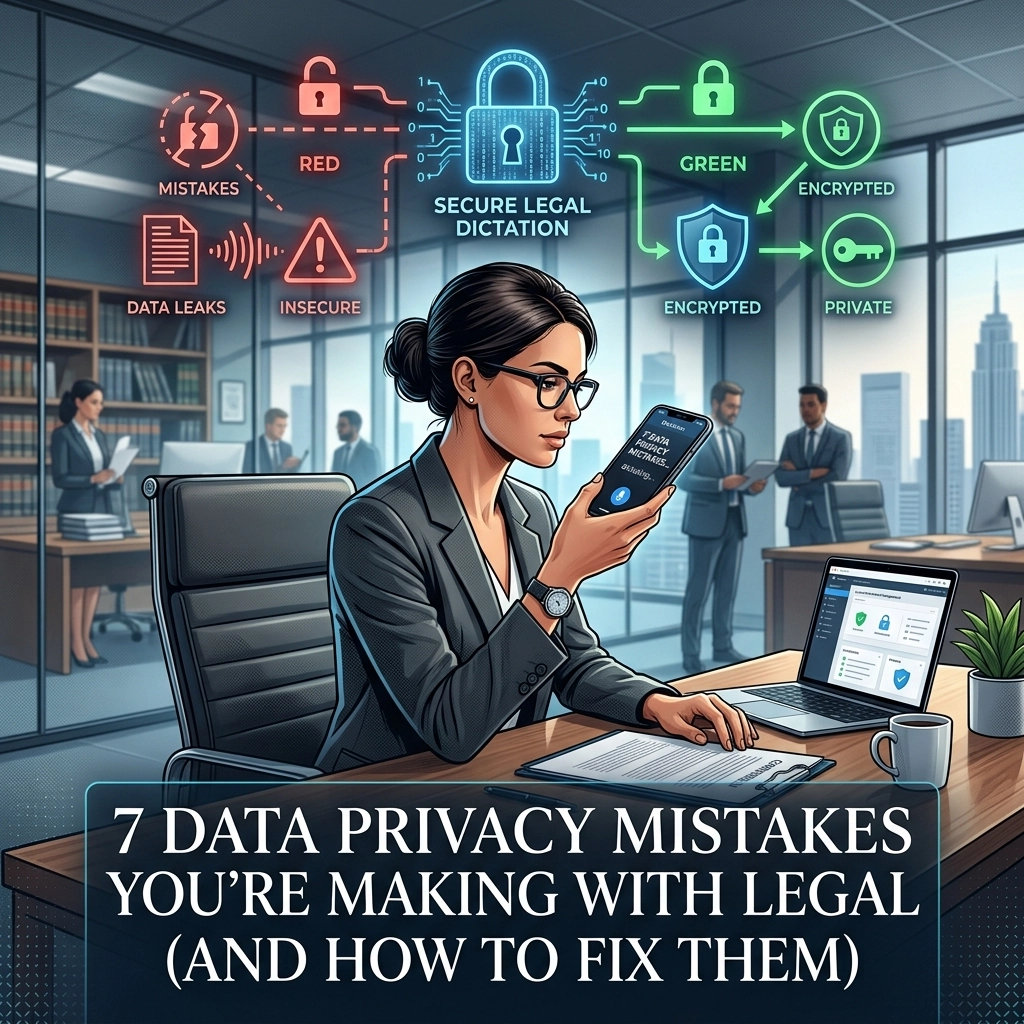
You talk. Your software listens. You save time.
That is the promise of modern dictation. But for legal professionals, that promise comes with a massive, invisible price tag: your client’s privacy. In the rush to bill more hours and clear the desk, most attorneys are handing over the keys to the kingdom. They are using tools that treat confidential case files like public social media posts.
Privacy is not a feature. It is the foundation. If your dictation workflow relies on the cloud, you are not in control. You are a tenant on someone else’s server. You are a target for data breaches. You are likely violating HIPAA and attorney-client privilege without even knowing it.
Stop gambling with your career. Fix these seven critical mistakes before a data leak does it for you.
1. You Are Ignoring Jurisdictional Consent Laws
Recording a conversation is easy. Staying out of jail is harder.
Many attorneys use dictation or automated transcription tools during meetings or depositions without a second thought. This is a trap. In "two-party" or "all-party" consent states like California, Florida, and Illinois, recording someone without their explicit, affirmative consent is more than a mistake. It is a crime.
The Problem: You assume "I'm the lawyer" gives you a pass. It doesn't. Recording a client or a witness through a cloud-based dictation app transmits that audio to a third-party server. If you haven't documented their consent, you have created a digital trail of a legal violation.
The Fix: Verify your local laws. If you are in an all-party state, get consent before you hit record. Every time.
Action Plan:
- Add a standard consent clause to your engagement letters.
- Start every recording by stating the date, the participants, and asking for verbal confirmation that everyone knows they are being recorded.
- Document this consent in your case management system.

2. You Are Training Someone Else’s AI with Your Secrets
Most "free" or cheap dictation apps have a hidden tax. You pay with your data.
When you use a standard cloud-based AI tool, your audio doesn't just sit there. It is analyzed. It is parsed. It is used to "improve the user experience." In plain English: your confidential case strategy is being used to train a machine learning model owned by a tech giant.
The Problem: Your vendor is mining your dictations. They are using your unique legal arguments and client secrets to make their AI smarter for your competitors. Once your data is fed into a training set, it is gone. You cannot "delete" it from the AI’s memory.
The Fix: Scrutinize your vendor’s Data Protection Agreement (DPA). If they don't explicitly promise that your data is never used for model training, stop using them.
Action Plan:
- Demand a written guarantee that your data is siloed.
- Choose tools that prioritize local processing.
- Switch to VoiceType for dictation that respects the wall between your data and the cloud.
3. You Are Transmitting Data Without End-to-End Encryption
If your data travels across the open internet without protection, it is a postcard. Anyone with the right tools can read it.
Legal dictation often includes Social Security numbers, medical histories, and financial records. If you are using a tool that doesn't use AES-256 encryption at rest and TLS 1.3 in transit, you are leaving the door wide open for hackers.
The Problem: Many apps encrypt data "on their servers" but not while it's moving. This is like locking your front door but leaving your windows wide open.
The Fix: Move to a local-first workflow. The most secure data is the data that never leaves your computer.
Action Plan:
- Audit your current software. Look for "End-to-End Encryption" (E2EE).
- Prioritize offline dictation. If the processing happens on your laptop, the "transmission" risk drops to zero.
- Verify that your backups are also encrypted using the same industry-standard protocols.

4. You Have No Data Deletion Policy
Digital clutter is a liability.
Many law firms treat their dictation archives like a digital basement. They record a memo, get the transcript, and then leave the audio file sitting on a server indefinitely. This is a ticking time bomb. If you are hit with a subpoena or a data breach, every file you "forgot" to delete becomes evidence or a leak.
The Problem: Keeping data longer than necessary violates GDPR and HIPAA. It creates a massive "attack surface." The more you keep, the more you can lose.
The Fix: Implement a strict "Burn After Reading" policy. Once a dictation is transcribed and verified, the raw audio and the temporary cloud files must be destroyed.
Action Plan:
- Set a 30-day maximum retention period for all dictation files.
- Automate the deletion process. Do not rely on manual cleaning.
- Ensure your vendor actually deletes the data from their backups, not just the "active" folder.
5. Your Access Controls Are Too Weak
Not everyone in your firm needs to hear every word you say.
In many small-to-medium firms, dictation accounts are shared. Or, the transcripts are saved to a general folder that the entire staff can access. This "open door" policy is a direct violation of the principle of least privilege.
The Problem: If a paralegal can access a partner’s sensitive dictation about a sensitive HR matter or a high-stakes merger they aren't working on, your security has failed.
The Fix: Implement Role-Based Access Control (RBAC). Limit access to the minimum necessary for each person to do their job.
Action Plan:
- Use individual logins for every team member. No shared passwords.
- Quarterly audit who has access to which folders.
- Revoke access immediately when a staff member leaves the firm.

6. You Aren't Training Your Team on HIPAA Readiness
Your software might be HIPAA-ready, but your staff isn't.
Privacy is a culture, not a setting. If your attorneys are dictating PHI (Protected Health Information) while sitting in a crowded Starbucks, they are creating a breach. If they are sending unencrypted transcripts over standard email, they are violating federal law.
The Problem: You assume your team knows the rules. They don't. They prioritize speed over security. Without regular training, they will take the path of least resistance: which is usually the least secure path.
The Fix: Conduct mandatory, biannual data privacy training. Focus specifically on the risks of mobile dictation and AI tools.
Action Plan:
- Create a "Security First" handbook for dictation.
- Prohibit dictating sensitive information in public spaces.
- Require the use of secure, encrypted portals for sharing transcripts.
7. You Aren't Monitoring the Logs
"Set it and forget it" is a dangerous mindset for legal tech.
If you don't know who accessed a file, when they accessed it, or where they accessed it from, you have no security. Compliance audits require a paper trail. If you are ever investigated for a HIPAA violation, "I don't know" is not an acceptable answer.
The Problem: Most firms only look at their logs after something goes wrong. By then, it’s too late.
The Fix: Use automated monitoring tools that alert you to unusual activity. If someone tries to download 500 dictation files at 3:00 AM on a Sunday, you need to know about it instantly.
Action Plan:
- Enable "Audit Logging" on all transcription and dictation software.
- Review access logs once a month.
- Ensure your logs are tamper-proof and stored separately from the data.

The Ultimate Fix: Go Offline
The common thread in all these mistakes is the cloud.
When you send your voice to a server, you surrender your privacy. You depend on someone else’s security, someone else’s ethics, and someone else’s uptime.
There is a better way.
The new standard for legal professionals is offline, local-first dictation.
By processing your speech directly on your device, you bypass the cloud entirely. No data transmission. No AI training on your secrets. No server-side breaches. You get the speed of modern AI with the security of an offline vault.
This is what we built at VoiceType. It’s not just a tool; it’s a way to reclaim your autonomy.
Why Offline Dictation Wins:
- True HIPAA Readiness: Data never leaves your sight. You are the only one who holds the keys.
- Zero Latency: You don't need a Wi-Fi connection to be productive. Dictate on a plane, in a courtroom, or in a rural office.
- Maximum Privacy: Your client's secrets stay on your hardware. Period.
- Ownership: You aren't renting a service that can change its terms tomorrow. You are using a utility that works for you.
Stop making these seven mistakes. Stop treating your dictations like public data. Lock down your workflow, verify your consent, and move your processing to the edge.
Your clients trust you with their lives and their livelihoods. Don't let a "convenient" app betray that trust.
Reclaim your privacy. Start dictating securely today.
Leave a Reply