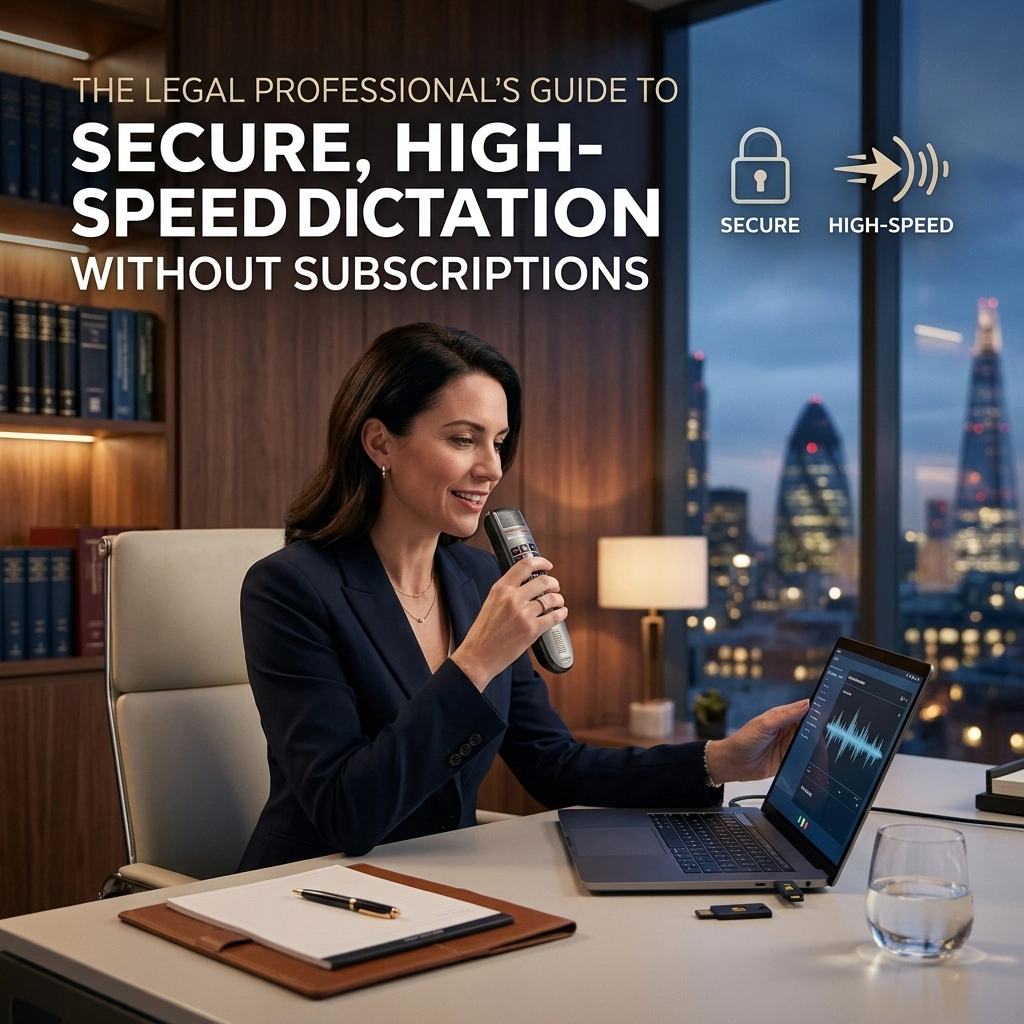
You are a legal professional. Your time is your most valuable asset. Every minute spent hunting and pecking at a keyboard is a minute stolen from your clients, your billable targets, and your life.
Typing is slow. Your brain is fast. Close the gap.
For decades, the legal industry has been held hostage by two things: clunky, expensive legacy software and never-ending monthly subscriptions. You pay for the privilege of working. You pay to keep your own data in a cloud you don't control. You pay for "updates" that don't change your workflow.
Stop renting your productivity. Start owning it.
This is the definitive guide to secure, high-speed dictation designed specifically for the legal sector. No cloud. No subscriptions. No compromises.
The Problem: The Hidden Cost of "Free" and "Cloud"
Most lawyers use what’s built-in. Apple Dictation. Windows Voice Typing. Google Docs.
They are free. They are also a liability.
When you speak into a cloud-based tool, your words leave your room. They travel across servers. They are processed by third parties. For a lawyer, this is a gamble. Attorney-client privilege is the bedrock of your practice. Why would you risk it for a free utility?
Cloud dictation is a leak waiting to happen. If the internet goes down, your productivity dies. If the server is hacked, your client’s secrets are out. If the provider changes their terms, your workflow breaks.
Then there are the "Pro" tools. You know the ones. They charge you $50, $80, or $100 every single month. They call it a "service." We call it a tax on your talent. You are trapped in a cycle of "rented" software where you never truly own the tools you use to build your cases.

The Solution: Offline, Local, and Lifetime
The alternative is simple: Local processing.
Imagine a tool that lives entirely on your machine. It doesn't need Wi-Fi. It doesn't send data to a server. It doesn't track your transcripts. It just works.
This is what we built at VoiceType. It is dictation for the modern legal professional who values privacy above all else.
1. Absolute Security (HIPAA-Ready)
Legal work demands HIPAA-level security. When we say "offline," we mean it. Every word you dictate is processed by your computer’s own hardware. This isn't just a "privacy mode." It is a physical impossibility for your data to leak because it never leaves your hard drive.
Protect your privilege. Secure your depositions. Draft your motions in total digital isolation.
2. High-Speed Performance
Typing averages 40 words per minute (WPM). High-speed dictation hits 150-180 WPM.
Do the math. You are currently working at 25% of your potential speed. By moving to dictation, you reclaim three hours for every one hour spent drafting. This isn't just about finishing work early; it's about increasing your capacity without increasing your stress.
3. One-Time Payment
Stop the monthly bleed. The best tools should be an investment, not an expense. You buy your desk. You buy your laptop. You should own your dictation software.
A lifetime license means you pay once and use it forever. No "Basic" vs "Pro" tiers. No sudden price hikes. Just a powerful utility that becomes part of your firm’s infrastructure.

Speed Without the Struggle
Many lawyers avoid dictation because they remember the "old way." You had to "train" the software for hours. You had to speak like a robot. You had to correct every third word.
That era is over.
Modern AI models: specifically those built on Whisper architecture: don't need training. They understand context. They understand legal terminology. They understand Latin phrases.
Start talking. The software follows. It handles the heavy lifting so you can focus on the legal strategy.
Why Offline Speed Matters
Cloud tools have latency. You speak, you wait, the text appears. It’s a stuttered experience that breaks your flow.
Offline dictation is instant. It uses your computer’s GPU to translate speech to text in real-time. Sub-second response times. No "loading" circles. No "reconnecting to server" errors. It is as fast as your thoughts.

Reclaiming Your Workflow
How much of your day is spent in "administrative friction"? Writing emails to clients. Drafting memos. Updating case management notes.
These tasks aren't high-level legal thinking. They are data entry.
When you use a system-wide dictation tool like VoiceType, you don't have to change your habits. You don't "open" a dictation app. You just click into any text field: Word, Outlook, Clio, MyCase: and start speaking.
Use Cases for the Modern Lawyer:
- Drafting Briefs: Dictate the core arguments while walking your office. Movement sparks creativity.
- Client Communication: Answer 20 emails in the time it usually takes to write five.
- Meeting Notes: Summarize a deposition immediately after it ends, while the details are fresh.
- Courtroom Prep: Record your thoughts on the fly without looking down at a screen.

The Blunt Truth About Accuracy
"But I have an accent." "But I speak fast." "But I use technical jargon."
We hear it all. Here is the reality: Modern AI dictation is more accurate than a human stenographer. It doesn't get tired. It doesn't get distracted. It hits 99% accuracy right out of the box.
If you make a mistake, you fix it. But when the software gets 99 out of 100 words right at 150 WPM, your "correction time" is negligible compared to the time you save by not typing.
Privacy is Not a Feature: It’s a Right
In the legal world, confidentiality isn't a "nice-to-have." It is a professional requirement.
If you are using a subscription-based cloud tool, you are essentially outsourcing your client’s privacy to a tech company’s legal department. You are trusting their encryption, their employees, and their security protocols.
Why take the risk?
By choosing an offline, subscription-free model, you eliminate the middleman. You are the only person with access to your words. This is the only way to be 100% certain that you are meeting your ethical obligations in the digital age.

How to Switch (It Takes 5 Minutes)
Transitioning to a high-speed, secure workflow doesn't require a weekend of IT configuration.
- Download the Software: Get a tool that processes locally.
- Set Your Hotkey: Choose a button that feels natural.
- Stop Typing: Click into your document and speak.
That is it. No "Voice Profiles." No "Acoustic Optimizer." No cloud accounts.
The Bottom Line
The legal industry is changing. The lawyers who thrive are those who leverage technology to work smarter, not harder.
You can continue to pay "rent" to software giants. You can continue to type until your wrists ache. You can continue to risk client data on cloud servers.
Or, you can choose a better way.
Own your tools. Protect your data. Reclaim your time.
Dictation is no longer a luxury: it is a competitive necessity. Make the switch to a secure, high-speed, subscription-free environment today. Your firm, your clients, and your sanity will thank you.
Ready to see the difference? Visit VoiceType.in and take control of your productivity. Stop typing. Start winning.
Leave a Reply