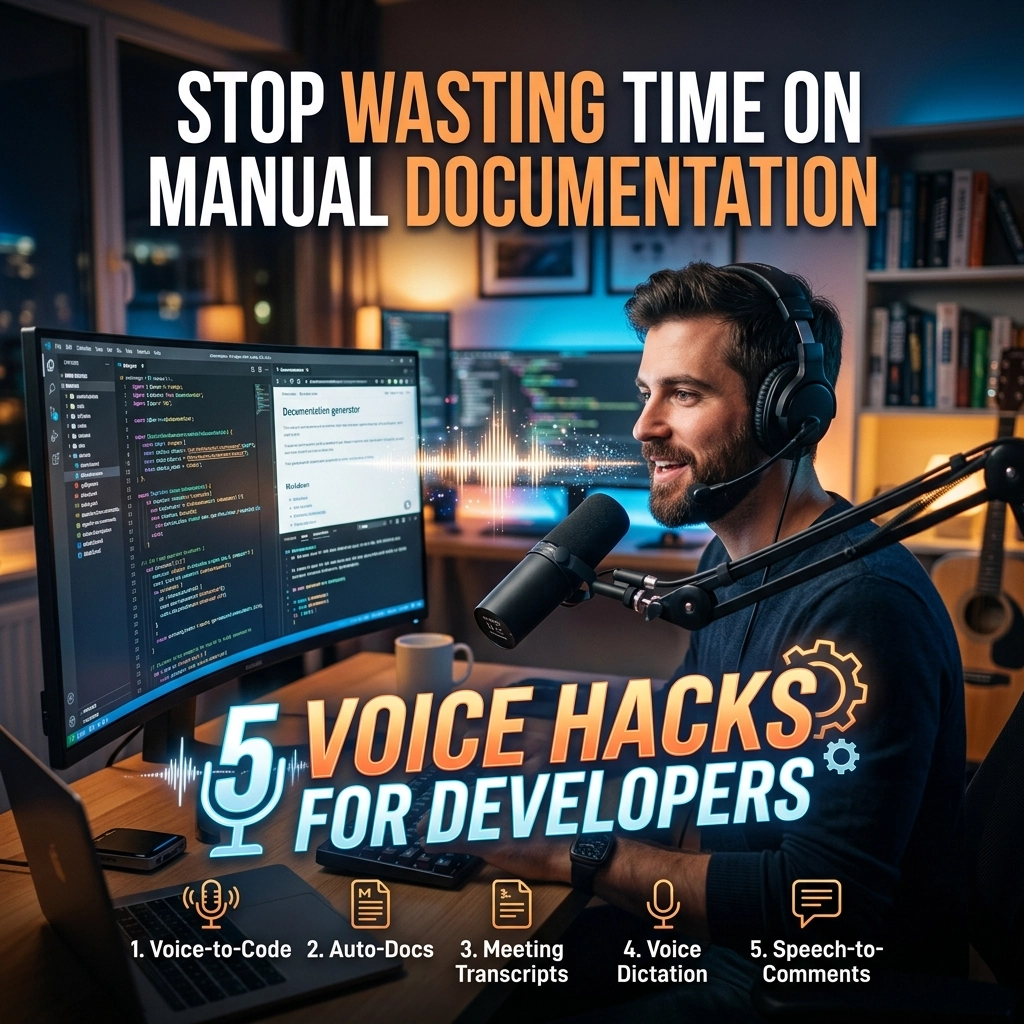
Typing is a bottleneck. Your brain moves at light speed. Your fingers move at a crawl. You spend 40% of your day writing things that aren't code. You write Jira tickets. You write PR descriptions. You write Slack updates. You write READMEs. It is slow. It is tedious. It kills your flow.
Stop letting your keyboard dictate your productivity. You are a developer, not a data entry clerk. Documentation is essential, but manual documentation is a relic. The future of engineering efficiency isn't faster typing. It is voice.
At VoiceType, we see the data. Developers who switch to voice for non-coding tasks reclaim hours every week. They stay in the "zone" longer. They produce better documentation. They suffer less burnout.
Here are 5 voice hacks to stop wasting time and start shipping.
1. Dictate Your AI Prompts for Maximum Context
AI tools like Cursor, Claude, and Copilot are only as good as the context you provide. Most developers write lazy prompts. "Refactor this function." "Fix the bug." The result? Generic code that requires three rounds of correction.
Short prompts happen because typing is effort. You take shortcuts to save your wrists. Voice removes the friction. Speaking 80 words takes 30 seconds. Typing 80 words takes two minutes.
The Hack: Use voice for every single prompt.
Don't just say "Refactor this." Say: "Refactor this function to use the new caching layer I built yesterday. Ensure the error handling catches the specific timeout exception from the database, and make sure the response follows the updated JSON schema in the docs."
More context equals better code. Better code means fewer bugs. Voice allows you to be verbose without the penalty of time. You get the "Senior Engineer" level output from your AI because you gave it "Senior Engineer" level instructions.

2. Use the "Post-Build Walkthrough" for Documentation
Documentation is a nightmare when you do it after the fact. You finish a feature. You’re exhausted. The last thing you want to do is open a blank Markdown file and explain what you just did. So, you skip it. Or you write a one-sentence summary that helps no one.
The Hack: Narrate your module as soon as you finish the last line of code.
Stay in your IDE. Hit record. Walk through the logic out loud. Explain why you chose that specific library. Mention the edge cases you considered. Talk about the "gotchas" for the next developer.
Take that transcript and drop it into VoiceType. Our AI turns your verbal ramblings into a structured, professional README or technical spec. You get high-quality documentation in the time it takes to drink a cup of coffee. Documentation becomes a byproduct of your work, not an obstacle to it.
3. Dictate PR Descriptions and Commits
Pull Request descriptions are where productivity goes to die. You have to summarize changes, link tickets, and explain testing steps. It’s manual labor. Most developers hate it, so they provide the bare minimum. This leads to longer review cycles and more "What does this do?" comments.
The Hack: Record your PR summary while looking at the diff.
Open your version control tool. Look at your changes. Speak the summary. "This PR updates the auth middleware. I fixed the token expiration bug and added a redirect for unauthenticated users. I tested this against the staging environment and verified the logs."
Stop clicking between tabs. Stop hunting for words. Speak the truth. Your reviewers will thank you for the clarity. Your manager will thank you for the speed. You will thank yourself for the lack of wrist pain.

4. High-Velocity Code Reviews
Code reviews should be a conversation, not a series of terse, cryptic comments. "Rename this variable" is a command. It’s cold. It lacks nuance. Sometimes you want to explain why something needs to change without sounding like an elitist.
The Hack: Use voice to dictate detailed feedback.
When you see a block of code that needs work, don't just leave a nitpick. Dictate the reasoning. "Hey, I think we should move this logic to the service layer. It'll make it easier to test later, and we might need to reuse this for the mobile API next month."
Voice allows you to provide mentorship alongside the review. It makes the feedback loop faster and more human. You can cover ten times the ground in a fraction of the time. It turns a chore into a high-leverage coaching moment.
5. The Verbal Blueprint: Think Out Loud
Starting a complex task is the hardest part. You stare at a blank screen. You feel scattered. You try to visualize the architecture, but it gets tangled in your head.
The Hack: Use voice to map out your approach before you touch the keys.
This is Rubber Ducking 2.0. Describe the flow. "Okay, first I need the controller to hit the validation service. If that passes, it goes to the repository. I need to handle the unique constraint error from the DB. Then I'll emit an event to the message bus."
When you speak your plan, you catch logical flaws before they become code. You create a verbal roadmap. Once the plan is spoken, the execution is easy. You aren't "figuring it out" as you type; you are simply translating your spoken plan into syntax.

The Problem: The "Typing Tax"
Why do these hacks work? Because the "Typing Tax" is real.
The Typing Tax is the mental energy you lose when you have to translate a complex thought into individual keystrokes. It is the friction that stops you from being thorough.
Think about it. Why are your Slack messages short? Why are your commits "Fixed stuff"? Why is your documentation sparse? It isn't because you are lazy. It's because typing is expensive. It costs time and physical effort.
Voice typing is cheap. It is the ultimate productivity arbitrage. You are trading a low-effort activity (speaking) for high-value output (detailed documentation and clear communication).
The Solution: Seamless Integration
You might think, "I can't use voice typing. It doesn't understand technical terms."
That was true in 2015. It isn't true in 2026. VoiceType is built for the modern technical stack. It knows the difference between "SQL" and "sequel." It knows "React," "Kubernetes," and "Asynchronous." It learns your specific vocabulary and your project’s context.
The old way of documentation:
- Finish coding.
- Open a document.
- Struggle to remember the "why."
- Type slowly for 45 minutes.
- Feel drained.
The new way with VoiceType:
- Finish coding.
- Speak for 3 minutes.
- AI generates the draft.
- Review and hit "Save."
- Move to the next task.

Reclaim Your Focus
Productivity isn't about working more hours. It’s about increasing the density of your output. Every minute you spend manually typing a status update is a minute you aren't solving a hard problem.
Voice is the invisible utility that works behind the scenes. It isn't a distraction. It's an accelerator. It allows you to maintain your "Flow State" by removing the physical barriers between your thoughts and the screen.
Stop renting your time to your keyboard. Own your productivity.
Address the Elephant: Privacy
"But I work in an open office."
"I don't want people to hear my ideas."
"Is the AI recording my proprietary code?"
These are valid concerns. But let's be direct: You already talk to your coworkers. You already join Zoom calls. You already explain your code in standups. Voice typing is no different.
As for privacy, VoiceType prioritizes security. Your data isn't used to train public models. Your voice is your own. The efficiency gains far outweigh the minor adjustment of speaking at your desk. If you can talk to a duck on your monitor, you can talk to your IDE.
Hard Numbers: The ROI of Voice
Let's look at the math.
If you save 15 minutes a day using voice for prompts, PRs, and docs, that is 1.25 hours a week. That is 65 hours a year.
That is over a week and a half of extra productivity reclaimed from the "Typing Tax." What could you do with an extra week and a half of pure coding time? You could launch a side project. You could master a new framework. You could actually finish your sprint on Thursday instead of Friday night.
The choice is simple. Continue the manual grind, or embrace the speed of sound.
Get Started Today
The transition to voice isn't a radical change. It starts with one habit.
Pick one hack from this list. Maybe it's the AI prompts. Maybe it's the PR descriptions. Do it for one week. See how much faster you feel. Notice the reduction in wrist fatigue.
Check our sitemap for more guides on integrating voice into your workflow.
Stop typing. Start speaking. Ship faster.

Leave a Reply