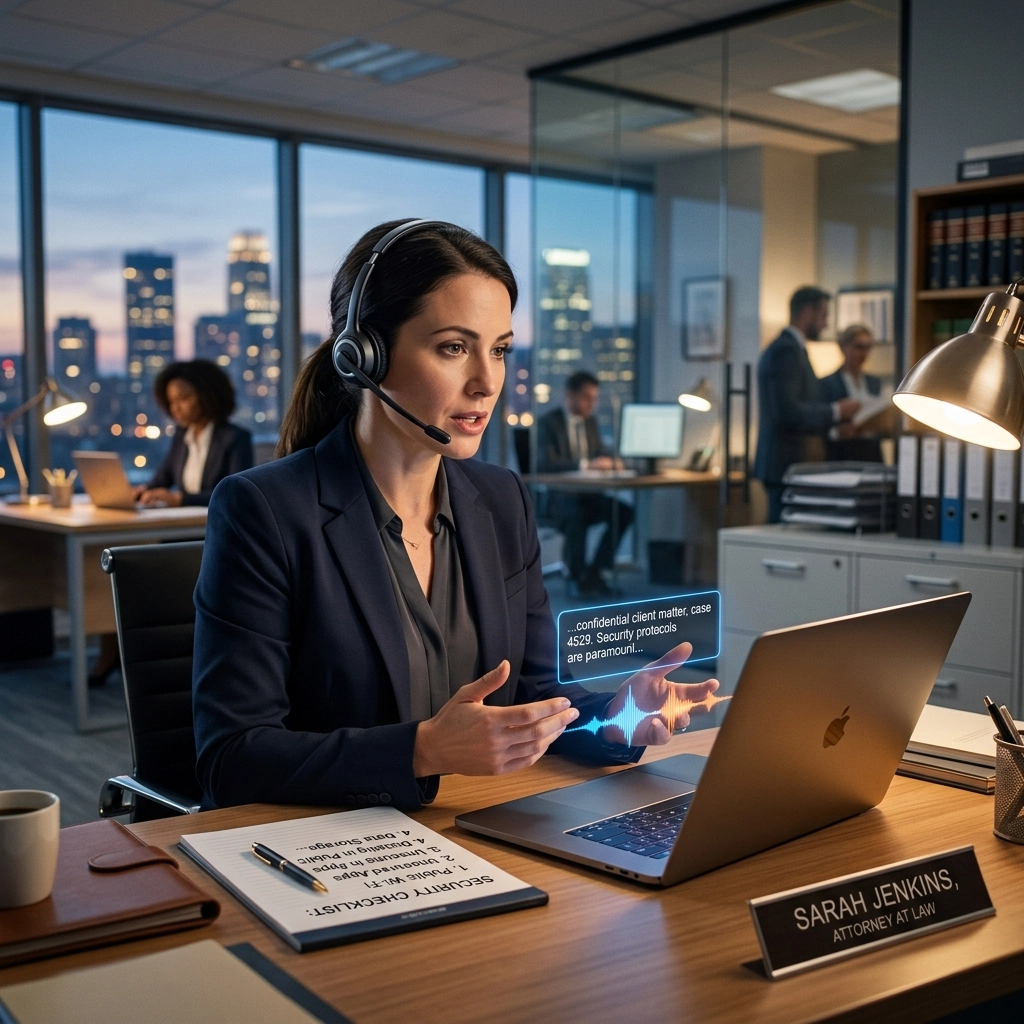
You speak. The computer listens. Your document appears.
It feels like magic. It feels like efficiency. But for most lawyers, it is a ticking time bomb.
Voice typing is no longer a luxury. It is a necessity for the modern firm. You have briefs to write, depositions to summarize, and client emails to clear. Typing by hand is a bottleneck. It slows your brain. It hurts your wrists.
But here is the truth: most voice-to-text tools are built for teenagers sending texts, not attorneys handling multi-million dollar litigation. When you use the wrong tool, you aren't just saving time. You are leaking privilege. You are violating HIPAA. You are handed a security nightmare wrapped in a productivity bow.
Stop compromising. Fix these seven security mistakes before they cost you your license.
1. Trusting "Free" Smartphone Dictation
You hit the microphone icon on your iPhone or Android. You dictate a sensitive case strategy. You think it stays on the phone.
It doesn't.
Standard mobile dictation sends your voice data to the cloud. It travels to servers owned by Big Tech. These companies process your audio, store it, and often use it to "improve their services."
The Mistake: Treating consumer-grade mobile tools as secure legal equipment.
The Fix: Use professional software that processes voice locally. If the data never leaves your device, it can never be intercepted. Keep your case strategy off the public cloud.
2. Sending Audio to Third-Party Servers
Every time your audio leaves your computer, you lose control. Most modern AI transcription services operate on a "send and receive" model. You upload a file or speak into a web browser. The server processes it. The text comes back.
What happens to the audio file in the middle? Who has access to those servers? What happens if that company suffers a data breach?
The Mistake: Relying on cloud-based processing for confidential client information.
The Fix: Demand offline dictation. Choose a tool like VoiceType that runs entirely on your local hardware. No internet required. No data transit. No leaks.

3. Letting AI Models Learn from Your Clients
This is the hidden danger of the AI boom. Many popular transcription tools use your data to train their Large Language Models (LLMs).
When you dictate a private medical history or a corporate merger detail, the AI learns those patterns. In some cases, that information can resurface in another user's prompt. You are essentially feeding your client’s secrets into a collective brain that you do not own and cannot control.
The Mistake: Using "learning" AI models that don't guarantee data isolation.
The Fix: Switch to local AI models. Local processing means the "brain" stays on your machine. It doesn't learn from you to teach others. Your data remains your data.
4. Ignoring HIPAA-Ready Standards
If you handle personal injury, medical malpractice, or any case involving healthcare data, you are bound by HIPAA. Most voice typing tools are not.
A tool that isn't HIPAA-ready is a liability. It doesn't matter how fast it is. If it lacks the necessary safeguards, encryption, and data handling protocols, one audit will destroy your practice.
The Mistake: Assuming "secure" means "compliant."
The Fix: Use software specifically designed for high-stakes environments. Look for offline, local-first solutions. Local storage is the ultimate HIPAA safeguard because the data is physically under your control, not a third party’s.

5. Working Without an Audit Trail
Who accessed that transcription? When was it created? Where is the original audio stored?
In a law firm, accountability is everything. Consumer tools offer zero visibility. If a file is leaked or a document is altered, you have no way to trace the path. You are flying blind in a profession that demands a paper trail.
The Mistake: Using tools that lack granular access controls and logging.
The Fix: Centralize your dictation on secure, local workstations. Implement clear protocols for file management. Use professional software that respects the chain of custody for every word you speak.
6. Dictating in Public Without Protection
Security isn't just about hackers. It’s about the person sitting behind you at the coffee shop.
Lawyers love to work on the go. They dictate in airports, lounges, and trains. This is a massive breach of physical security. You are literally broadcasting client secrets to anyone with ears or a directional microphone.
The Mistake: Failing to secure your physical environment during dictation.
The Fix: Only dictate in private spaces. If you must work in public, use high-quality noise-canceling microphones that focus only on your voice and minimize sound leakage. Better yet, save the dictation for the office.

7. Renting Your Security (The Subscription Trap)
Most voice typing software is a "service." You pay every month. If you stop paying, you lose access. More importantly, those companies keep your data on their servers to keep you locked in.
When you rent your software, you rent your security. You are at the mercy of their updates, their price hikes, and their security vulnerabilities.
The Mistake: Opting for subscription-based "SaaS" tools that hold your data hostage.
The Fix: Own your tools. Invest in software that offers a one-time purchase and local installation. Reclaim your privacy. Reclaim your budget.
The Solution: Local, Offline, Powerful
The "old way" of voice typing is risky. It relies on the cloud. It invites hackers. It violates privilege. It is slow, tethered to the internet, and expensive.
The "new way" is VoiceType.
VoiceType is built for the legal professional who refuses to compromise. It is AI-powered productivity that lives entirely on your computer.
- No Internet Required: Dictate on a plane, in a basement, or in a high-security courtroom.
- Zero Data Leaks: Your audio never leaves your hard drive. Period.
- HIPAA-Ready: Because the data stays local, you maintain total control over sensitive information.
- One-Time Payment: Stop paying rent for your productivity. Own the software. Own the results.
How to Fix Your Workflow Today
- Audit your current tools. Ask yourself: Does this software need the internet to work? If the answer is yes, your data is at risk.
- Delete consumer apps. Remove "free" transcription apps from your work devices. They are data harvesters.
- Go local. Install a professional, offline solution like VoiceType.
- Train your team. Ensure every associate and paralegal understands that client confidentiality extends to their voice.
Stop letting your tools be your weakest link. Your clients trust you with their lives and their businesses. Honor that trust by securing your speech.

Reclaim Your Time. Protect Your Practice.
You don't need a cloud subscription to be fast. You need a powerful utility that works silently in the background.
VoiceType isn't just a transcription tool. It is a security upgrade for your entire firm. It is direct. It is fast. It is yours.
Visit the VoiceType sitemap to learn more about our commitment to privacy or get started now and see why the best legal minds are moving their dictation offline.
The verdict is in: Local is better. Secure your voice today.
Leave a Reply