Stop typing. It is slowing you down.
Your brain is a high-speed processor. Your fingers are a legacy interface. You think at 150 words per minute. You type at 50. Every minute you spend at your desk, you are losing 100 words to the friction of your keyboard. That is not just a delay. It is a productivity leak.
It ends today.
We are entering the era of zero-latency production. No more waiting for the cloud. No more "Processing…" bars. No more giving your data away to massive corporations just to send an email. You need a system that lives on your machine, respects your privacy, and keeps up with your thoughts.
Integrate offline speech-to-text. Reclaim your time. 3x your output. Here is exactly how to do it.
The Latency Tax: Why Your Current Setup Fails
Cloud-based dictation is a trap.
You press a button. Your voice travels to a server halfway across the world. It gets processed. It travels back. By the time the text appears on your screen, your train of thought has left the station. You are out of "Flow."
Flow is the state where work becomes effortless. Developers call it "the zone." Writers call it "the muse." Whatever you call it, latency kills it. A half-second delay is enough to break the connection between your mind and your machine.
Offline speech-to-text removes the middleman. Your CPU or GPU handles the load. The text appears instantly. No lag. No internet requirement. No excuses. When you remove the latency tax, your words appear as fast as you can speak them.

3x Your WPM: The Math of Instant Productivity
The average professional types 40 to 60 words per minute (WPM). A fast typist might hit 80.
The average human speaks at 130 to 160 WPM.
By switching to voice, you are not just getting faster. You are fundamentally changing your scale of production. You are moving from a bicycle to a jet.
Think about your daily output. If it takes you an hour to draft a 1,000-word report by hand, offline dictation cuts that to twenty minutes. You just "bought" back 40 minutes of your life. Multiply that by five days a week. You are reclaiming hours of focused time every single week.
This is the VoiceType advantage. It is not a tool; it is a force multiplier.
For the Developers: Coding at the Speed of Logic
Developers often think they need their hands on the keys to be productive. This is a myth.
Documentation is work. Commenting code is work. Explaining a Pull Request is work. Writing Jira tickets is work. None of these require a mechanical keyboard. In fact, the keyboard is the obstacle.
When you integrate offline speech-to-text into your Windows workflow, you transform your IDE.
- Docstrings: Speak the logic. Let the machine write the syntax.
- Commit Messages: Describe the change in real-time.
- Internal Comms: Respond to Slack or Discord messages without breaking your coding rhythm.
You stay in your environment. You don't toggle between windows. You speak, the text appears, and you move to the next line of code. It is seamless. It is silent. It is professional.

For the Writers: The First Draft is Free
Writers suffer from the "Blank Page Syndrome." The blinking cursor is an interrogator.
The keyboard invites perfectionism. You type a sentence. You see a typo. You hit backspace. You rewrite. You have spent five minutes on ten words. Your flow is dead.
Offline dictation changes the psychology of writing. It turns writing into an act of performance. You speak your first draft. You let the ideas pour out without the filter of the backspace key.
Because you are using a local, offline tool like VoiceType, you don't worry about privacy. Your sensitive drafts stay on your hard drive. Your "brain dumps" are for your eyes only. You get the speed of light with the security of a vault.
The Universal Windows Integration
To truly win, your speech-to-text cannot be a separate app. It must be a ghost in the machine.
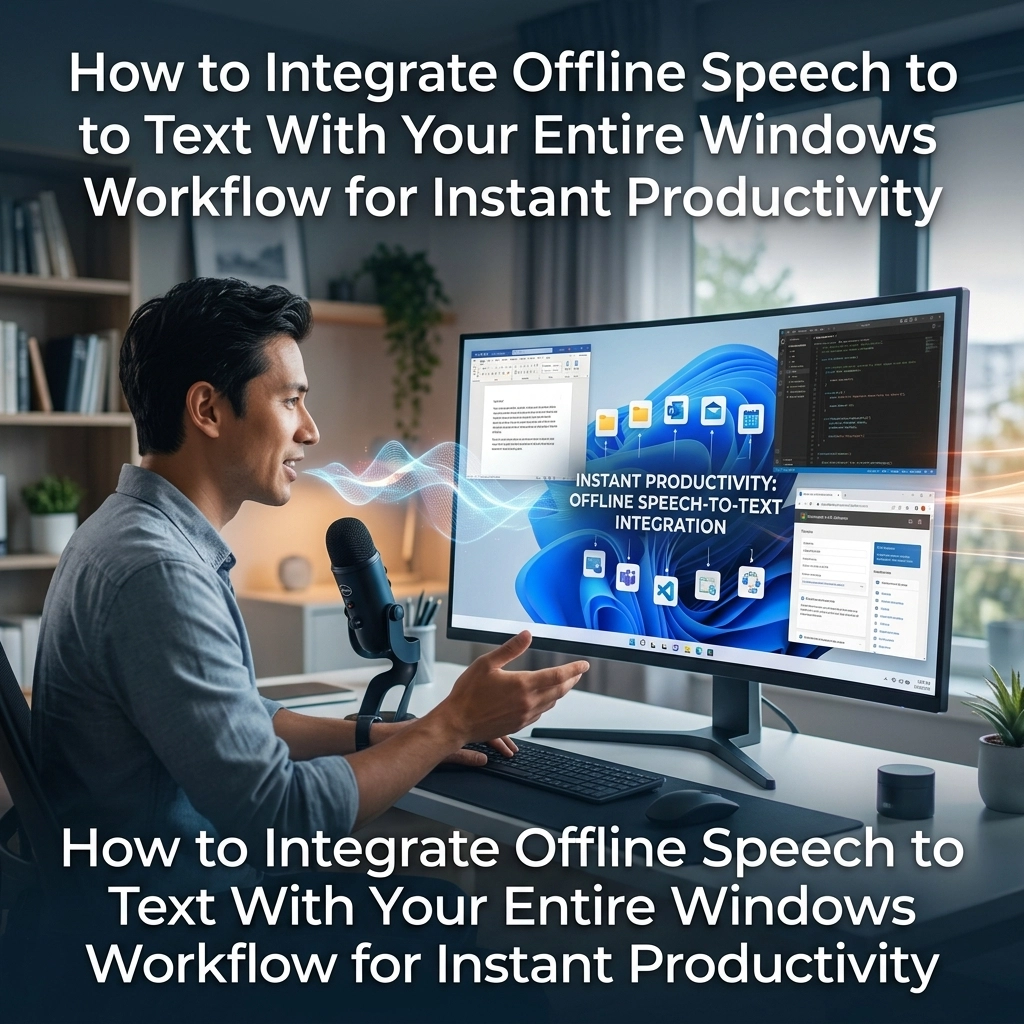
It needs to live inside every text field. Whether you are in Chrome, VS Code, Word, or a legacy CRM, the interface must be identical. You hit a shortcut. You speak. The text appears where the cursor is.
That is the "Zero-Step" workflow.
Step 1: Establish Your Local Engine
Don't rely on the built-in Windows online services that require a connection and "learn" from your data. Use a dedicated local model. This ensures that even in a coffee shop with no Wi-Fi or a secure office with no external access, your productivity remains 100%.
Step 2: Map Your Hotkeys
Productivity is built on muscle memory. Map your dictation toggle to a key you never use, or a dedicated button on your mouse. You should be able to trigger dictation without looking at your screen.
Step 3: Speak in Commands
Don't just speak text. Speak structure. "New paragraph." "Period." "Comma." Modern offline engines are trained on massive datasets. They understand natural rhythm. They handle the punctuation so you can handle the ideas.

Privacy is the Ultimate Productivity Feature
If you are worried about who is listening to your dictation, you aren't focused on your work.
Corporate espionage is real. Data leaks are constant. When you use cloud-based AI, you are "renting" your productivity. You are paying with your data.
Offline speech-to-text is an asset you own. It runs on your hardware. It uses your power. It stays in your house.
When you remove the anxiety of data privacy, you unlock a new level of professional freedom. You can dictate confidential contracts, internal memos, and proprietary code logic with total peace of mind. That confidence translates into speed.

Eliminating the Friction of Correction
"But what about mistakes?"
This is the number one objection. Here is the blunt truth: You make mistakes when you type, too. You just fix them as you go, which kills your momentum.
With a 3x increase in WPM, you can afford a two-minute editing pass at the end. You are still 2x faster than the fastest typist you know.
Offline models today are highly accurate. They aren't the clunky software of the 90s. They are neural networks running on your local hardware. They learn your voice. They understand your context.
Stop worrying about the 2% error rate. Start focused on the 300% volume increase.
The New Way vs. The Old Way
The Old Way:
- Sit down.
- Open an app.
- Wait for the cloud to sync.
- Type slowly.
- Get distracted by a typo.
- Research a word.
- Lose the thread.
- Output: 500 words in an hour.
The New Way:
- Stand up.
- Hit a hotkey.
- Speak your mind.
- Watch text appear instantly.
- Stay in the flow.
- Close the laptop.
- Output: 1500 words in twenty minutes.
The choice is yours. You can keep "renting" your productivity from slow, invasive cloud services, or you can own your workflow with a local utility.
Taking Control of Your Environment
Your Windows machine is a powerhouse. Most of its processing power sits idle while you type. Use it.
Integrate your offline speech-to-text today. Don't wait for a "better time." There is no better time than now to reclaim forty minutes of every hour.
Go to voicetype.in. Download the capability. Map your keys. Start speaking.
The keyboard was a necessary bridge for the 20th century. In 2026, it is an anchor.
Cut the rope. Speak your future into existence.

Summary of Action Items
- Audit your speed: Record how long it takes you to write your next 500 words.
- Go Local: Switch to an offline engine to eliminate latency and protect your data.
- Trigger-Ready: Set a global hotkey so you can dictate in any Windows application instantly.
- Speak the Draft: Don't edit while you speak. Get the words down. Refine later.
- Reclaim the Time: Use the hours you save to focus on high-level strategy, not mechanical input.
Your workflow should work for you, not the other way around.
Direct. Fast. Private. That is the VoiceType way.
Leave a Reply