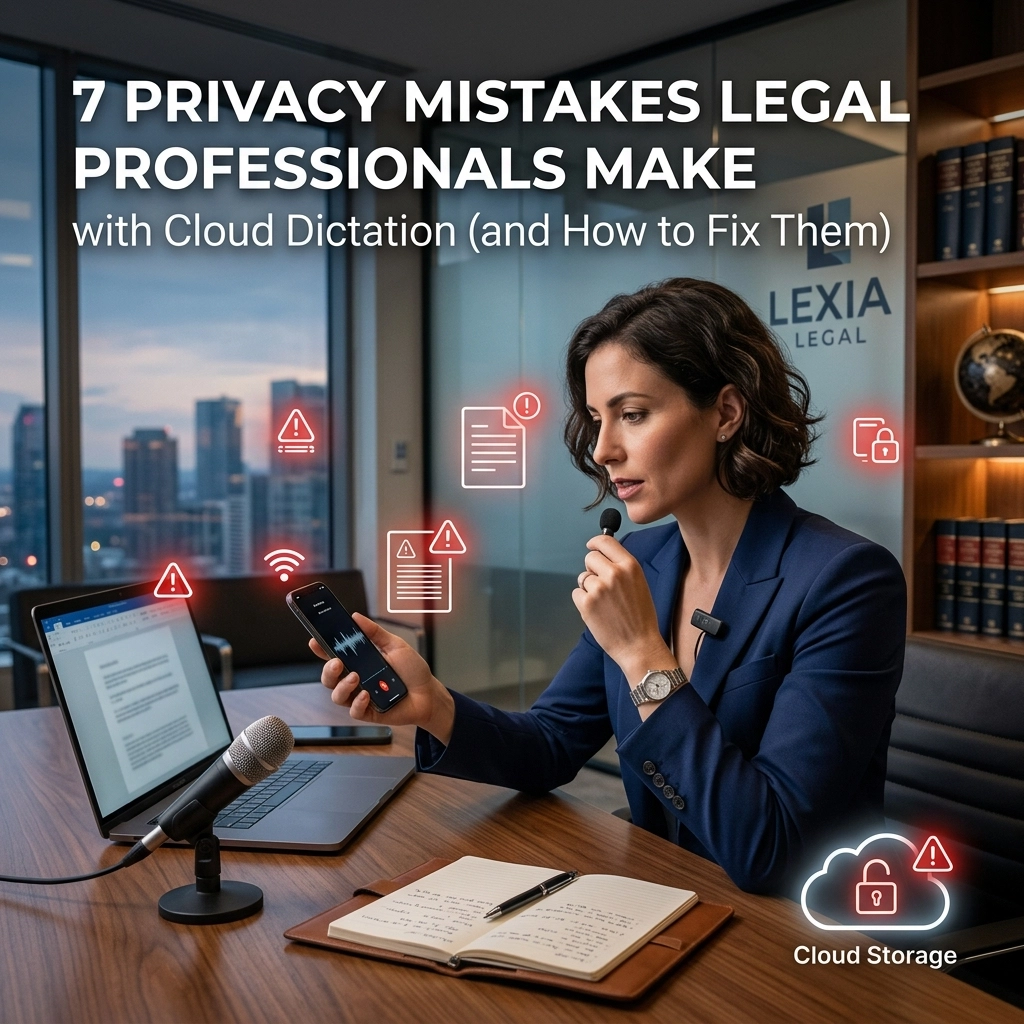
Efficiency is a trap. You want to move faster. You want to clear your desk. You use cloud dictation because it is easy. You talk, it types. But convenience has a cost. In the legal world, that cost is your client's privacy.
Most cloud dictation tools are built for the masses. They are not built for the courtroom. They are not built for privilege. When you hit "record" on a standard cloud app, you are opening a door. You are letting a third-party vendor sit at the table during a confidential briefing.
Stop gambling with your license. Stop treating client data like a grocery list.
Here are the 7 privacy mistakes you are making right now and how to fix them immediately.
1. Waiving Attorney-Client Privilege via Third-Party Servers
You think your conversation is private. It isn't. When you use cloud-based dictation, your audio flies to a server. That server belongs to a tech giant. You have just shared privileged information with a third party.
Legally, this is a gray zone. Practically, it is a disaster. If a vendor has the right to access your data, privilege may be waived. You are handing the opposing counsel a gift. You are creating a discoverable record where there should be none.
The Fix: Go Offline.
Stop sending audio to the cloud. Use dictation software that processes your voice locally on your machine. If the data never leaves your laptop, it never reaches a third party. You maintain the "circle of privilege." Keep your secrets on your hardware.

2. Ignoring State Recording and Consent Laws
States have different rules. California is not Texas. Some states require one-party consent. Others require two. If you use an AI transcription tool that automatically joins your Zoom or Teams calls, you are recording.
Did you get affirmative consent from every participant? Probably not. If you didn't, that transcript is a liability. It might even be a crime. You are creating a permanent record of a violation every time you hit "start."
The Fix: Affirmative Action.
Never let a bot join a meeting unannounced. State clearly that the session is being transcribed for internal notes. Better yet, use a tool that doesn't "join" the call but listens locally to your output. Control the recording process yourself. Don't delegate legal compliance to an algorithm.
3. Feeding the AI Machine with Confidential Strategy
Most "free" or "cheap" cloud dictation services have a hidden fee. That fee is your data. They use your voice recordings and your transcripts to "train" their models.
Your litigation strategy is now part of a global dataset. Your witness prep is helping an AI learn how to speak. You are literally teaching the competition’s tools how you think. This is a massive breach of confidentiality. You are paying to give away your intellectual property.
The Fix: Use Non-Training Models.
Read the terms of service. Look for "opt-out" clauses for data training. Or, eliminate the risk entirely. Use a tool like VoiceType that operates offline. Offline AI doesn't learn from you to help others. It works for you, and only you.
4. The HIPAA Blindspot in Personal Injury and Med-Mal
Do you handle medical records? Then you are bound by HIPAA. Most general-purpose dictation tools are not HIPAA-ready. They store data on non-compliant servers. They lack the necessary encryption. They don't sign Business Associate Agreements (BAAs).
If you dictate a client's medical history into a standard smartphone app, you are leaking Protected Health Information (PHI). The fines are astronomical. The reputational damage is permanent.
The Fix: HIPAA-Ready Local Processing.
Treat every dictation like it contains PHI. Use software designed for high-security environments. Offline dictation is the gold standard for HIPAA. If the data stays on your encrypted hard drive, the risk of a HIPAA breach drops to near zero.

5. Leaving "Auto-Share" and Default Settings On
Cloud software loves to share. It wants to "sync" across your devices. It wants to "collaborate" with your team. By default, your transcripts might be visible to your entire IT department or stored in a shared company folder.
"On by default" is the enemy of the lawyer. One wrong click and your private thoughts on a sensitive merger are sitting in a shared Slack channel.
The Fix: Audit Your Settings.
Open your apps. Go to "Privacy." Turn off "Cloud Sync." Turn off "Auto-Share." Turn off "Diagnostics." If you can't turn them off, delete the app. Use a minimalist tool that does one thing: turns your voice into text without asking for permission to share.
6. Trusting the "Hallucination" Without Review
AI makes mistakes. Cloud dictation often "hallucinates" words. It mishears "plaintiff" as "patient." It misses the word "not." A single typo in a legal transcript can change the entire meaning of a witness statement.
If you file a document based on an unedited AI transcript, you are responsible. You are the one who signed the filing. You are the one the judge will look at when the record is wrong.
The Fix: Mandatory Human Review.
Never copy-paste. Dictation is a draft, not a final product. Use high-accuracy, offline engines to get the best start, then spend sixty seconds proofing the text. Professionalism requires precision. AI is the engine; you are the driver.

7. Creating a Permanent Digital Footprint
The cloud is forever. Even if you "delete" a file, it often lives on a backup server for 30, 60, or 90 days. In litigation, that is a lifetime. You are creating a trail of data that you do not control.
If your firm is hit with a discovery request or a subpoena, those cloud servers are fair game. You have lost the power to destroy your own notes according to your firm's retention policy. You have rented your storage, and the landlord has the keys.
The Fix: Own Your Data.
Reclaim your sovereignty. Use a tool that stores nothing. No cloud. No accounts. No "history" tabs on a web browser. When you use offline dictation, the file exists where you put it. When you delete it, it is gone. That is true data management.
The Reality of Modern Practice
The "old way" was slow. You dictated into a tape recorder. You handed it to a secretary. It took three days. It was safe, but it was inefficient.
The "current way" is fast but dangerous. You use a cloud app. It’s instant. It’s also a privacy nightmare. You are trading your professional integrity for a few minutes of saved time.
There is a "new way."
The new way is Offline AI. It is the speed of the cloud with the security of the tape recorder. It is VoiceType.
VoiceType is built for the legal professional who refuses to compromise. It doesn't need an internet connection. It doesn't send your voice to a server. It doesn't train its model on your confidential strategy. It sits on your computer, a silent and powerful utility.
You talk. It types. Directly into your Word document, your email, or your CMS.
No accounts to hack. No servers to subpoena. No privilege to waive.
Hard Numbers for Hard Decisions
- 0: The amount of data VoiceType sends to the cloud.
- 100%: Your control over the attorney-client privilege.
- SECURE: The only word that matters when handling client secrets.
Stop being a product for tech companies. Start being a protector for your clients.
Reclaim your time. Reclaim your privacy.
Get VoiceType today.
Leave a Reply