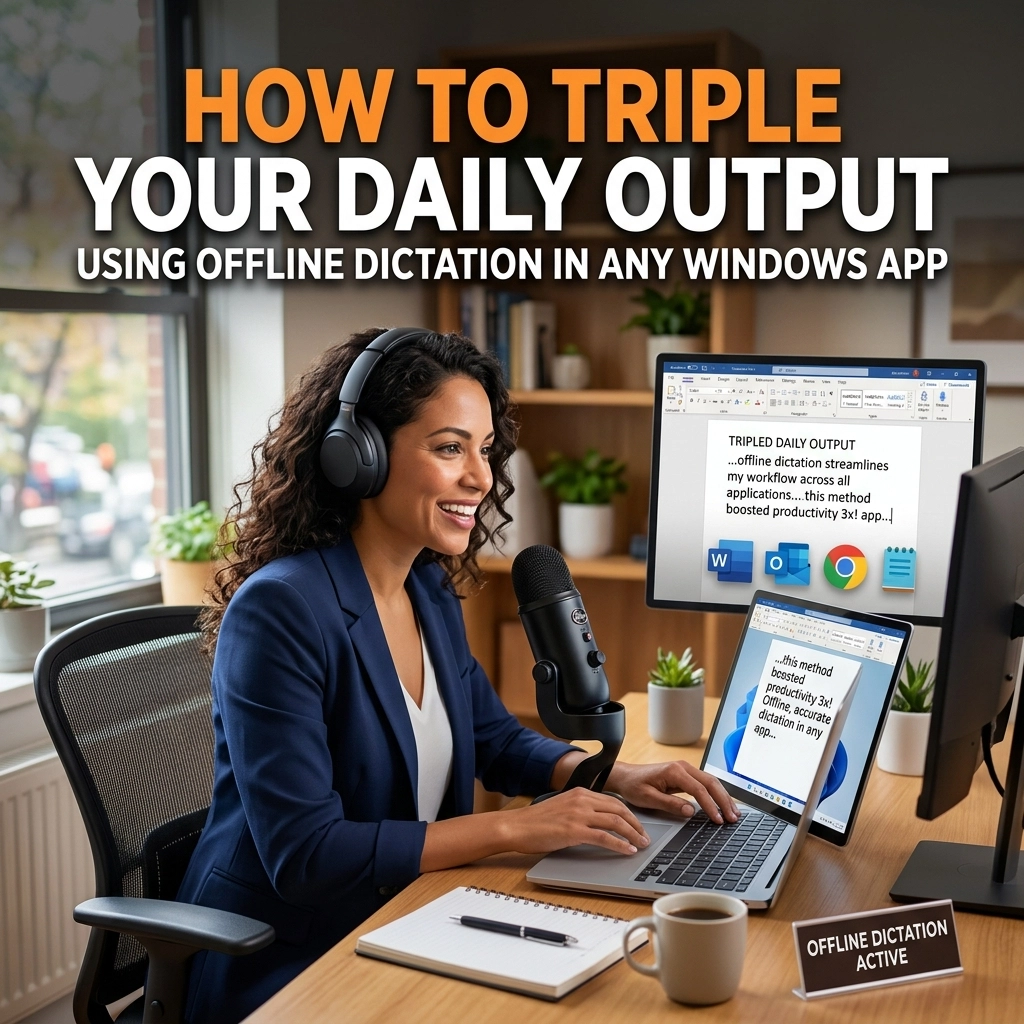
Your brain is a Ferrari. Your hands are a bicycle.
Every day, you sit at your desk and attempt to translate high-speed thoughts into digital text. You use a keyboard. You struggle. You hit backspace. You lose the thread of your most brilliant ideas because your fingers cannot keep up with your mind.
The average person types at 40 words per minute. A fast typist might hit 80. But you can speak at 150 words per minute without breaking a sweat.
Do the math. That is a 3x increase in raw output.
If you are a developer, a writer, or a high-stakes professional, your output is your income. Typing is your bottleneck. It is time to stop typing and start speaking. But not just any dictation. You need offline dictation. You need zero latency. You need to work in any Windows app you own.
Here is how you reclaim your time and triple your output.
The Problem: The Latency Trap
Most dictation tools are broken.
You speak. You wait. The data travels to a server in a different country. The server processes it. The server sends it back. Finally, the text appears on your screen.
That delay kills your flow. It is a micro-distraction that adds up to hours of lost productivity every week. When you are in the "zone," even a half-second lag feels like an eternity. It pulls you out of your deep work. It forces you to look at the screen instead of staying inside your head.
Standard tools also tie you to a subscription. You rent your productivity. If your internet drops, your work stops. If the company changes its terms, you lose your workflow.
This is the "old way." It is slow, risky, and annoying.
The Solution: Local Power
The "new way" is local.

Imagine a tool that lives entirely on your machine. It doesn't need the cloud. It doesn't need a browser tab. It works inside VS Code. It works inside your email client. It works inside your proprietary internal tools.
This is offline dictation. Because the processing happens on your local hardware, the latency is zero. The moment the words leave your lips, they appear on the screen.
This is not a toy. This is a professional utility designed for people who produce for a living.
Why 3x? The Science of Speed
Let’s get specific.
If you type an email in ten minutes, you are producing roughly 400 words. If you dictate that same email, you are finished in three minutes.
That is seven minutes reclaimed. Multiply that by twenty emails a day. You just bought yourself over two hours of free time.
Now, apply that logic to documentation. Apply it to Slack messages. Apply it to drafting blog posts or technical specifications.
When you remove the physical friction of the keyboard, your volume of output explodes. You don't just work faster; you work better. You can iterate on ideas in real-time. You can "brain dump" complex concepts and refine them later.
VoiceType isn't just a shortcut. It is a force multiplier.
For Developers: Code Faster, Think Clearer
Developers often think dictation isn't for them. They are wrong.
While you might not dictate raw syntax all day, think about how much of your job is actually writing English.
- Pull Request descriptions.
- Inline comments.
- Technical documentation.
- Jira tickets.
- Architectural overviews.

Writing these is often the most tedious part of the sprint. It’s where the "boring" work happens. By using offline dictation directly inside your IDE, you turn documentation into a conversation.
Stay in your flow state. Keep your hands on the mouse or the shortcut keys. Dictate your logic as you build it.
Zero latency means your thoughts stay synchronized with your cursor. No lag. No waiting. Just pure, unadulterated output.
For Writers: Capture the First Draft
The hardest part of writing is the blank page.
The keyboard encourages self-editing. You type a sentence. You look at it. You hate it. You delete it. You are stuck in a loop of perfectionism.
Speaking is different. Speaking is fluid. When you dictate, you bypass the inner critic. You get the raw material out of your head and onto the page.
Offline dictation allows you to pace around your room. You aren't tethered to the desk. You can think out loud. You can describe scenes, argue points, and build narratives at the speed of sound.
Once the draft is down, then you use the keyboard to polish. But the "heavy lifting": the creation: is done in a fraction of the time.
Total Privacy: Your Voice, Your Machine
In the age of AI, privacy is a luxury. Most voice-to-text services keep your data. They train their models on your private thoughts. They store your sensitive company information on their servers.
If you are working on a secret project or handling client data, cloud dictation is a security hole.
Offline dictation closes that hole.
Your voice never leaves your computer. Your transcriptions never touch a server. You own the hardware, you own the software, and you own the data.
This isn't just about speed. It is about sovereignty. You are not "renting" your voice recognition from a tech giant. You are using a silent, powerful utility that works behind the scenes to make you faster.

How to Integrate VoiceType into Your Workflow
Getting started is simple. Stop overthinking it.
- Install the software. It lives on your Windows machine.
- Pick any app. Whether it's a browser, a terminal, or a word processor.
- Trigger the dictation.
- Speak naturally.
Don't worry about being "perfect." The AI models used for offline dictation are now so advanced that they handle natural speech patterns, "ums," and "ahs" with ease. They understand context. They know the difference between "their," "there," and "they're."
Focus on the content. Let the software handle the transcription.
Reclaim Your Day
The status quo is a trap. You have been trained to believe that the keyboard is the only way to communicate with a computer. It is a legacy habit from the 20th century.
We are in 2026. Your computer is powerful enough to understand you in real-time without needing an internet connection.

Stop settling for 40 WPM. Stop letting latency break your concentration. Stop sending your data to the cloud.
Triple your output. Protect your privacy. Master your flow.
Visit VoiceType and see how high-performance professionals are changing the way they work.
The keyboard is for editing. Your voice is for creating. It is time to start using the right tool for the job.
Direct. Fast. Local.
That is the VoiceType way.
Leave a Reply