Documentation is the tax you pay on clean code.
It is slow. It is tedious. It kills your momentum. You are deep in a complex API design. Your logic is tight. Your architecture is sound. Then you hit the wall. You have to explain it. You stop. Your fingers move from the shortcuts of your IDE to the rhythmic slog of sentence construction.
Your brain shifts gears. You move from logic to linguistics. The "flow state" evaporates.
This is the hidden cost of being a developer. We spend 20% of our time thinking and 80% of our time communicating what we thought. Most of that communication happens through a keyboard. It is a bottleneck. It is a relic of an era before AI.
Stop typing your documentation. Start speaking it.
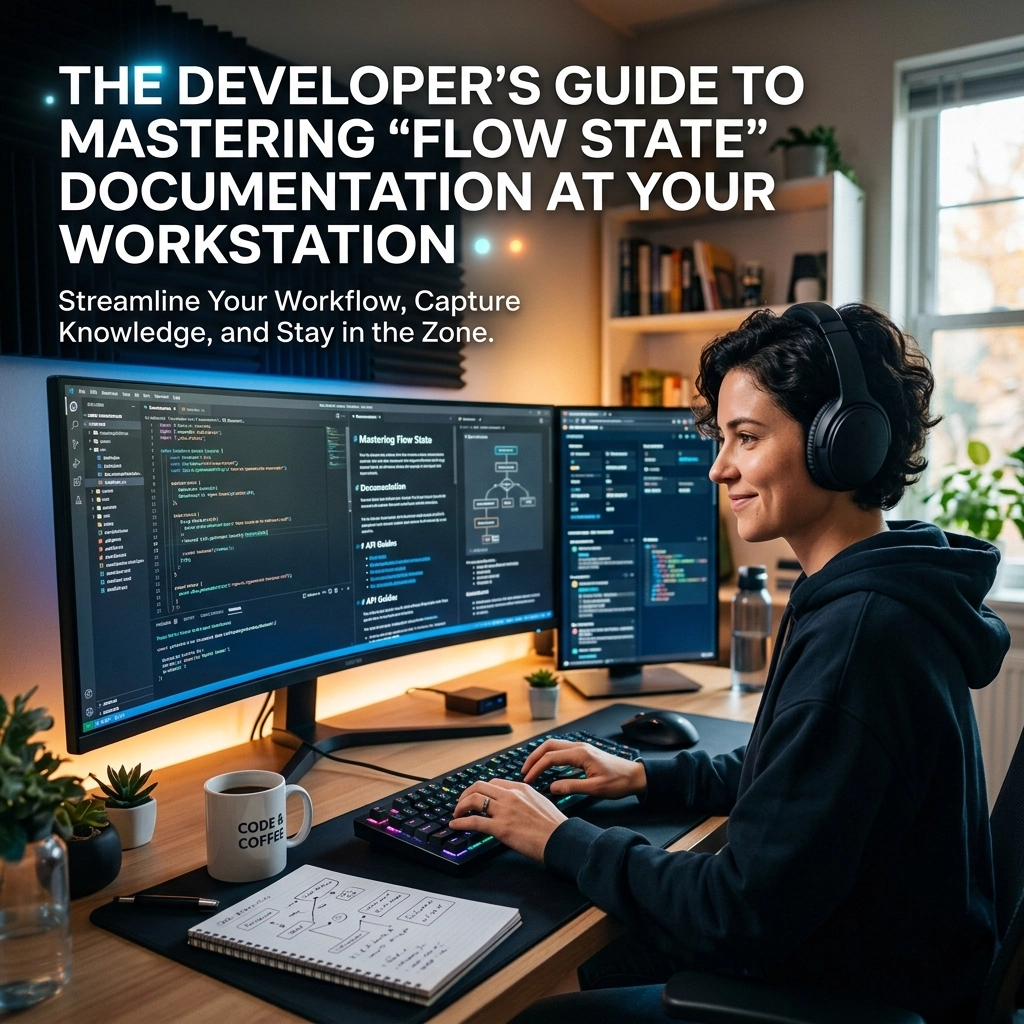
Mastering the flow state at your workstation requires a fundamental shift in how you interact with your machine. You need to bridge the gap between thought and text without the friction of a mechanical keyboard.
The Problem: The Context Switch is a Killer
Every time you stop coding to write a README, you lose money. You lose time. You lose the mental thread that holds your project together.
Psychological flow is the optimal state of focus. It is where your skills meet a high-level challenge. When you are in this zone, time disappears. Productivity peaks. But this state is fragile. One Slack notification can break it. One tedious documentation task can shatter it.

Traditional documentation forces a context switch. You move from the abstract world of functions and variables to the rigid world of grammar and syntax. Your brain struggles to maintain the technical state while processing the prose.
This is the old way. It is slow. It is risky. It leads to "good enough" documentation that helps no one.
The new way is direct. It is vocal. It is VoiceType.
The Technical State vs. The Mental State
In frameworks like CrewAI, "flow state" is about data persistence. It is about maintaining context as a workflow moves from initialization to completion. It ensures that the final output reflects every modification made along the path.
Your brain works the same way.
While you code, you maintain a complex mental model of the system. You know why that specific edge case matters. You know why you chose a Pydantic model over a raw dictionary. This is your "mental state."
If you don't document that state immediately, it vanishes. You forget the "why" behind the "how."
But typing takes too long. By the time you’ve typed the third paragraph of your docstring, the mental model has already started to fade. You are focused on the typing, not the logic.
Voice typing allows you to persist your mental state in real-time. You speak the reasoning while you look at the code. You maintain the visual context while offloading the verbal description to your voice.
You remain in the IDE. You remain in the flow.
Reclaiming the README
The README is the front door of your project. Most developers hate writing them. They end up as an afterthought: sparse, outdated, and unhelpful.
Stop treating the README as a chore. Treat it as a narrated tour.
Open your README.md. Trigger VoiceType. Describe the project as if you are talking to a colleague.
"This module handles the asynchronous ingestion of telemetry data. It uses a Pydantic model for structured state management to ensure type safety across the pipeline. We chose this over unstructured dictionaries to prevent runtime errors during high-load periods."
In ten seconds, you have a paragraph. In two minutes, you have a comprehensive overview.

You didn't have to fight the keyboard. You didn't have to worry about typos. You just spoke the truth of your code. This is how you build robust, maintainable applications without the burnout.
High-Speed Pull Requests
The Pull Request (PR) is where flow goes to die.
You’ve finished the feature. You’re ready to ship. But now you have to sit in the GitHub UI and type out everything you just did. It feels like repetitive work.
Use your workstation to its full potential.
Navigate to the PR description field. Speak the changes. Explain the impact. Detail the testing steps.
- Speak the "What": "Fixed the race condition in the auth middleware."
- Speak the "How": "Implemented a mutex lock on the session store."
- Speak the "Why": "Prevents token invalidation during simultaneous login attempts."
Direct. Punchy. Done.
You reclaim thirty minutes of your day, every day. That is two and a half hours a week. That is a full workday every month.
The Minimalist Workstation Setup
Your environment dictates your output. A cluttered desk leads to a cluttered mind. A cluttered workflow leads to a broken flow state.
To master voice-driven documentation, your workstation needs three things:
- A Quality Microphone: Your voice is your primary input tool. Treat it like your mechanical keyboard. It should be crisp and clear.
- VoiceType Integration: The software must be a silent utility. It works behind the scenes. No complex menus. No constant attention. Just speak, and the text appears in your IDE.
- Zero Distractions: Turn off the notifications. Use a "Do Not Disturb" mode that triggers when your IDE is open.

When you eliminate the friction of typing, you eliminate the excuse for poor documentation. You become a developer who ships complete packages, not just raw code.
Hard Numbers: Voice vs. Keys
Let’s look at the quantifiable reality.
The average developer types at 50 to 80 words per minute (WPM). This speed drops significantly when writing technical documentation because of the cognitive load.
The average person speaks at 130 to 150 WPM.
By switching to voice for documentation, you are doubling your output speed. You are cutting the time spent on "non-coding tasks" by half.
- Typing a docstring: 3 minutes.
- Speaking a docstring: 45 seconds.
- Typing a README: 45 minutes.
- Speaking a README: 12 minutes.
These are not just numbers. This is reclaimed life. This is more time for deep work. This is more time for the logic that actually matters.
Addressing the Objections
"But I work in an open office."
Put on your headset. A low-profile boom mic picks up your voice and ignores the background noise. Your colleagues are already talking on Zoom calls. Your documentation narration is no different.
"But my documentation is technical."
VoiceType is built for this. It handles the jargon. It understands the context. It doesn't get confused by "asynchronous," "middleware," or "polymorphism."
"I prefer the feel of my keyboard."
Keep your keyboard for the code. Coding is structural. Documentation is narrative. Use the right tool for the right task. Use your keys for the logic. Use your voice for the story.

The Flow State is a Choice
You can continue to struggle with the "old way." You can keep context-switching until your brain feels like fried circuits. You can keep shipping projects with "TODO: Add documentation" comments that will never be addressed.
Or you can choose the "new way."
You can maintain your psychological flow. You can stay inside your IDE. You can narrate your architecture as you build it.
Documentation shouldn't be a separate phase of development. It should be a real-time reflection of your thought process.
Reclaim your time. Reclaim your focus.
Visit voicetype.in to see how we are removing the friction from the developer experience.
Stop typing. Start speaking. Stay in the flow.
Leave a Reply