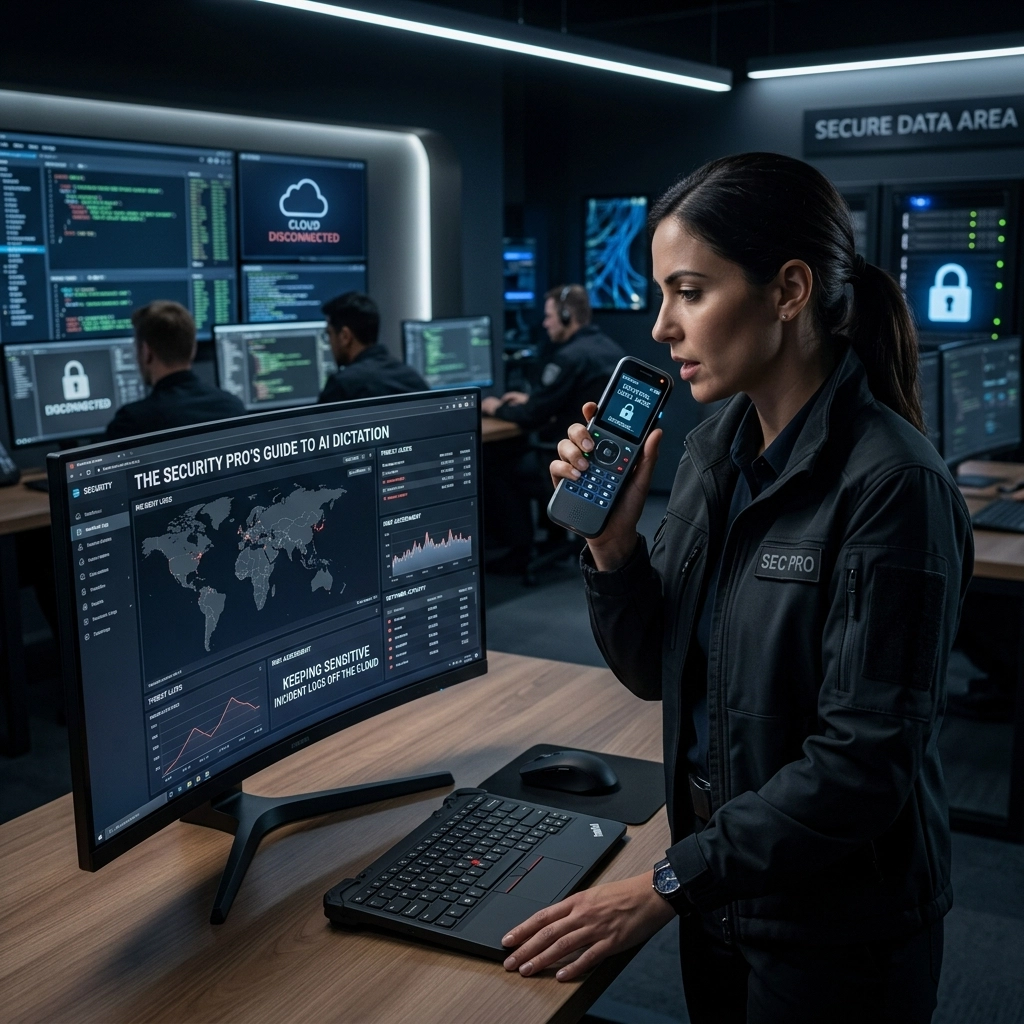
Stop sending your most sensitive data to someone else’s server.
You are a security professional. You spend your day hunting vulnerabilities. You patch leaks. You harden perimeters. You enforce zero-trust policies. Yet, when it comes to documenting an incident, you might be making a rookie mistake. You open a standard dictation app. You speak. Your voice, and the sensitive details of a breach, travels across the open internet to a cloud provider you don't control.
This is the "Cloud Trap." It is a massive, overlooked hole in your security posture.
Incident logs are the crown jewels of a security operation. They contain IP addresses, system vulnerabilities, personnel names, and the exact roadmap of your defense strategy. Sending this data to a third-party AI for transcription is not just risky. It is a liability.
The Illusion of Cloud Security
Cloud providers promise encryption. They talk about "data at rest" and "data in transit." They tell you they mask sensitive information.
Don't believe the hype.
Encryption is only as good as the person holding the keys. When you use a cloud-based AI dictation tool, you don't hold the keys. They do. Masking is a reactive band-aid. It uses patterns to hide PII or API keys, but it is never 100% accurate. If a new vulnerability format emerges, the masker misses it.
Worse, your data becomes part of a giant honey pot. Cloud AI companies are prime targets for state-sponsored actors and high-level hackers. If their central database is compromised, your "encrypted" incident logs are suddenly readable.
You spend your career eliminating single points of failure. Why would you create one with your own documentation?

The Problem: Your Voice is Data
Think about what happens when you dictate an incident report.
- The Capture: You speak into a microphone.
- The Transmission: Your raw audio file is compressed and sent to a remote server.
- The Processing: An AI model, running on hardware you don't own, processes the audio.
- The Storage: The transcript is saved in a cloud database.
- The Training: Often, your data is used to "improve" the model. This means your private incident details could theoretically leak into the AI's future outputs.
Every step in this process is a risk. Every hop across the network is a chance for interception. Every minute your data sits on a remote disk is a minute you aren't in control.
The Solution: Local, Air-Gapped AI
The alternative is simple. Keep the data where it belongs. On your machine.
Local AI dictation is the only way to ensure 100% privacy. Modern hardware is powerful enough to run sophisticated speech-to-text models locally. You don't need a server farm in Northern Virginia to transcribe a ten-minute briefing. You need a tool that respects your perimeter.
VoiceType lives on your device. It doesn't "call home." It doesn't need an internet connection to work. It processes your voice on your CPU and GPU. The audio never leaves the room. The text never leaves the disk.
This is not just a feature. It is a security mandate.

Industry Deep Dive: The SOC Environment
In a Security Operations Center (SOC), speed is everything. During an active incident, you don't have time to type out every observation. You need to talk. You need to record the timeline as it happens.
Imagine a high-pressure bridge call. You are coordinating with five different departments. You are identifying a SQL injection attack in real-time. You dictate: "Attacker is pivoting from the web tier to the DB at IP 10.0.4.52 using a compromised service account."
If that sentence hits a cloud server, you've just handed over your internal network map.
With VoiceType, you dictate that same sentence while your laptop is in airplane mode. The transcription happens instantly. You copy the text into your ticket system. You move on. No data leakage. No compliance headaches. No risk.
Reclaiming Your Privacy
Security is about ownership.
When you use a subscription-based cloud tool, you are renting their "security." You are trusting their engineers. You are betting your reputation on their uptime and their integrity.
Stop renting. Start owning.
By moving to local AI dictation, you reclaim your data. You eliminate the "middle man" in your documentation process. You ensure that your most sensitive thoughts and findings stay within your trusted circle.
Why IT Pros Prefer Local Tools
IT professionals hate "black box" software. They want to know what a program is doing. They want to monitor network traffic and see… nothing.
When you run VoiceType, your network monitor stays flat. There are no mysterious outgoing packets to unknown IP addresses. There are no background processes syncing data at 3 AM.
It is a silent utility. It works behind the scenes. It performs its task and stays out of the way. This is how professional software should behave.

Addressing the Compliance Objections
You might think cloud tools are "compliant" because they have a SOC2 logo on their website.
Compliance is the floor, not the ceiling.
A tool can be compliant and still be a security risk. If a cloud provider is breached, their "compliance" won't get your data back. It won't save your company from a PR disaster.
The most compliant data is the data that was never sent. If you don't send the logs to the cloud, you don't have to worry about the cloud's compliance. You simplify your audits. You reduce your scope. You make your life easier.
Hard Numbers: Performance vs. Risk
Let's look at the reality.
- Cloud Dictation Latency: 2–5 seconds depending on your Wi-Fi.
- Local AI Latency: Near-zero. It’s limited only by your hardware.
- Data Breach Cost: Average of $4.45 million per incident.
- Local AI Cost: A fraction of a single month’s cloud subscription.
The math is clear. You are paying more for a slower, riskier service. Why? Because it’s the status quo.
It's time to break the status quo.
Direct Action: Hardening Your Workflow
Follow these steps to secure your incident logging today:
- Audit your current tools. Find out where your voice data goes. Ask for the data retention policy.
- Identify "Hot" Information. Any log containing passwords, keys, IP addresses, or internal architecture is "hot." It must never touch the cloud.
- Deploy Local AI. Install VoiceType on your workstation.
- Test the Air Gap. Turn off your Wi-Fi. Open VoiceType. Dictate. See the text appear instantly.
- Standardize. Make local dictation the requirement for all security personnel.

The Power of "No"
The most powerful security tool is the word "No."
No, we will not send our logs to your server. No, we will not sync our voice memos to your database. No, we will not trade our privacy for a slightly smaller app size.
VoiceType is the tool for people who say "No" to unnecessary risk. It is for professionals who understand that "the cloud" is just someone else's computer.
Your incident logs are too important to trust to a stranger.
Final Thoughts: The Silent Utility
You don't need another platform. You don't need another dashboard. You don't need another login.
You need a tool that works.
VoiceType is a silent, powerful utility. It sits on your machine. It transcribes your voice. It keeps your secrets.
Reclaim your time. Reclaim your privacy. Reclaim your security.
Visit voicetype.in to see how local AI can transform your security workflow. Check out our sitemap for more industry deep dives.
Keep your logs local. Keep your company safe. Use VoiceType.
Leave a Reply