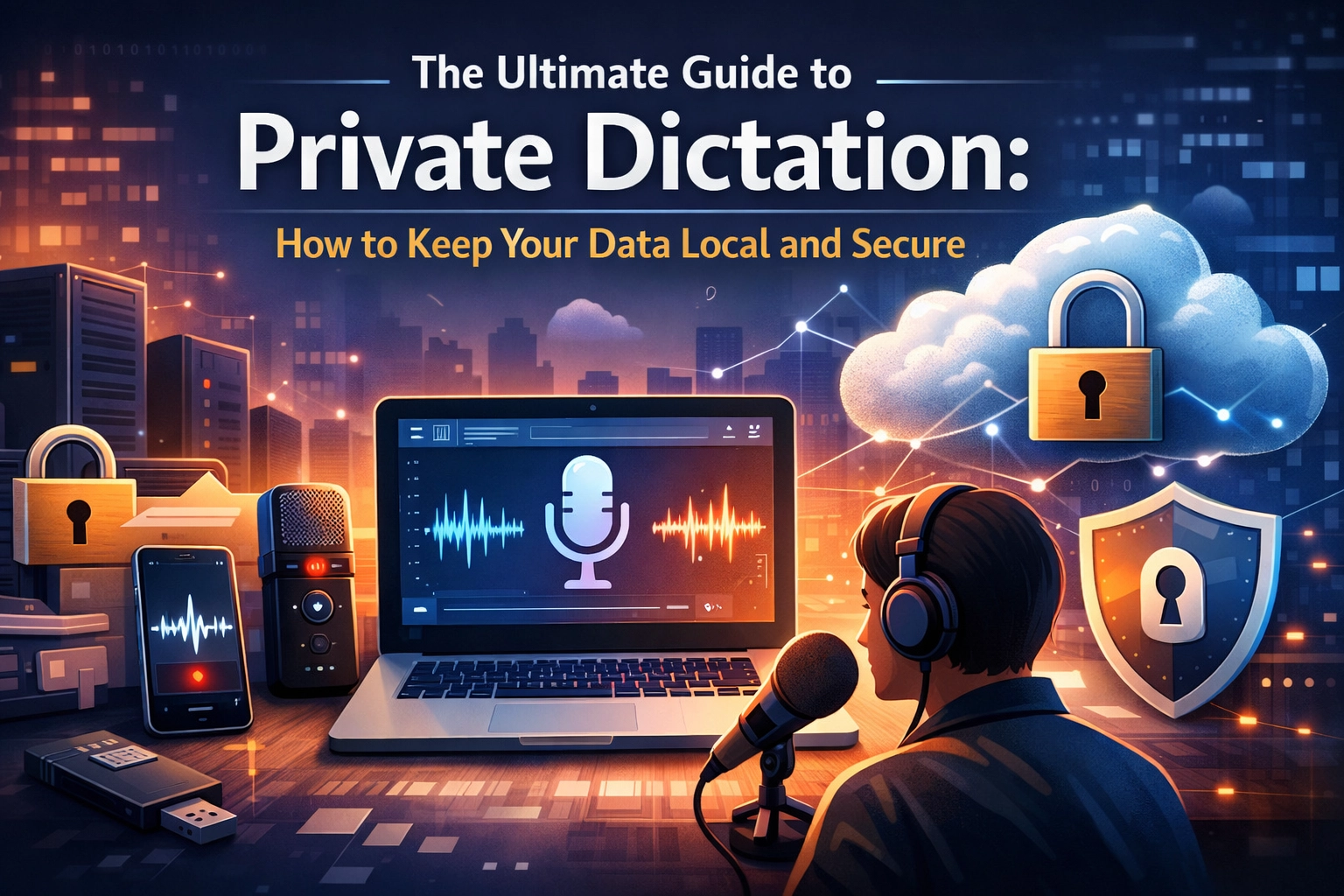
Stop sending your secrets to the cloud. Every time you speak into a standard dictation tool, you are handing over your voice, your ideas, and your proprietary data to a third party. You are renting your productivity. You are sacrificing your privacy for convenience.
It is time to stop.
The future of professional work isn’t in the cloud. It’s on your machine. Local AI is no longer a luxury; it is a necessity for anyone who takes security seriously. Whether you are a lawyer, a doctor, or a developer, your words are your most valuable asset. Protect them.
The Illusion of Cloud Security
Most AI tools lie to you. They promise "enterprise-grade security" while whisking your audio files away to remote servers. They encrypt your data in transit, but they still hold the keys. If their servers get hacked, your data is gone. If their employees get curious, your data is viewed.
Cloud dictation is a massive liability.
Think about the journey of your voice. You speak. Your computer records. The file travels across the open internet. It sits on a server in a data center you’ve never seen. A machine: or sometimes a human reviewer: transcribes it. Then it travels back to you. Every step is a point of failure. Every millisecond of transit is a window for a breach.
Data breaches now cost organizations an average of $4.45 million. Regulatory penalties for privacy violations can reach into the tens of millions. If you are handling sensitive information, cloud dictation isn't just risky: it’s irresponsible.

The Problem: Why Cloud Dictation Fails You
Cloud-based AI models thrive on your data. They use your voiceprints, your technical jargon, and your private conversations to "improve their models." You are paying them to train their product on your intellectual property.
Consider the frustrations:
- The Internet Dependency: No Wi-Fi? No dictation. You are tethered to a signal.
- The Latency Lag: You speak. You wait. The round-trip to the server creates a stutter in your workflow.
- The Compliance Nightmare: HIPAA, GDPR, and NDA agreements become obstacles instead of standards.
- The Privacy Tax: Your voice, a unique biometric identifier, is stored on a server forever.
This is the old way. It is slow. It is risky. It is annoying.
The Solution: Local AI and Private Dictation
The new way is local. Local AI processes everything on your own hardware. Your voice never leaves your device. The transcription happens in milliseconds, right where you are.
At VoiceType, we believe your data belongs to you. Private dictation removes the middleman. It eliminates the server. It closes the door on hackers and prying eyes.
Why Local AI Wins:
- Zero Network Transmission: No data enters the internet. No breach is possible.
- Instantaneous Response: Local processing means zero latency. Your words appear as you speak them.
- Absolute Ownership: You own the software. You own the data. You own the results.
- Offline Freedom: Work from a plane, a basement, or a remote cabin. If your computer is on, your dictation works.

Reclaiming Compliance for Professionals
If you work in a regulated industry, local AI is your only real option. "Good enough" isn't good enough when your license or your reputation is on the line.
For the Legal Professional
Attorney-client privilege is the bedrock of your practice. When you dictate case notes into a cloud-based app, you may be committing a disclosure violation. You are sharing confidential client information with a service provider. Local dictation keeps that privilege intact. Your case details, your strategies, and your evidence stay on your encrypted drive.
For the Healthcare Provider
HIPAA compliance is a minefield. Cloud providers require complex Business Associate Agreements (BAAs), and even then, the audit trail is a nightmare. On-device dictation removes Protected Health Information (PHI) from the cloud entirely. If the data never leaves the device, it can’t be leaked from a server. You satisfy data minimization principles instantly.
For the Software Developer
You are working on proprietary code. You are dictating logic for a new feature under a strict NDA. Sending those code descriptions to a third-party AI model is a massive security hole. Using local tools: especially those that integrate with environments like VS Code or Cursor: ensures your IP stays within your perimeter.
How to Verify Your Privacy
Don't take a company's word for it. Trust, but verify. If you want to know if a tool is truly private, follow these steps:
- Check the Offline Capabilities: Turn off your Wi-Fi. Unplug your ethernet. Try to dictate. If it stops working, it’s not private.
- Monitor Network Traffic: Use tools like Little Snitch or a standard firewall. Block the application from accessing the internet. If it breaks, it’s sending your data somewhere.
- Read the Fine Print: Look for phrases like "improving our models" or "sharing with service providers." These are red flags. Truly private software doesn't need to share anything.

The Productivity Edge of Local Processing
Privacy is the primary driver, but speed is the daily benefit. When you remove the "cloud" from the equation, you remove the lag.
Imagine dictating a 2,000-word report. In the cloud, that's 2,000 words worth of audio being compressed, uploaded, processed, and downloaded. That's a lot of waiting. Locally, your GPU or NPU handles the task instantly. It feels like magic, but it’s just efficient architecture.
You reclaim your time. You stay in the flow state. You get more done because the tool moves at the speed of your thought, not the speed of your router.
Implementing Private Dictation in Your Workflow
Switching to a local-first workflow is simple.
- Audit Your Tools: Identify every app that uses your microphone.
- Replace the Leaks: Swap cloud-based dictation for local alternatives like VoiceType.
- Configure Your OS: Ensure your operating system settings are set to on-device processing.
- Train Your Team: Make privacy a part of your company culture. Teach them that "convenient" cloud tools are often "costly" security risks.

The Silent Utility
The best software is the kind you don't have to think about. It’s a silent, powerful utility that works behind the scenes. It doesn't ask for constant updates. It doesn't nag you for a subscription. It just works.
By keeping your data local, you aren't just securing your work; you are simplifying your life. You don't have to worry about the next big data breach headline. You don't have to wonder who is listening. You just speak, and your computer listens.
That is the power of local AI.
Take Control Today
The era of "free" cloud tools is ending. The hidden cost: your privacy: is finally becoming too high to pay. Join the professionals who have already made the switch. Reclaim your time. Reclaim your privacy. Reclaim your data.
Visit voicetype.in to learn how to transform your workflow with secure, local dictation. Check out our sitemap for more guides on maximizing your productivity without compromising your security.
The choice is simple. Keep your data on your desk, or leave it in the cloud for anyone to find.
Choose local. Choose secure. Choose VoiceType.
Leave a Reply