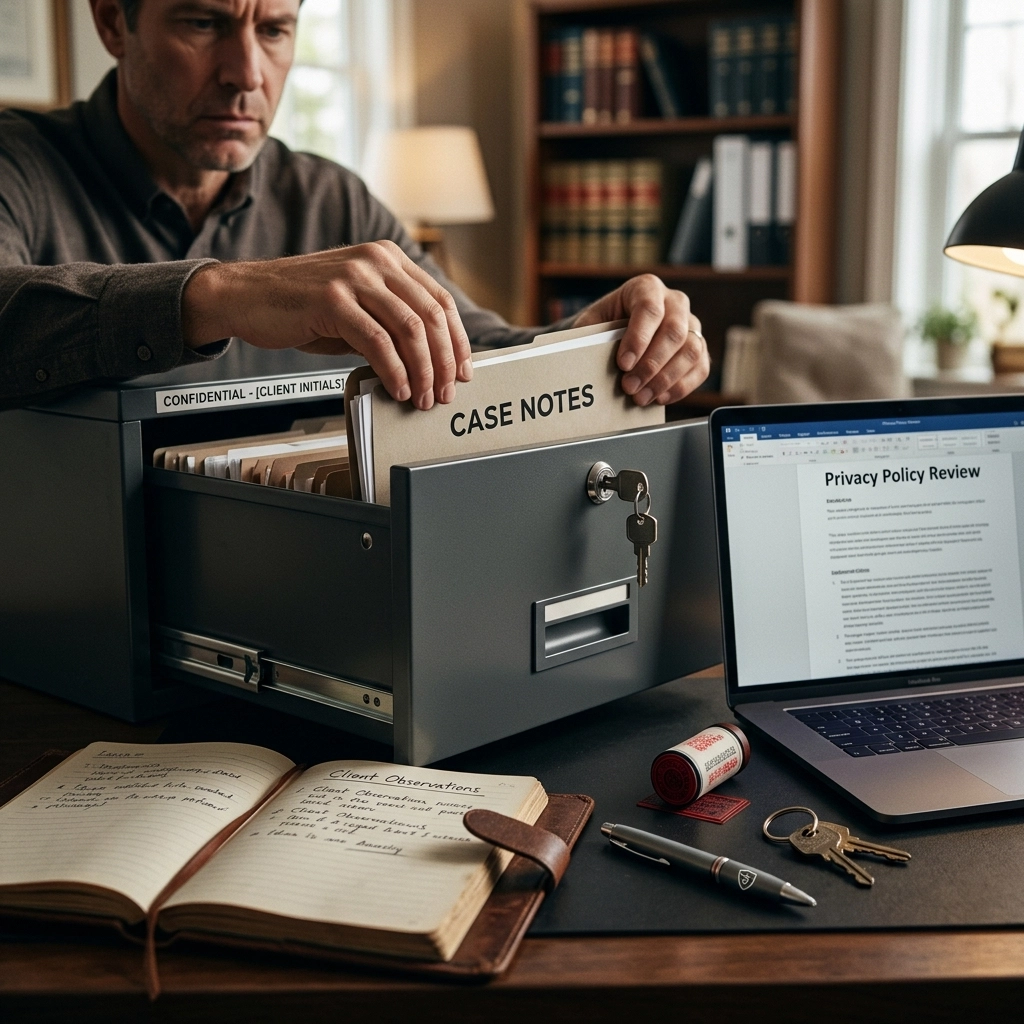
Trust is the only currency in the legal profession. You spend decades building it. You can lose it in a single second.
Your client case notes are not just text. They are lives, secrets, and liabilities. If you are handling them like common Word documents, you are making a massive mistake. Most lawyers treat data privacy as a "tech problem." It isn't. It is a fundamental practice problem.
Standard workflows are leaking data. Cloud-based tools are harvesting your secrets. Every time you "sync" a file, you risk a breach. You need to stop the bleed. You need to regain control.
Here are the 7 most dangerous privacy mistakes legal professionals make with case notes: and the immediate steps to fix them.
1. Trusting the Cloud with "Privileged" Secrets
The cloud is just someone else’s computer. When you upload a client note to a standard cloud-based dictation service or a generic note-taking app, you relinquish ownership. You are no longer the gatekeeper. The service provider is.
Cybercriminals target cloud servers because they are high-value honey pots. If their server breaks, your client's privacy breaks. Worse, many AI tools "train" their models on the data you provide. You are literally teaching an algorithm using your client's confidential information.
The Fix: Go Offline.
Stop sending your voice and your text to distant servers. Use software that processes everything locally on your machine. If the data never leaves your computer, it can never be intercepted in transit. Seek out HIPAA-ready solutions that function entirely without an internet connection.

2. Sending Notes via Unsecured Channels
Email is not a vault. It is a postcard. Sending a summary of a client meeting through standard, unencrypted email is malpractice in the digital age. It is a common target for phishing and interception.
One wrong character in the "To" field and your client’s sensitive history ends up in a stranger's inbox. A Texas health system once paid $2.4 million for a single name in a press release. Imagine what happens when a full case summary goes to the wrong person.
The Fix: Encrypt Everything.
Stop using "Send." Start using secure, encrypted portals. If you must send notes, use end-to-end encrypted platforms. Better yet, keep the notes within a closed, secure system where access is strictly logged and controlled. Never assume an email is private.
3. Ignoring the "BYOD" Disaster
You use your personal phone to record a quick thought. You take a photo of a piece of evidence. You think it’s harmless. It isn't.
Your personal device is a privacy sieve. It automatically syncs photos to iCloud or Google Photos. It shares location data. It doesn't have the same rigorous encryption as a dedicated work machine. If you lose that phone, you’ve lost a piece of your client's life.
The Fix: Air-Gap Your Practice.
Mandate the use of secure, work-issued devices for any case-related data. Disable all auto-cloud uploads. If you must use a personal device, use a dedicated, encrypted container for work data. Delete sensitive files immediately after they are transferred to your secure primary system.
4. Failing to Audit Who Has the "Keys"
Who can read your notes? Is it just you? Or is it your paralegal, the office manager, and the IT intern?
Many firms use shared accounts with one password. This is a disaster. Without individual access controls, you have no accountability. If a leak happens, you won't know where it started. Without multi-factor authentication (MFA), a single stolen password can bring down your entire firm.
The Fix: Implement Radical Access Control.
Conduct a data audit today. Map out exactly where every note lives and who can see it. Move to a system where every staff member has unique credentials. Enable MFA on every single account. If a staff member leaves the firm, their access should vanish in seconds, not days.

5. Hoarding Data for No Reason
Data is a liability. The longer you keep it, the higher the risk. Many lawyers keep every draft, every recording, and every scrap of paper forever. They think they are being thorough. In reality, they are building a mountain of risk.
Old notes are prime targets for cyberattacks. They are often stored in older, less secure systems. If you don't need it for the case or for legal retention requirements, it shouldn't exist.
The Fix: Purge with Purpose.
Establish a strict data retention policy. Know the laws in your jurisdiction regarding how long you must keep client files. Once that time expires, destroy the data permanently. Digital shredding is just as important as physical shredding. Clean your drives every quarter.
6. The "Silent" Leak: Cloud-Based Dictation
Dictation is a superpower for lawyers. It saves hours of typing. But most modern dictation apps are privacy nightmares.
When you speak into a standard AI dictation app, your voice is recorded, sent to a server, transcribed by a third-party engine, and stored in a database you don't control. You are handing over the most sensitive details of your strategy to a company that prioritizes "efficiency" over "confidentiality."
The Fix: Use VoiceType.
Reclaim your privacy with VoiceType. We provide AI-powered dictation that works entirely offline. No data is sent to the cloud. No one "listens" to your recordings to improve a model. It is HIPAA-ready and designed for the absolute privacy legal professionals demand. You get the speed of AI with the security of an air-gapped vault.

7. Misconfigured Software and "Auto-Features"
Modern software is "helpful" in ways that hurt you. Telehealth platforms auto-record meetings. EHR systems auto-populate notes into shared modules. Chat transcripts are auto-saved to personal accounts.
These "convenience" features are compliance gaps. If you haven't reviewed your software settings, you are likely leaking data every time you click "Save."
The Fix: Audit Your Tech Stack.
Review every piece of software you use. Disable auto-recording. Disable auto-syncing. Ensure you have a Business Associate Agreement (BAA) with every vendor that touches client data. If they won't sign a BAA, stop using them. Your tools should work for you, not against your ethics.
Reclaim Your Privacy, Reclaim Your Time
Privacy doesn't have to be slow. You don't have to choose between modern AI productivity and old-school security.
The "Old Way" is dangerous:
- Slow typing.
- Risky cloud uploads.
- Constant fear of a breach.
- Paying "subscriptions" for the privilege of losing your data.
The "New Way" is VoiceType:
- Instant, accurate dictation.
- 100% offline processing.
- Zero data leaks.
- Total ownership of your intellectual property.
Stop making these mistakes. Your clients trust you to protect them. That protection starts with how you handle their notes.
Move your dictation offline. Secure your devices. Purge your old data. Take control of your practice again.
For legal professionals who refuse to compromise on privacy, there is only one choice.
Make the switch to offline, HIPAA-ready dictation.
Visit https://voicetype.in to secure your practice.

Leave a Reply