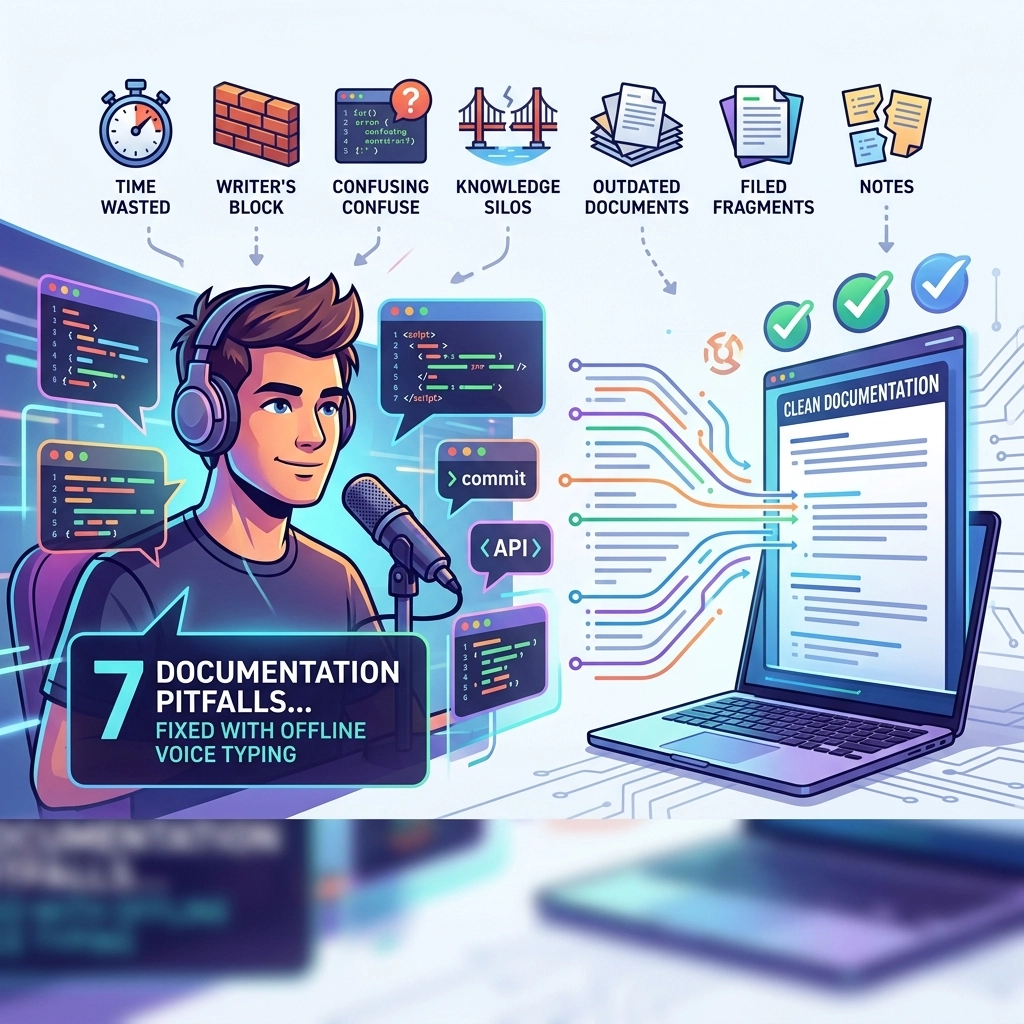
Coding is fast. Documentation is slow.
You write a hundred lines of clean, functional code in a flow state. You feel unstoppable. Then, the wall hits. You need to document it. The flow breaks. Your fingers feel heavy. The enthusiasm dies.
Most developers treat documentation as an afterthought. It is the "debt" you promise to pay back later. But "later" never comes. Your codebase becomes a graveyard of undocumented functions and cryptic variables. This isn't a lack of discipline. It is a limitation of the medium.
Keyboard typing is a bottleneck for thought. It is a manual, physical chore that competes with the mental energy required for logic.
Enter VoiceType. Stop typing your docs. Start speaking them.
Here are the 7 documentation pitfalls every developer faces and exactly how offline voice typing fixes them.
1. The "I’ll Do It Later" Trap
You finish a complex feature. You are tired. You look at the docstring and think, "I'll fill this in tomorrow." Tomorrow becomes next week. Next week becomes a pull request review where your lead asks what the hell process_data_v2_final() actually does.
The Problem: Writing documentation feels like a separate task from coding. It requires a different mental gear. It is friction.
The Fix: Real-time voice typing. Don't wait until the end of the sprint. Speak your comments as you write the logic. "This function handles the OAuth handshake and retries three times on timeout." VoiceType turns that thought into a comment instantly. No friction. No delay.

2. The Context Switch Death
Documentation usually requires moving your hands from the "coding position" to the "writing position." You stop thinking about the logic and start thinking about grammar, punctuation, and formatting. This switch kills your productivity.
The Problem: Every time you stop to type a long explanation, you lose the mental map of your code. Your "inner IDE" crashes.
The Fix: Stay in the flow. Keep your hands on the keyboard for the code. Use your voice for the explanation. VoiceType integrates directly into your environment. You don't leave your IDE. You don't stop thinking about the code. You narrate your logic while your fingers stay focused on the syntax.
3. Documentation is a Physical Chore
Carpal tunnel is real. Typing fatigue is real. After eight hours of coding, the last thing your wrists want is another 2,000 words of technical specifications.
The Problem: Physical pain leads to brevity. You write shorter, less helpful docs because your hands hurt. You skip the "why" and only document the "what."
The Fix: Reclaim your physical energy. Give your wrists a break. Voice typing is physically effortless. You can lean back, look away from the screen, and describe the architecture of your system. You produce more detail with zero physical strain. It’s not just faster; it’s more sustainable.

4. Complexity Paralysis
Some logic is hard to type. When you try to explain a multi-threaded process or a complex state machine via a keyboard, it feels clunky. You struggle to find the right words while your fingers move slower than your brain.
The Problem: The speed of your typing limits the complexity of your explanations. You oversimplify because the effort of typing the full truth is too high.
The Fix: Verbalize the logic. Humans are wired for speech. It is easier to explain a complex idea out loud than to type it out. Talk through the edge cases. Describe the failure states. VoiceType captures the nuance of your thought process at the speed of sound.
5. The Security Paranoia (The Cloud Problem)
Many developers avoid AI tools because they don't want their proprietary code or internal logic floating on a third-party server. Privacy isn't a luxury; it's a requirement.
The Problem: Most voice-to-text tools require an internet connection. They send your spoken words to the cloud. This is a massive security risk for enterprise developers.
The Fix: Go offline. VoiceType works locally. No data leaves your machine. No cloud processing. No privacy leaks. You get the power of advanced AI with the security of a closed system. It is a silent utility that respects your boundaries.

6. The "Happy Path" Only Syndrome
Most documentation only covers what happens when things go right. Why? Because documenting error handling, exceptions, and edge cases takes too much time. It's tedious to type out every "if/else" scenario.
The Problem: Your docs are incomplete. When a bug hits at 2:00 AM, the documentation is useless because it doesn't cover the failure state.
The Fix: Expand your coverage. Since speaking is 3x faster than typing, you can afford to document the edge cases. Narrate the troubleshooting steps. Explain why you chose a specific error code. You end up with robust, comprehensive documentation that actually helps your team.
7. The Maintenance Burden (Stale Comments)
Code evolves. Documentation stays the same. Within a month, your comments are lying to you. Updating documentation feels like a chore, so it doesn't get done.
The Problem: Stale documentation is worse than no documentation. It actively misleads developers.
The Fix: Make updates instant. When you change a line of code, hit a hotkey and speak the change. "Updated the cache TTL from five to ten minutes to reduce DB load." Done. If updating documentation is as easy as talking, you will actually do it.

The Reality of Modern Development
The "old way" of documenting is a relic of the past. It belongs to an era where we didn't have the compute power to process language locally. That era is over.
Stop letting your documentation be a bottleneck. Stop treating it as "extra work." Documentation is your legacy. It is how you communicate with your future self and your team.
The Direct Comparison:
| Feature | The Old Way (Keyboard) | The New Way (VoiceType) |
|---|---|---|
| Speed | 40-80 WPM | 130-160 WPM |
| Effort | High (Physical & Mental) | Low (Natural Speech) |
| Focus | Broken (Context Switching) | Maintained (Flow State) |
| Security | Manual / Local | AI-Powered / Offline |
| Detail | Minimalist / Brief | Comprehensive / Detailed |
Reclaim Your Time
You were hired to solve problems, not to struggle with a keyboard. Documentation shouldn't be the tax you pay for being a good developer. It should be a byproduct of your brilliance.
By using offline voice typing, you remove the physical and mental barriers between your brain and the codebase. You write better docs. You write them faster. You keep your data private.
Don't settle for a crippled workflow. Use the right tool for the job.
Visit VoiceType and see how fast your documentation can be.
Stop typing. Start talking. Build more.
Leave a Reply