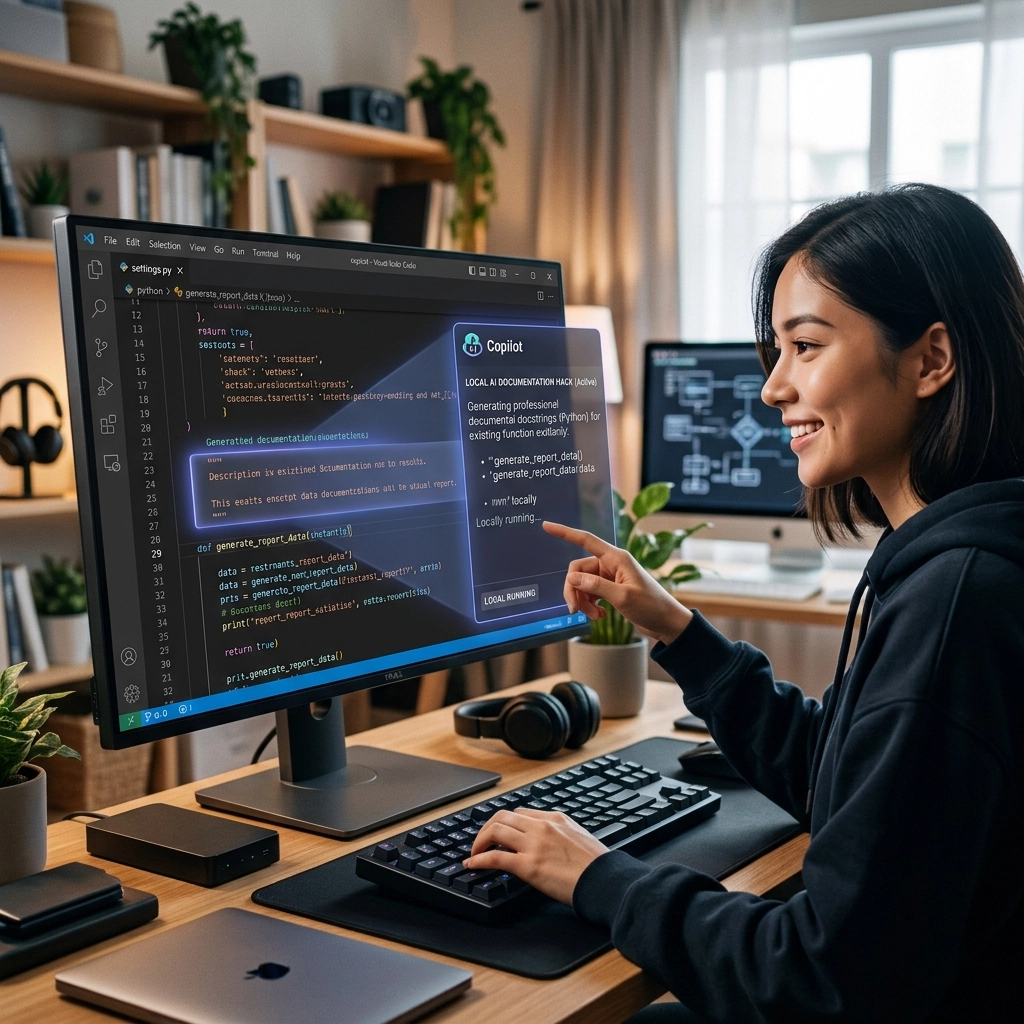
Stop typing. Start shipping.
You are a developer. You build. You create. You solve complex problems with logic and code. But every time you finish a brilliant function, the wall appears. The documentation wall.
Manual documentation is the ultimate productivity killer. It is slow. It is tedious. It pulls you out of your flow state and forces you into the role of a technical clerk. You click away from your editor. You open a document. You struggle to find the words to explain what you just built. By the time you finish, your momentum is gone.
Your brain is hot. Your keyboard is cold. This is the friction that ruins your day.
It is time to reclaim your time. It is time to stop "renting" your intelligence from cloud providers and start owning it locally. This is how you use local AI and voice typing to crush documentation in VS Code.
The High Cost of Context Switching
Every time you stop coding to write a comment, you pay a tax. It is a cognitive tax. Your brain takes roughly 23 minutes to return to a state of deep focus after an interruption. Manual documentation is a series of constant, self-inflicted interruptions.
You think: "I'll just write this README real quick."
You spend: 45 minutes.
You lose: The thread of your logic.
Most developers rely on cloud-based AI tools like GitHub Copilot. They are great until they aren't. They are slow when the network lags. They are expensive when the subscription hits. They are a privacy nightmare for sensitive enterprise code.
You need something faster. You need something private. You need something that works at the speed of your thoughts.

The Hack: Local AI Inside VS Code
You do not need a massive server farm to generate high-quality code documentation. You have the hardware. You just need the right setup. By running models locally, you eliminate latency. You keep your code on your machine. You work offline.
Here is exactly how you set up the ultimate local AI documentation engine.
Method 1: The AI Toolkit Extension
This is the simplest path. No third-party software. No complex proxies. Just VS Code and the model.
- Install the AI Toolkit. Search the VS Code marketplace for "AI Toolkit." Install it immediately.
- Browse the Catalog. Open the extension. Filter for local models. You are looking for efficiency.
- Download Phi-4 mini. As of 2026, Phi-4 mini is the gold standard for local NPUs and CPUs. It is small. It is incredibly smart. It understands syntax better than models five times its size.
- Connect the Model. In your Copilot menu, select "Manage Models." Choose your local Phi-4 mini from the Foundry Local provider.
Now, your editor has a brain. It doesn't need the internet. It doesn't need a credit card. It just needs you to tell it what to do.
Method 2: LM Studio + Continue
If you want total control over which model you use, this is your route. LM Studio acts as a local server that mimics the OpenAI API.
- Download LM Studio. It is the cleanest interface for managing Hugging Face models.
- Pick Your Weapon. Download CodeLlama-7B or OpenHermes-2.5-Mistral-7B. These models are tuned for technical accuracy.
- Start the Server. Click the "Start Server" button in LM Studio. It is now hosting your model on
localhost:1234. - Install Continue. Install the Continue extension in VS Code.
- Edit the Config. Point Continue to your local LM Studio server.

The Flow Secret: Voice Your Documentation
Even with a local AI model, you are still typing. Typing is the bottleneck. You can think at 1,000 words per minute. You can speak at 150 words per minute. You can only type at 60 words per minute.
If you want to stay in the flow, you must stop typing your documentation. You must start voicing it.
This is where VoiceType changes the game.
Imagine you just finished a complex React hook. You need to explain the state transitions. Instead of typing out a three-paragraph comment, you hit a shortcut. You speak.
"Explain that this hook handles the websocket handshake and retries three times before throwing a custom error."
VoiceType captures that thought instantly. It doesn't care about your accent. It doesn't care about background noise. It turns your spoken intent into perfectly formatted Markdown or JSDoc strings.
When you combine VoiceType with a local AI model, you create a closed-loop productivity system. You speak the intent; the local AI formats the code. You stay in the zone. Your hands stay on the home row: or they don't move at all while you think out loud.
Why Local Matters in 2026
Privacy is no longer a luxury. It is a requirement.
When you send your code to a cloud provider, you are giving away your IP. You are training someone else's model on your unique logic. Local AI fixes this.
- Zero Latency: No waiting for a server in another country to respond.
- Zero Cost: After the initial hardware investment, your "API calls" are free.
- Zero Risk: Your code never leaves your disk.
The local hack is about more than just speed. It is about ownership. You own your tools. You own your data. You own your time.

Reclaiming Your Workday: The Math
Let's look at the numbers. They don't lie.
A typical developer spends 20% of their day on documentation and administrative tasks. In an 8-hour day, that is 1.6 hours.
By using the local AI hack for code generation and VoiceType for documentation, you can cut that time in half.
- Manual Typing: 96 minutes per day.
- AI + Voice Typing: 30 minutes per day.
- Daily Savings: 66 minutes.
- Monthly Savings: 22 hours.
That is nearly three full workdays reclaimed every month. What could you do with an extra 22 hours? You could learn a new language. You could ship a side project. You could actually log off at 5:00 PM.
Hardware Requirements: Can You Run It?
You don't need a supercomputer.
If you are on a Mac, an M2 or M3 chip with 16GB of RAM is your baseline. If you have an M3 Max, you can run massive models with zero lag.
If you are on Windows, you need an RTX 30 or 40 series GPU. The VRAM is what matters. 8GB of VRAM will run Phi-4 and Mistral effortlessly.
If your hardware is older, stick to the AI Toolkit method. It is optimized to squeeze every bit of power out of your NPU and CPU without melting your motherboard.

Stop Thinking, Start Doing
The difference between a "busy" developer and a "productive" developer is their tooling.
Busy developers waste time on repetitive, manual labor. They type out every comment. They wait for cloud icons to stop spinning. They lose their flow and spend the afternoon scrolling social media because their brain is fried from context switching.
Productive developers automate the boring stuff. They use local AI to handle the heavy lifting. They use voice typing to bridge the gap between thought and text. They protect their flow state like it is their most valuable asset: because it is.
Go to the VS Code marketplace. Install the AI Toolkit. Set up your local model. Then, go to voicetype.in and get the tool that makes typing obsolete.
Documentation shouldn't be a chore. It should be a byproduct of your brilliance. Use the hack. Reclaim your time. Get back to building.
Leave a Reply