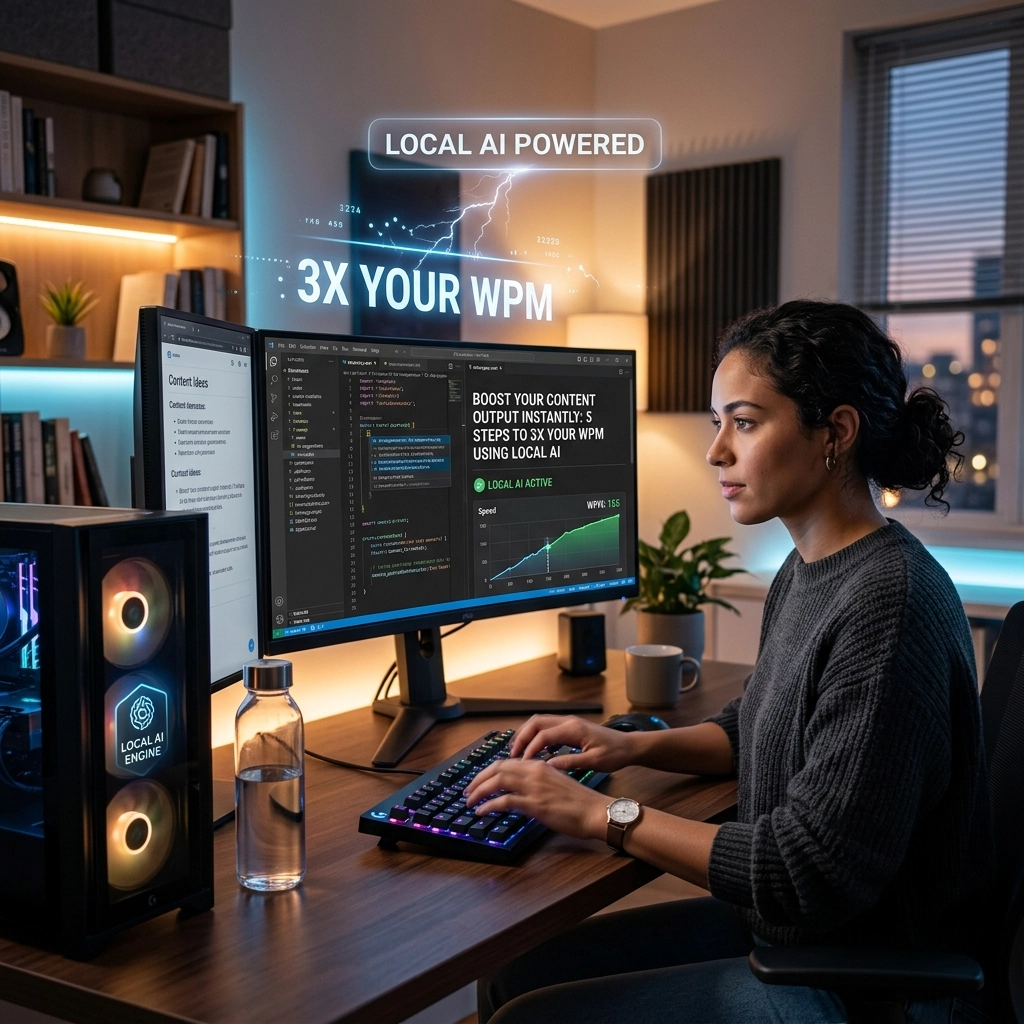
You are thinking at 150 miles per hour. Your fingers move at 40.
That is a 70% loss of intelligence. Every time you pause to find a key, a thought dies. Every time you delete a typo, your focus shatters. Typing is a relic. It is a physical bottleneck on a digital mind. You are a developer. You are a writer. You are a creator. You deserve to work at the speed of thought.
The standard typing speed is 40 to 80 words per minute (WPM). Professional voice dictation hits 150 to 180 WPM. The math is simple. You can triple your output today. You can finish your workday by lunch. You can reclaim 170 hours this year.
Stop typing. Start speaking. Here is how you 3x your WPM using local AI.
The Problem: The Latency of the Cloud
Most voice tools are slow. They send your voice to a server. The server processes it. The server sends it back. You wait. Your cursor blinks. The flow is gone.
If there is a delay, it isn't a tool; it's a hurdle.
Cloud-based dictation also eats your privacy. Your ideas are your capital. Why send them to a third-party server? Why let your private drafts sit on someone else’s hard drive? You need speed. You need security. You need local AI.
Local AI runs on your hardware. It uses your GPU. It stays on your machine. The latency is near zero. We are talking 200 milliseconds. That is faster than human reaction time. It feels like magic. It works like a utility.

Step 1: Deploy a Local AI Engine
Stop looking at cloud subscriptions. You need a local model. OpenAI’s Whisper has changed the game, but running it raw is a chore. You need a solution that integrates with your OS.
Choose a tool that prioritizes "Local First." When the AI lives on your NVMe drive, the friction disappears. You don't need an internet connection to be productive. You don't need to worry about server outages.
At VoiceType, we built the engine to be invisible. You press a key. You speak. The text appears. No loading bars. No "processing" spinners. Just your words, appearing exactly where the cursor sits.
Step 2: Integrate with Your Professional Environment
A productivity tool is useless if it forces you to change your environment. If you have to copy-paste from a "dictation box" into your IDE, you have already lost.
You need a system that works inside your existing workflow.
- Developers: Use it inside VS Code or Cursor. Dictate your comments. Dictate your documentation. Speak your logic.
- Writers: Use it in Obsidian, Notion, or Google Docs.
- Executives: Use it in Slack and Email.
The installation should take less than two minutes. Map a hotkey that feels natural. Caps Lock. Right Alt. A thumb button on your mouse. Make it a reflex. When you have an idea, your hand should hit the key before you even realize you're doing it.

Step 3: Stop Editing While You Speak
The biggest mistake new users make is watching the screen. They see a small error and they stop to fix it.
Stop.
Modern local AI models are smarter than you think. They use context. If you stumble, the model usually corrects it by the end of the sentence. If you stop to edit, you kill your momentum.
Enable automatic punctuation. High-end local AI recognizes pauses and intonation. It knows when you are asking a question. It knows where the period goes.
Speak in full thoughts. Let the AI handle the grammar. Focus on the substance. You are the architect; the AI is the builder. Let it work. If you produce 3,000 words in 20 minutes, you can spend 5 minutes cleaning it up later. That is still 10x faster than traditional typing.
Step 4: Master the Power of Dictation Shortcuts
Static text is a waste of time. Every professional has phrases, blocks of code, or email signatures they use daily.
Don't repeat yourself.
Create trigger phrases. In VoiceType, you can set up templates that expand instantly.
- Say "Standard Intro" to drop 200 words of pre-written context.
- Say "Feature Logic" to insert a code boilerplate.
Research shows that 20% of professional writing is repetitive. By automating this 20%, you save 30 minutes every single day. This isn't just about speed; it's about reducing the cognitive load. Save your brain for the hard problems. Let the AI handle the chores.

Step 5: The "Pre-Flight" Outline Method
You cannot dictate a complex 5,000-word technical document from a blank slate. You will ramble. Your output will be messy.
Spend five minutes outlining.
- Write your headers.
- Add three bullet points under each header.
- Now, dictate section by section.
When you have a map, you can drive faster. You won't hesitate. You won't "um" and "ah." You will look at a bullet point and explain it as if you were talking to a colleague. This is how you achieve the 180 WPM peak.
This method yields professional-grade content in a fraction of the time. A 3,000-word deep dive that used to take four hours now takes forty minutes.
Reclaiming Your Flow
Typing is a distraction. It is a physical act that competes with your mental output. When you switch to local AI dictation, you are removing the middleman.
Think about the physical toll. Carpal tunnel. Back pain. Eye strain from staring at the keyboard. Dictation allows you to lean back. It allows you to stand up. It allows you to pace the room.
Movement fuels creativity. Static sitting kills it.

Hard Numbers: The ROI of Local AI
Let’s talk reality.
- Typing: 50 WPM. 1,000 words = 20 minutes of pure typing (excluding thinking time).
- VoiceType: 150 WPM. 1,000 words = 6.6 minutes.
If you write 3,000 words a day: emails, code docs, Slack messages, blog posts: you save 40 minutes per day.
Over a year, that is 173 hours.
That is four full work weeks.
What would you do with an extra month of time every year? Would you build a new product? Would you spend it with your family? Or would you just get ahead of the competition?
Common Objections (The Straight Talk)
"I feel weird talking to my computer."
You felt weird using a mouse in 1990. You felt weird touching a smartphone screen in 2007. Get over it. Your competitors are already talking to their machines. Results matter more than feelings.
"My office is loud."
Local AI models like Whisper are incredibly good at noise cancellation. They focus on the near-field voice. They ignore the coffee machine. They ignore the colleague talking three desks away.
"It won't understand my accent."
Local AI is trained on hundreds of thousands of hours of diverse speech. It handles accents better than most humans. It doesn't need to "learn" your voice for weeks. It works on day one.
The Verdict
The era of manual typing as the primary input method is ending. Professionals who cling to the keyboard will be outpaced by those who embrace the voice.
You need zero latency. You need absolute privacy. You need a tool that lives where you work.
Reclaim your time. Reclaim your focus. Reclaim your flow.
Visit voicetype.in and start moving at the speed of thought. Explore our sitemap to see how we are changing the productivity landscape.
Stop typing. Start winning.
Leave a Reply