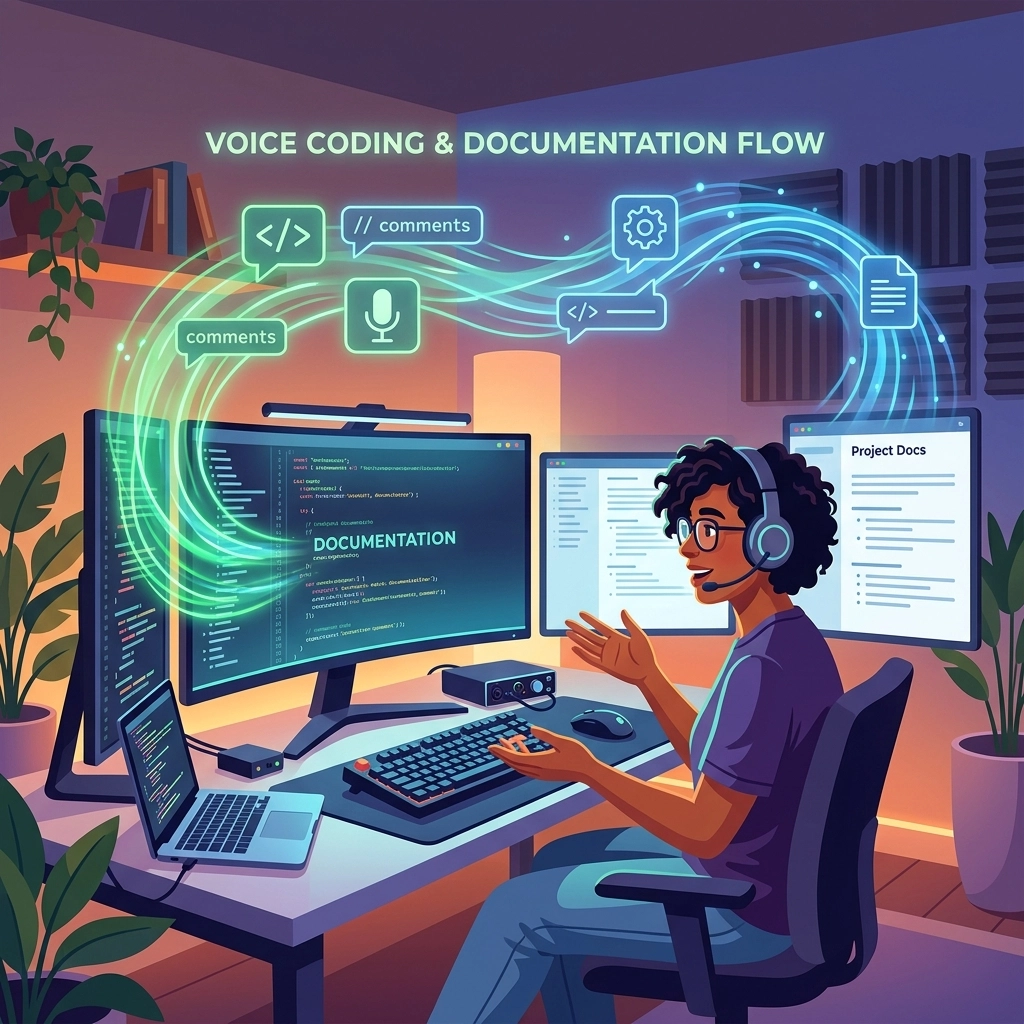
You are a coder. You are not a data entry clerk.
Stop treating your keyboard like a typewriter. Every time you stop coding to type out a long-form comment, you lose it. Your flow breaks. Your focus shatters. You spend five minutes getting back into the "zone" just because you needed to explain a complex if statement.
This is the friction of the old way. It is slow. It is manual. It is killing your productivity.
There is a better way. It is voice coding. Specifically, voice-driven documentation.
At VoiceType, we don't care about "typing." We care about thinking. We care about speed. We care about you staying in the flow.
The Invisible Wall: Why Typing is Your Enemy
The keyboard is a bottleneck. Your brain thinks at 150 words per minute. Your fingers move at 60: if you’re lucky. When you document code, you are translating complex logic into human language. This translation is taxing.
When you type documentation:
- You move your hands from a logic-ready position to a prose-ready position.
- You focus on syntax, spelling, and backspacing.
- The mental model of your code starts to fade.
By the time you finish that paragraph of documentation, the actual code feels like it was written by someone else.

The Solution: Speak Your Intent
Voice coding flips the script. You keep your eyes on the code. You keep your hands on the navigation keys. You speak the narrative while your brain is still hot.
This isn't about letter-by-letter transcription. That is for the past. This is semantic dictation. You describe the why, and the software handles the how.
The Strategy: Documentation-First
Most developers write code and then "fix" the documentation later. This is a mistake. It leads to shallow comments and technical debt.
Adopt the Architect’s Approach:
- Open a new file.
- Trigger VoiceType.
- Speak the logic. "Create a function that authenticates a user, checks for a valid JWT, and redirects to the dashboard if successful."
- Watch the scaffold appear.
You have now documented your intent before writing a single line of logic. The documentation serves as your specification. It is clear. It is precise. It happened in seconds, not minutes.
Your Toolkit for Uninterrupted Flow
You don't need a professional recording studio. You need a setup that disappears.
The Microphone
Forget the expensive setups. Use what you have. A decent USB headset or even your laptop’s built-in mic works if the software is right. Position the mic an inch from your mouth. Eliminate background noise. Start talking.
The Software
You need tools that understand developer-speak. You need silence detection.
- VoiceType: Your silent utility. It works where you work. It understands "async," "boolean," and "middleware" without you having to spell them out.
- Super Whisper: Excellent for silence detection. It waits for you to think. It doesn't cut you off mid-sentence.
- Willow: High speed. Low latency. It learns your technical vocabulary over time.

Maintaining the Flow State
The secret to voice documentation isn't replacing the keyboard. It is a hybrid workflow. Use your voice for the heavy lifting of prose. Use your keys for the precision of logic.
Dictate blocks of logic. If you are explaining a complex algorithm, talk through it. Your voice remains natural. You capture the edge cases that you would usually skip over because they are "too much work to type."
Leverage Silence Detection. Coding is 90% thinking and 10% doing. Traditional voice tools fail because they expect a constant stream of speech. Modern voice coding tools like VoiceType use silence detection. Pause. Think. Breathe. The tool stays active. It waits for your next thought.
Use Imperative Commands.
Don't say: "I think I want to add a comment here about the error handling."
Do say: "Add comment: Handle edge case for null database response."
Be direct. Be fast.
The 30-Day Evolution
You won't be a master on day one. But you will be faster on day three.
- Day 1: Dictate simple variable descriptions and function headers. Feel the relief of not typing "This function returns a…" over and over.
- Day 3: Build a rhythm. Start using voice to outline entire modules.
- Week 1: You are now blending voice and keyboard. You dictate the comments while your hands move the cursor to the next line.
- Month 1: You are documenting code 3x faster than your peers. Your documentation is more thorough. Your code is more maintainable. You are no longer "writing comments": you are telling a story.

Handling Technical Terms (Without the Headaches)
A common objection: "But my voice tool doesn't know what useEffect is."
Old tools didn't. VoiceType does. Modern productivity software builds a custom vocabulary based on your environment. It learns your jargon.
- "Camel case user ID" becomes
userId. - "New async function" becomes
async function. - "Open curly brace" is recognized as
{.
Stop worrying about special characters. Focus on the meaning. If you have to correct a word, do it once. The AI learns. It won't make the same mistake twice. This is the power of a utility that works for you, not one you have to manage.
Reclaiming Your Energy
Typing is a physical strain. Voice coding is a mental release. By the end of an eight-hour shift, your wrists will thank you. Your brain will still be fresh.
You are reclaiming something lost: Time.
You are reclaiming something vital: Focus.
The "Old Way" is slow, risky, and annoying. It leads to "commenting out" documentation because you're in a rush. It leads to legacy code that no one understands.
The "New Way" is fast, safe, and satisfying. It is the future of development.

Hard Truths and Blunt Answers
"I'll look weird talking to my computer."
You look weirder struggling to explain your code to a teammate six months from now because you didn't document it. Speed is cool. Looking "weird" is irrelevant when you’re outperforming everyone else.
"It's not 100% accurate."
It doesn't need to be. Even at 80% accuracy, voice is faster than typing. Fixing a few typos with your keyboard takes seconds. Composing a 200-word explanation of a refactor takes minutes. Do the math.
"I prefer my mechanical keyboard."
Keep it. Use it for the logic. Use your voice for the narrative. This isn't an either/or. It's an upgrade.
The VoiceType Edge
VoiceType isn't a subscription you rent. It is a utility you own. It is a silent partner in your IDE. It doesn't demand your attention; it gives you your attention back.
Stop breaking your flow.
Stop wasting your breath on anything other than the screen in front of you.
Start documenting with the speed of thought.

Document your code. Keep your flow. Reclaim your day.
Try VoiceType today. Visit voicetype.in and see how fast you really are.
Leave a Reply